77
13. SETTING INSTRUMENT STATION
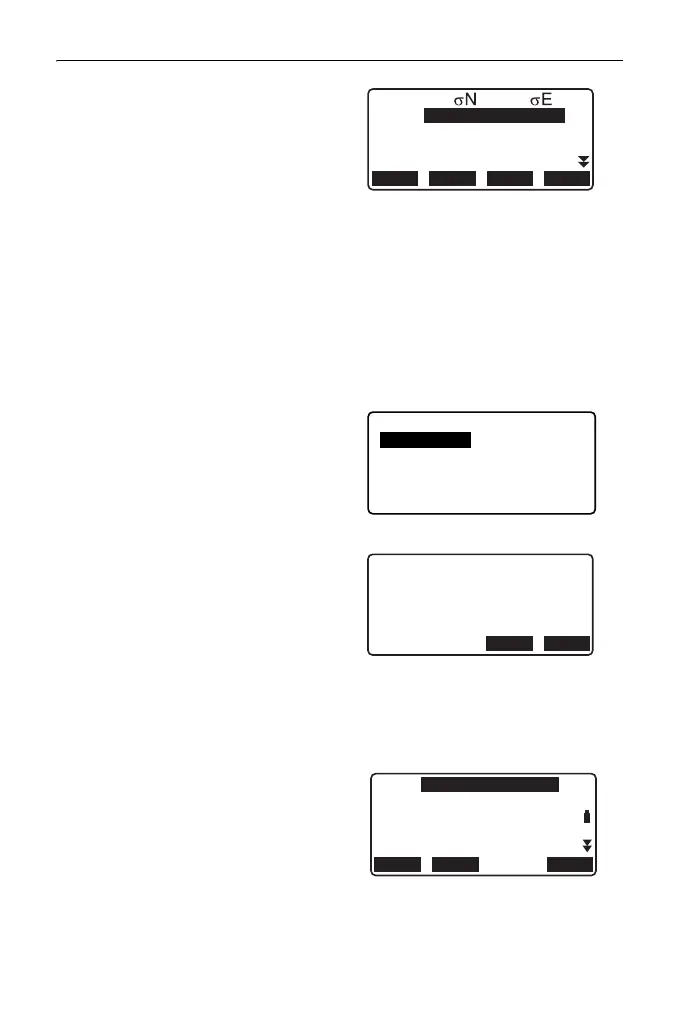
10. If there are problems with the
results of a point, align the cursor
with that point and press [OMIT].
“*” is displayed on the left of the
point. Repeat for all results that
include problems.
11. Press [RE_CALC] to perform
calculation again without the point
designated in step 10. The result
is displayed.
If there are no problems with the
result, go to step 12.
If problems with the result occur
again, perform the resection
measurement from step 4.
•Press [RE_MEAS] to measure
the point designated in step 10.
If no points are designated in
step 10, all the points or only the
final point can be observed
again.
12. Press [OK] in the screen of step 9
to finish resection measurement.
The instrument station coordinate
is set.
Press [YES] when you want to set
the azimuth angle of the first
known point as the backsight point
(except for omitted points). It
returns to the instrument station
setting screen.
Pressing [OK] sets the direction
angle and instrument station data,
and then returns to <Coord.>.
1st
2nd
3rd
-0.001 0.001
-0.001 0.001
0.005 0.010
4th
-0.003 -0.002
*
RE_CALC
OMIT
RE_MEAS
ADD
Resection
Start point
Last point
Resection
Set azimuth
NO YES
N0:
E0:
Z0:
PT
HI 1.200m
PNT-001
100.001
100.009
9.999
RECLOAD OK



 To Next Page