13. SETTING INSTRUMENT STATION
78
• Pressing [REC] displays the
backsight point recording
screen. Press [OK] to the
following data.
Instrument station data,
backsight station data, known
point data, and angle
measurement data (distance
measurement data when
[MEAS] is pressed)
Pressing [NO] returns to the
instrument station setting screen
without setting the direction angle.
From here, set the backsight point
again.
• Even if “inch” is selected in Config mode, standard deviation is displayed in
“feet” or "US feet" depending on the feet unit selected.
13.2.3 RL observation in resection measurement
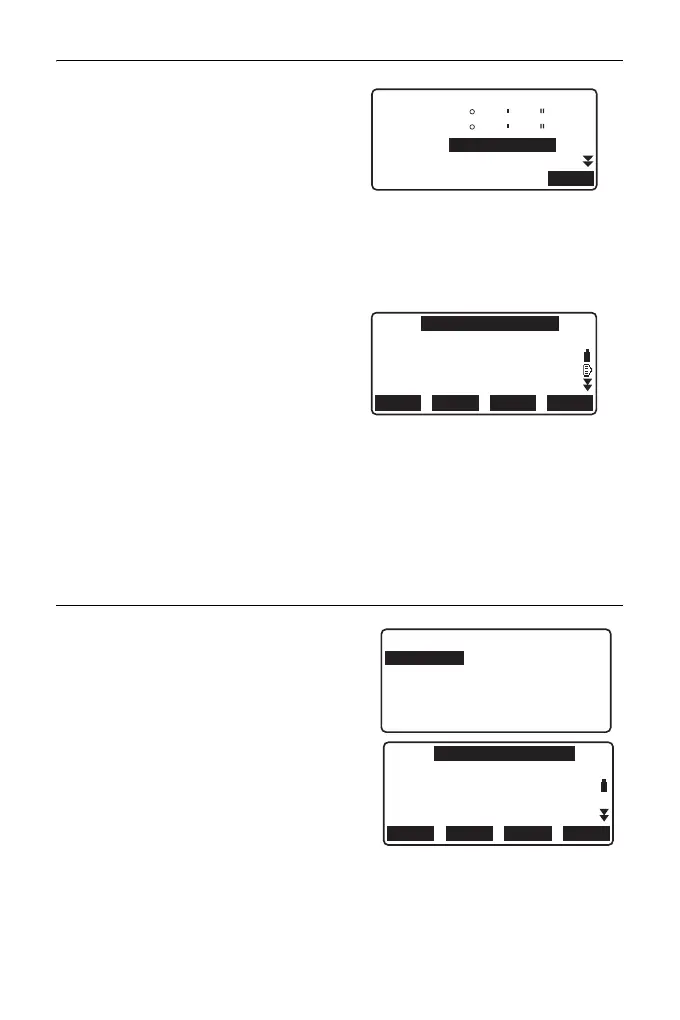
1. Set "F1/F2 Obs" to "Yes" in
observation setting.
" 13.2.1 Observation setting"
2. Press [RESEC].
HR
CD
ZA
HA-R
80
120
30
10
10
00
1.400m
OK
N0:
E0:
Z0:
100.001
100.009
9.999
BS AZLOAD
BS NEZ
RESEC
PT
HI 1.200m
PNT-001
Setting
F1/F2 Obs
Z
: Yes
: Yes
N0:
E0:
Z0:
PT
HI 1.200m
PNT-001
0.000
0.000
<Null>
BS AZLOAD
BS NEZ
RESEC



 To Next Page