73
13. SETTING INSTRUMENT STATION
13.2.1 Observation setting
Perform observation setting prior to resection measurement.
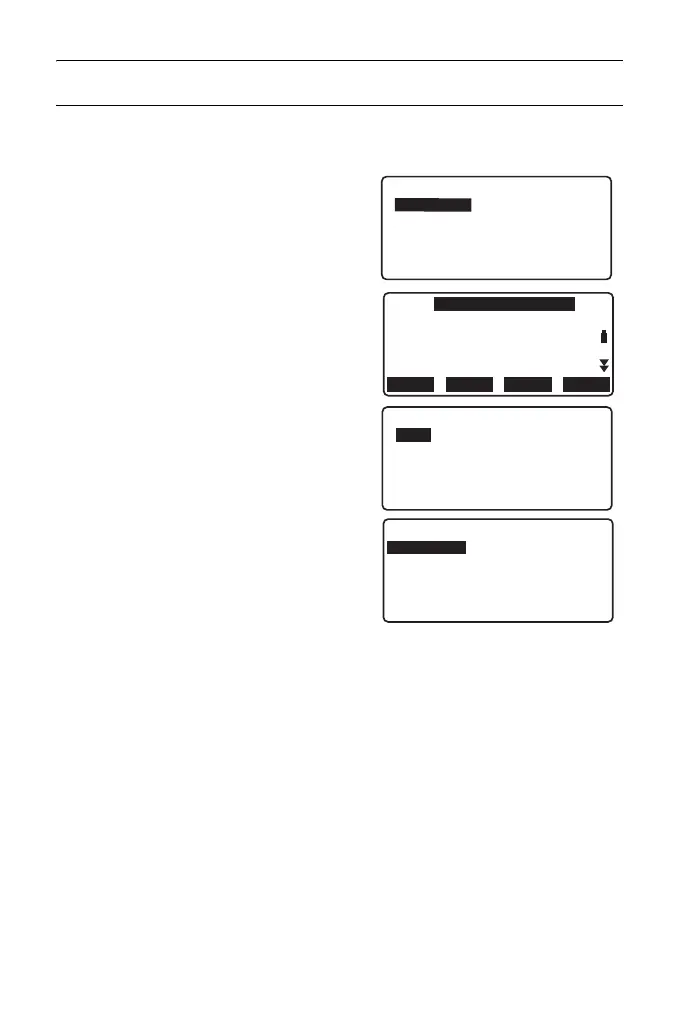
1. Select "Occ. Orien.".
2. Press [RESEC].
3. Select "Setting".
4. Set for resection measurement.
Set the following items:
(1) RL observation (F1/F2 Obs):
Observe every point in Face 1 and
2 in resection.
" 13.2.3 RL observation in
resection measurement"
Set "F1/F2 Obs" to "Yes" when
performing RL observation.
(2) Display σZ (Z)
Set "Z" to "On" to display standard
deviation σZ in the instrument
station coordinate calculation
screen and result (standard
deviation) screen of coordinate
resection.
Coord.
Occ.Orien.
Observation
EDM
N0:
E0:
Z0:
PT
HI 1.200m
PNT-001
0.000
0.000
<Null>
BS AZLOAD
BS NEZ
RESEC
Resection.
NEZ
Elevation
Setting
Setting
F1/F2 Obs
Z
: No
: On



 To Next Page