14
COMPONENTS
PAGE 1
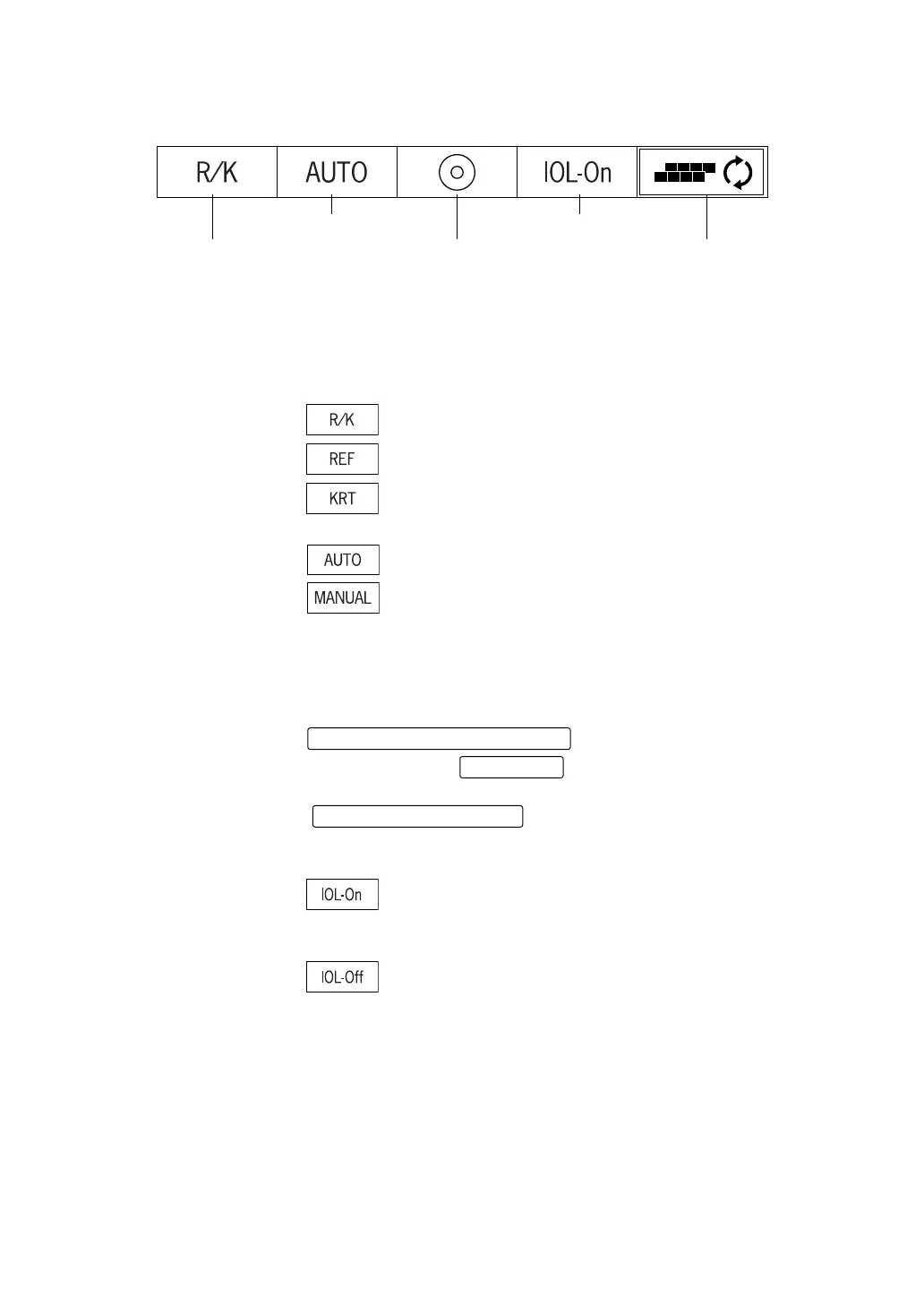
After turning power on, the initial status of PAGE is as follows.
(5) Measurement mode button:
Switches between measurement modes of REF/KRT mode. Press-
ing the Function button enables you to select R/K (REF/KRT continu-
ous measurement), REF (REF measurement) or KRT (KRT
measurement).
: REF/KRT continuous measurement
: REF measurement
: KRT measurement
(6) Alignment button: Switches between auto measurement and manual measurement.
: Auto measurement
: Manual measurement
(7) Target image button: Allows observation of the saved image on the monitor screen.
During the REF/KRT continuous measurement (R/K mode), you can
observe the target image by switching between REF and KRT
modes.
On the TARGET IMAGE DISPLAY screen, press the
. During the right/left measure-
ment, pressing the will change the right/left data.
To return to the MEASUREMENT screen, press the
.
(8) IOL button: When errors are frequent in measuring an IOL-inserted eye, pressing
the button may allow the measurement.
: Turned ON when errors are frequent.
IOL mark is displayed on the measuring screen if "ON" is
selected. (See page 19)
: Turned OFF during a normal measurement.
(9) PAGE selecting button:
Changes the PAGE screen to another.
(5) Measurement mode button (7) Target image button (9) PAGE selecting button
(6) Alignment button (8) IOL button
MEASUREMENT MODE button
R/L button
MEASUREMENT switch














 To Next Page