SonixTablet Service Manual 00.053.129, Revision C Chapter 12: Troubleshooting Issues
12-5
12.13 INITIALIZATION FAILURES
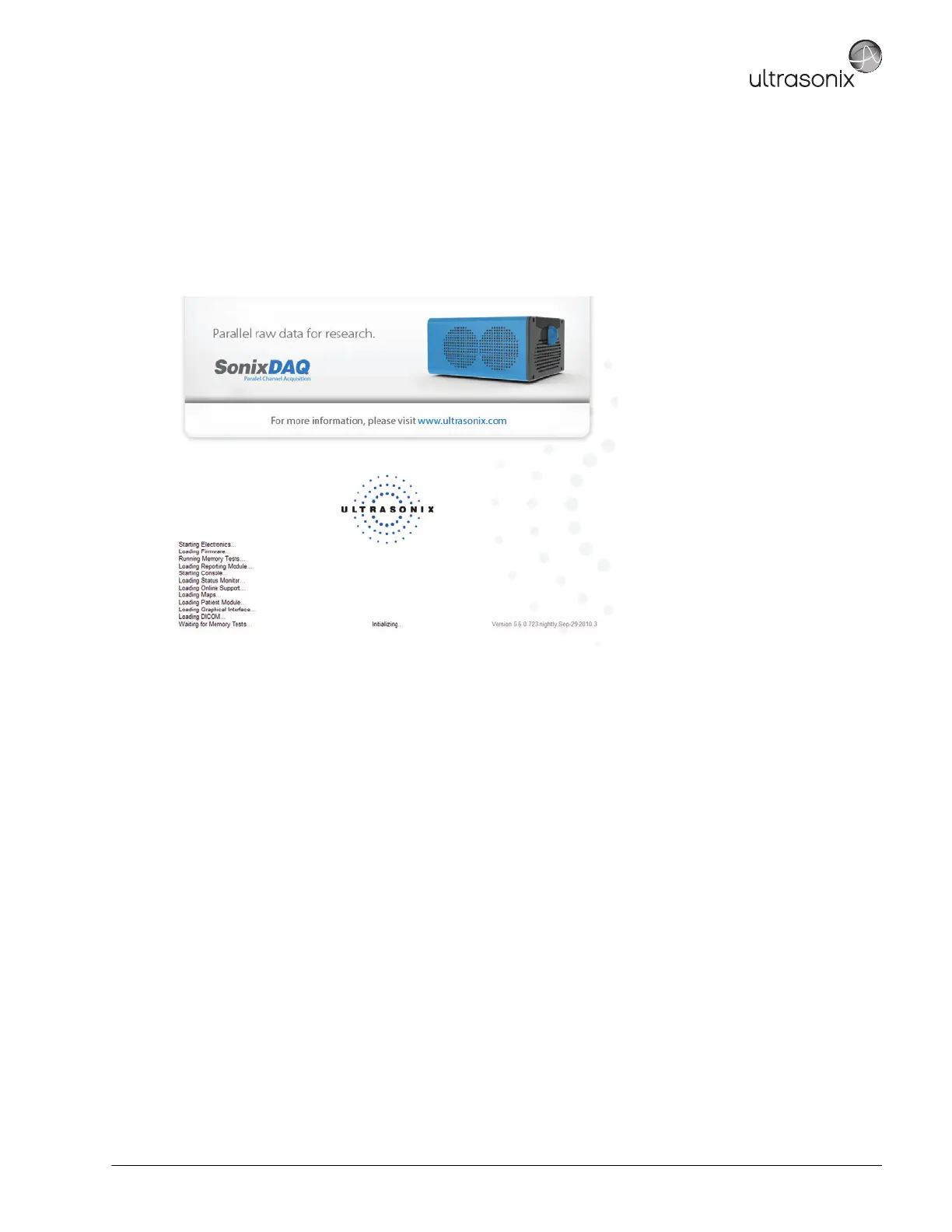
During a successful initialization, the following images will be presented on the LCD display/touch screen. Once the Memory
Tests are completed, the system will move to an imaging screen.
If the initialization process fails at some point, refer to sections 12.13.1 to 12.13.6 in order to troubleshoot the problem.
Figure 12-1: LCD Display – Successful Initialization Image
12.13.1 Electronics Initialization Failure
Contact Ultrasonix Technical Support.
12.13.2 Memory Tests Failure (at Initialization)
Use A.7.1 Electronics Initialization Failure – Hardware Test Software software to help locate any Initialization
Memory failures, then call Ultrasonix Technical Support with the results.
12.13.3 Failed DL Memories Test
Initialization fails due to a DL Memories Test error. If a restart does fix the problem, check the RX Module board:
• A.7.2 Failed DL Memories Test.
12.13.4 Connecting to Console Failure (at Initialization)
If restarting the system does not resolve the issue, contact Ultrasonix Technical Support.



 To Next Page