SonixTablet Service Manual 00.053.129, Revision C Chapter 4: Performance Testing
4-1
CHAPTER 4: PERFORMANCE TESTING
This section describes the various tests performed on the system immediately following installation, updating and repair. The
purpose of performance testing is to verify the correct operation of both hardware and software as well as mechanical items. During
these tests, the system should be running in normal operating mode.
4.1 CONSOLE TEST
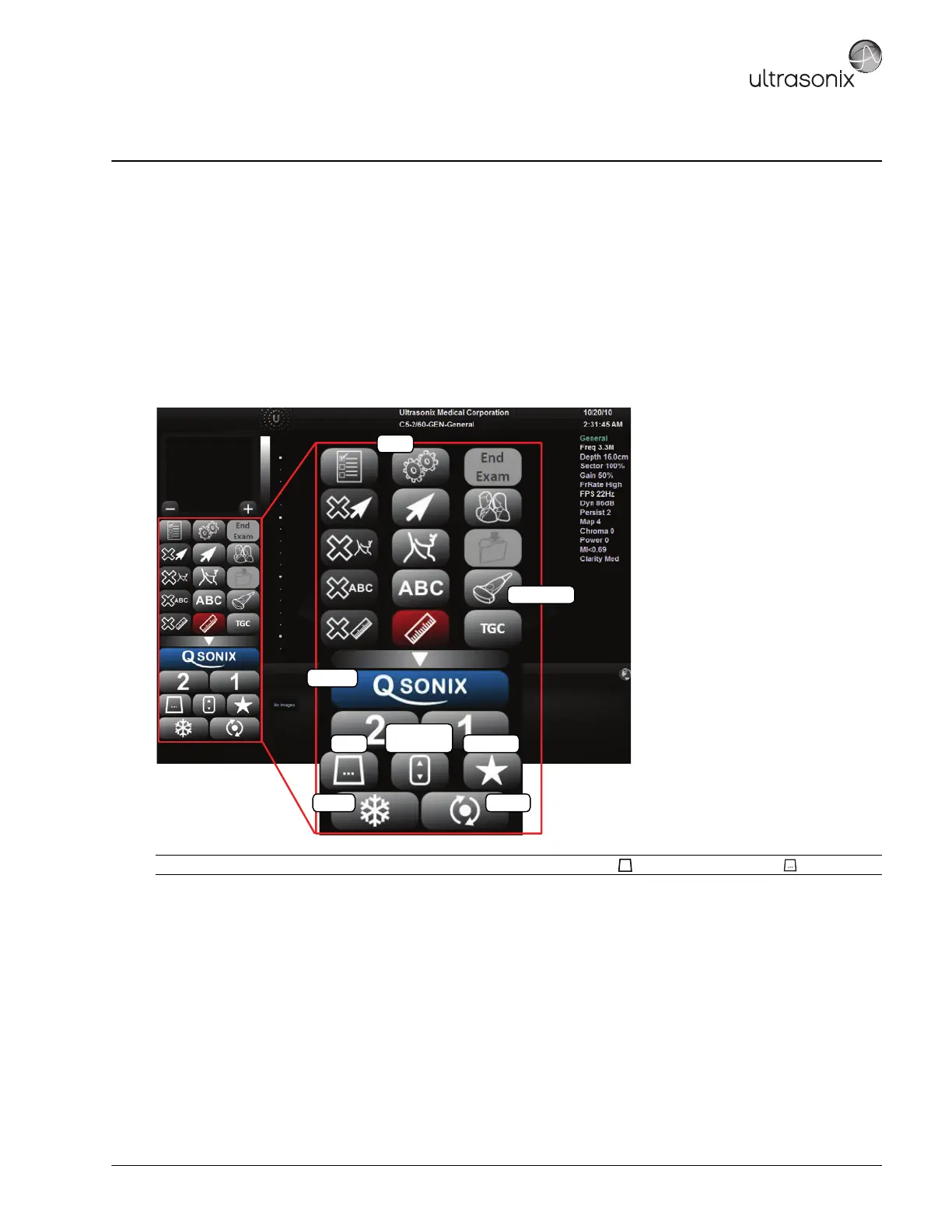
To ensure the console is functioning properly, test the console and touch screen buttons/dials listed in Table 4-1 and verify
the operation corresponds to the expected result. Note and report any operations that do not function correctly.
Figure 4-1: Console (LCD Display/Touch Screen)
Note: Between each test, return the system to B-Mode. (Tap the touch screen button - if necessary, tap first.)
Update
QSONIX
Freeze
Transducer
Mode
Imaging
Parameters
Favorites
Menu
B



 To Next Page