Chapter 7: Field Service Components 00.053.129, Revision C SonixTablet Service Manual
7-14
7.2.2 Replacing the Hard Drives
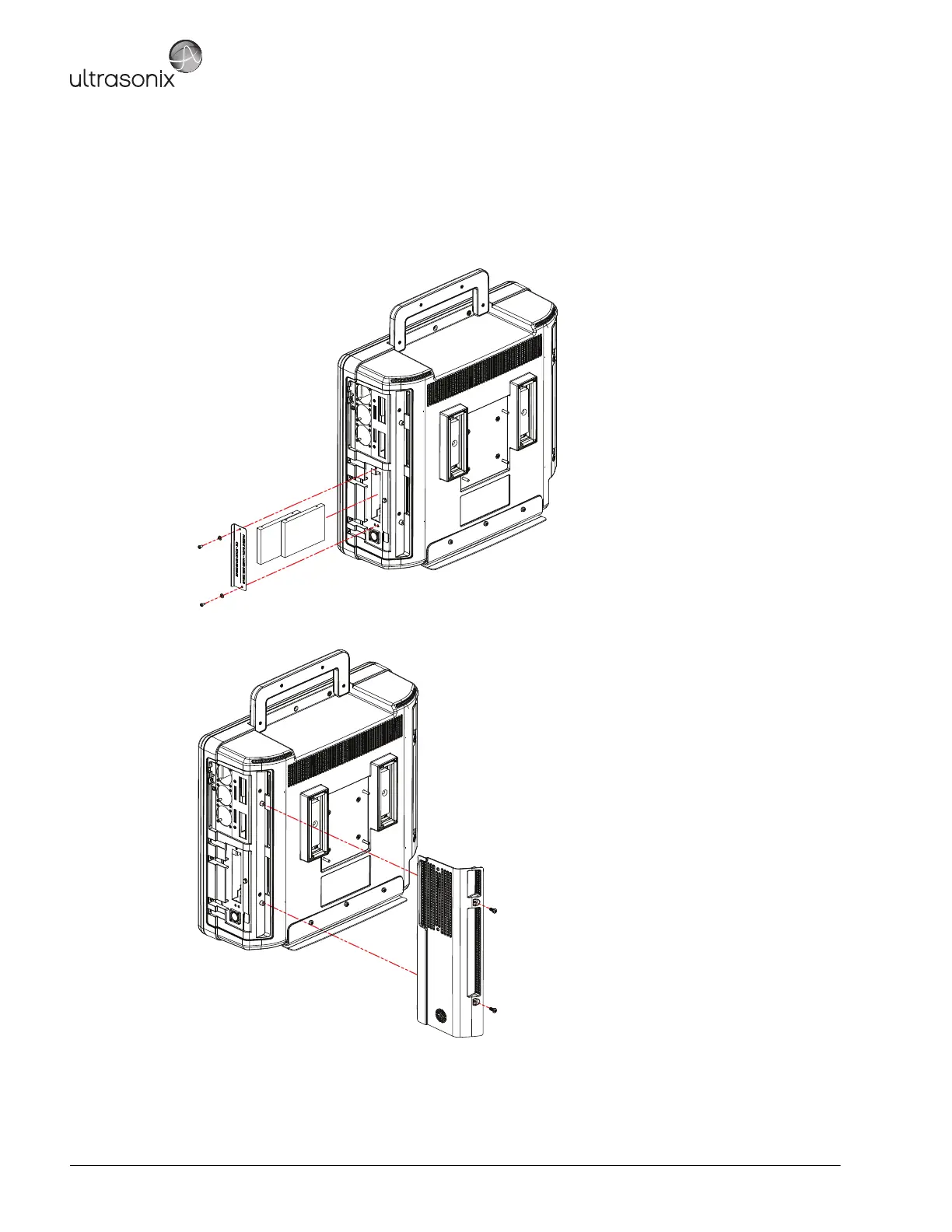
To Replace the Hard Drives:
1. Using your fingers, insert the hard drives in the relevant slots.
2. Replace the hard drive cover plate and, using a # 1 Phillips screwdriver, fasten it with the two (2) screws and
washers.
3. Replace the hard drive cover and, using a 2.5mm Allen key, fasten it with the two (2) screws.



 To Next Page