SonixTablet Service Manual 00.053.129, Revision C Chapter 7: Field Service Components
7-17
7.4.2 Testing the Transducer Board
To Test the Transducer Board:
1. Unlock and remove the transducer from its current transducer port.
2. Re-attach and lock the transducer into a different transducer port.
3. Tap the touch screen button and select the relevant transducer.
4. Test the transducer by taking a fresh image. If the line/shadow(s) in the image disappears, then the transducer
board
is the problem and the front block/ultrasound module rather than the transducer needs to be serviced.
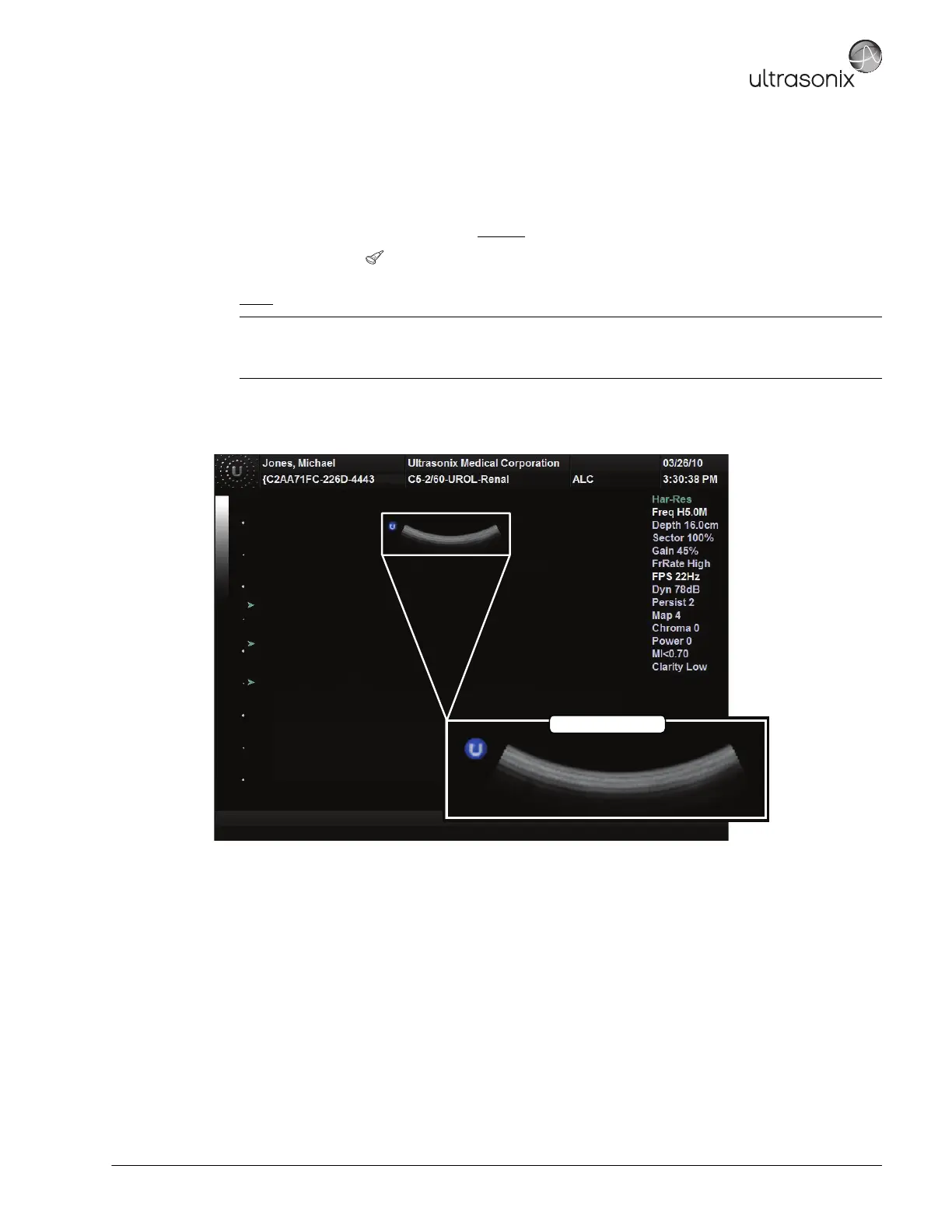
Figure 7-3: Acceptable Transducer Test Image
Note: Refer to Figure 7-3 for an example of an acceptable transducer image.
If there is any doubt about the image, contact Ultrasonix Technical Support and forward them a digital copy
of the image in question for verification of the diagnosis.



 To Next Page