SonixTablet Service Manual 00.053.129, Revision C Chapter 4: Performance Testing
4-3
4.4 PULSED DOPPLER SOUND TEST
To Conduct a Pulsed Doppler Sound Test:
1. Ensure the system is powered on and has completed the initialization sequence.
2. Ensure the system has an exam screen showing.
3. Tap the touch screen button.
4. Tap .
5. Tap .
6. Tap .
7. Tap the top of the Audio button to increase the volume or the bottom to decrease it.
8. The sound of static should be audible.
4.5 LICENSES
Check to ensure the system is configured with at least some Active licenses. If no licenses are Active, the license.key file
will have to be reloaded.
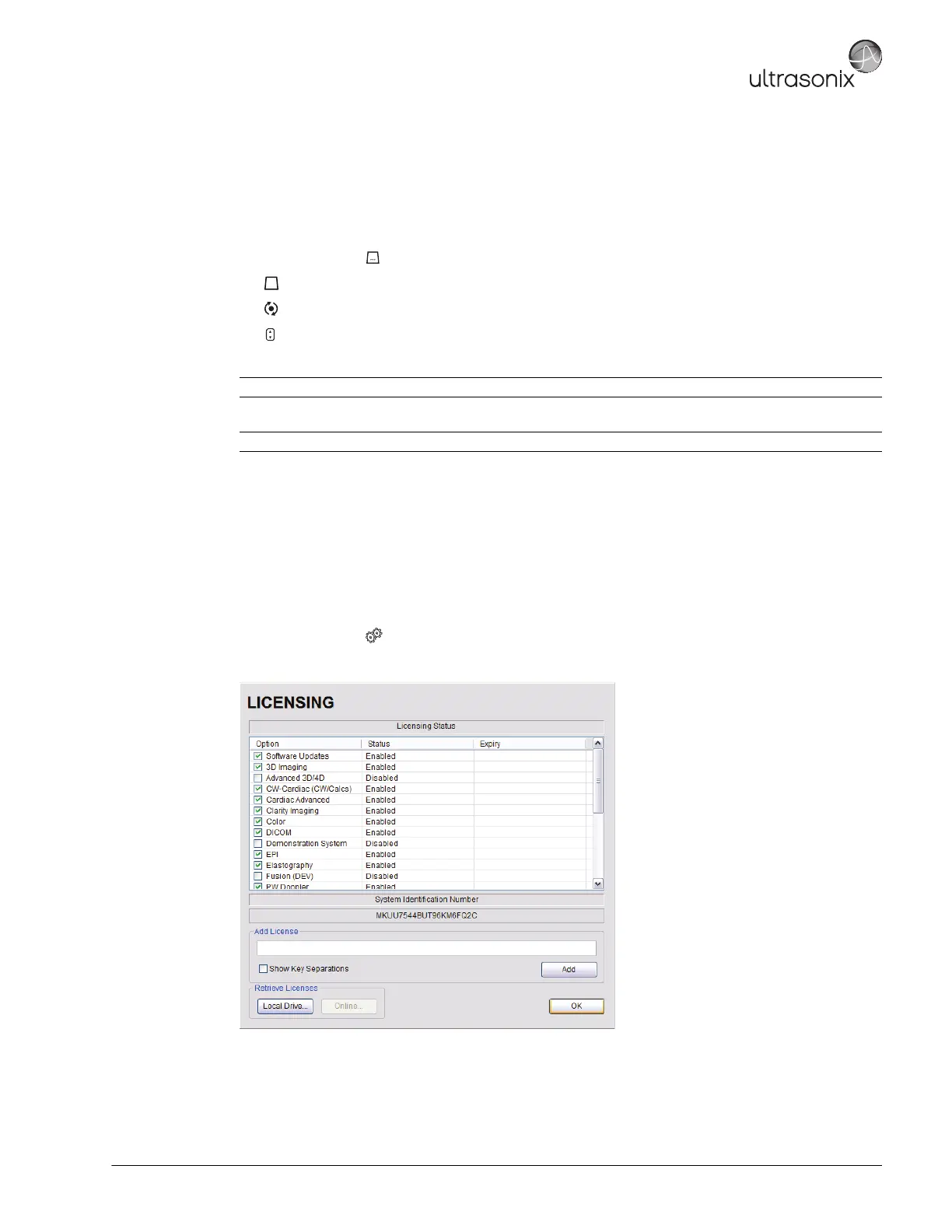
To Check System Licensing:
1. Tap the touch screen button.
2. Select Administrator > Licensing.
3. If none of the licenses are Active, reload license.key following the instructions in section Chapter 10:
License.txt Importation.
Audio>> or <<
Note: If static is not audible, tap and drag the gate away from the top of the LCD display.



 To Next Page