SonixTablet Service Manual 00.053.129, Revision C Chapter 3: System Installation
3-13
3.3.5 Peripherals
Unpack and inspect all peripherals included with the system. Itemize any problems, record the model and serial
numbers and report the damage to Ultrasonix.
To connect/configure the printer, refer to Chapter 6: Peripherals and Accessories.
3.3.5.1 Barcode Reader
To connect the barcode reader, plug the reader's USB connector into one (1) of the four (4) USB ports on the
system. Refer to 7.1.7 for USB port locations.
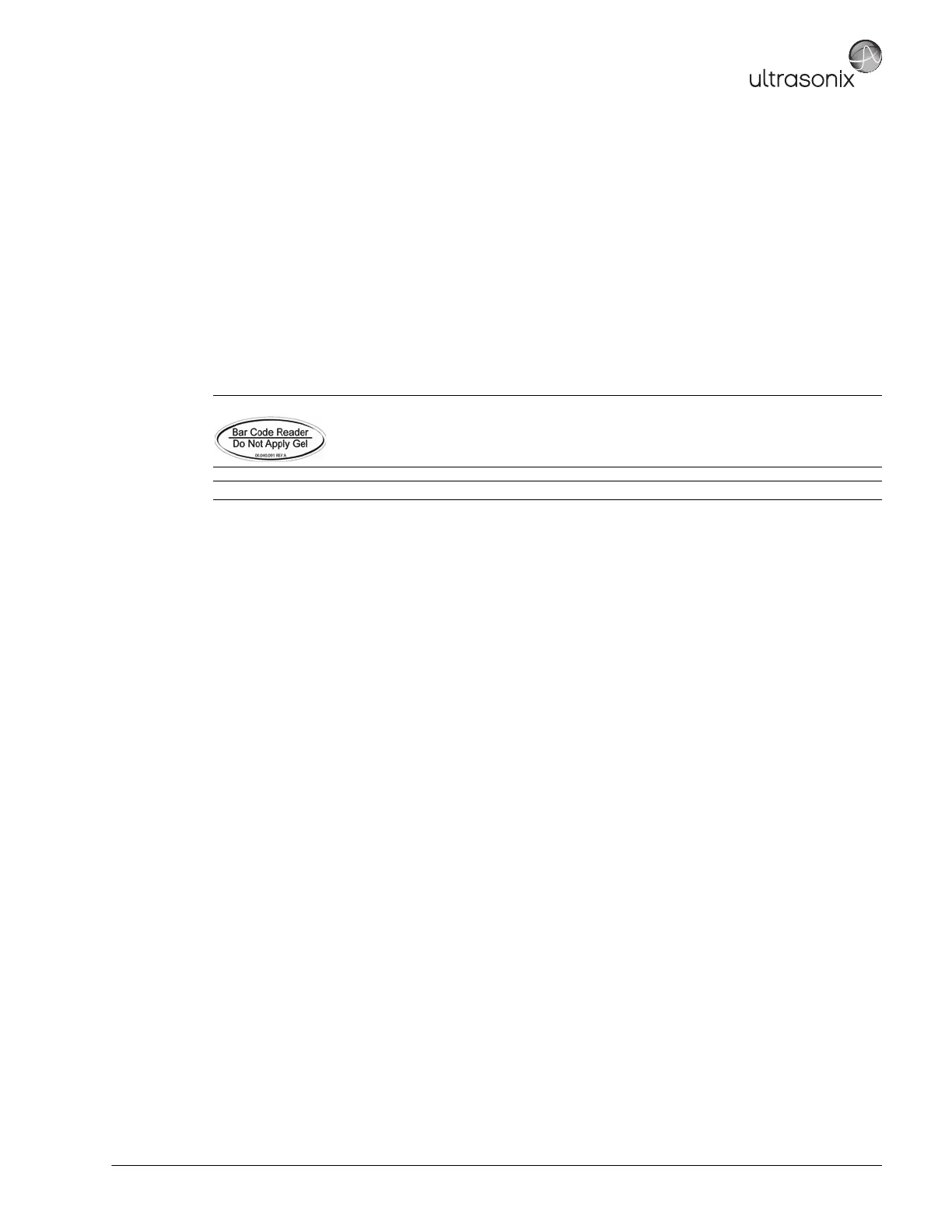
Caution: Do not apply ultrasound gel to the barcode reader.
Note: To keep the barcode reader handy, store it in one of the transducer holders.



 To Next Page