SonixTablet Service Manual 00.053.129, Revision C Chapter 8: DICOM
8-1
CHAPTER 8: DICOM
The system uses the Digital Imaging and Communications in Medicine (DICOM) standard to share medical information with other
digital imaging systems. The system, by means of the DICOM protocol, communicates with Storage, Print and Modality Worklist
Service Class Providers. DICOM setup/configuration is an Administrator Settings option.
Refer to Chapter 9: Network Configuration to configure the system for network connectivity.
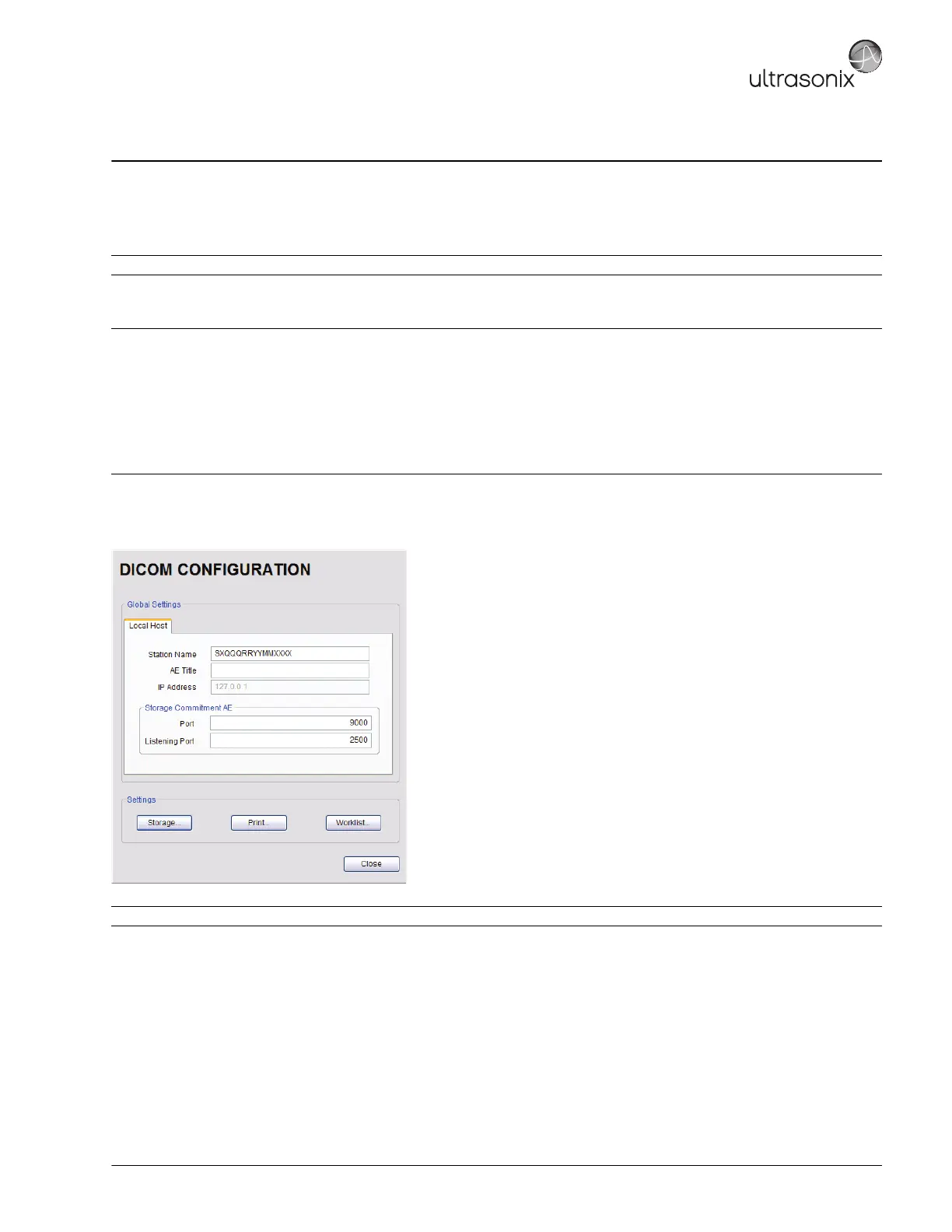
Figure 8-1: DICOM Configuration
Note: DICOM Structured Reporting is supported. Refer to Table 8-2 for Structured Reporting data transfer options.
Notes:
When using a hard-wired network connection, ensure the network is connected via a CAT5 cable at the back of the system. (Check
with the local IT Department to ensure that the jack from the wall is live.)
When using a wireless network connection, ensure the wireless network is configured properly and that the system has a live
wireless connection.
Beginning with software version 5.5.0, DICOM Structured Reporting is supported. Refer to Table 8-2 for Structured Reporting
data transfer options.
Note: Global Settings for the Local Host apply to DICOM Storage, Print and Worklist.



 To Next Page