Chapter 3: System Installation 00.053.129, Revision C SonixTablet Service Manual
3-12
3.3.3 Transducer Inspection
To Inspect the Transducers Prior to Connection:
1. Unpack each transducer and inspect for damage (e.g., cracks in the case or bent pins).
2. Note the model and serial numbers of any damaged transducers and report them to Ultrasonix.
3. Ensure that all transducers can be connected to each connection port.
3.3.4 System Initialization
To Initialize the System:
1. Inspect the system for scratches or damage. Note any damage to the system and report it to Ultrasonix.
2. Connect at least one transducer to the system.
3. Plug in the power cord.
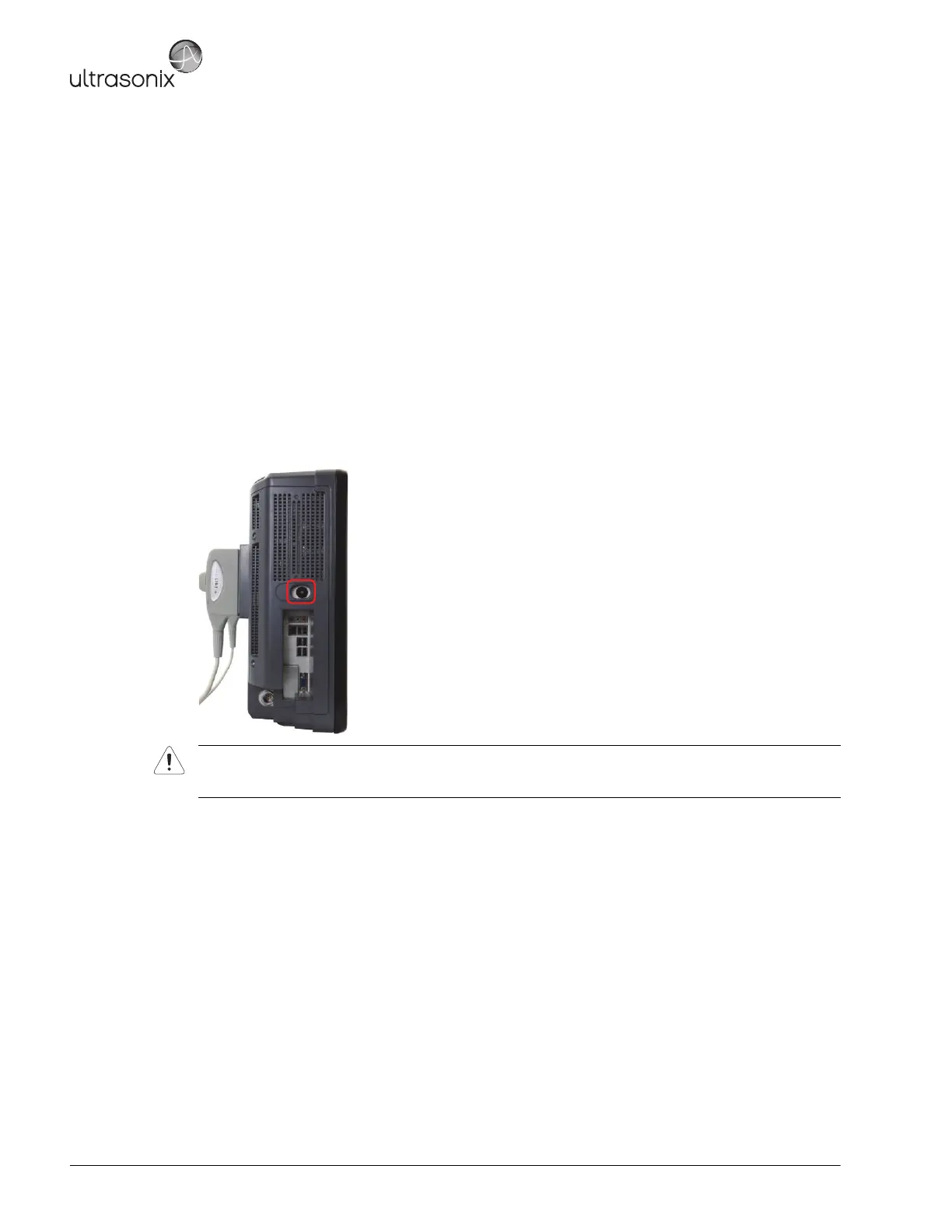
4. Press and hold the console POWER button for one (1) second.
5. Inform the facility's representative that the system is installed and ready for any safety testing they would
normally conduct.
6. Once it is running, the LCD display will show a black background image field with settings information or the
Exam Management page.
Warning: Do not place the device on any surface that blocks/restricts ventilation (e.g., do not set the device
on a soft surface such as a bed). Failure to comply with this directive could inhibit system airflow and
cause the system to overheat - which is not covered by the system warranty.



 To Next Page