SonixTablet Service Manual 00.053.129, Revision C Chapter 7: Field Service Components
7-11
7.1.7 Connectivity
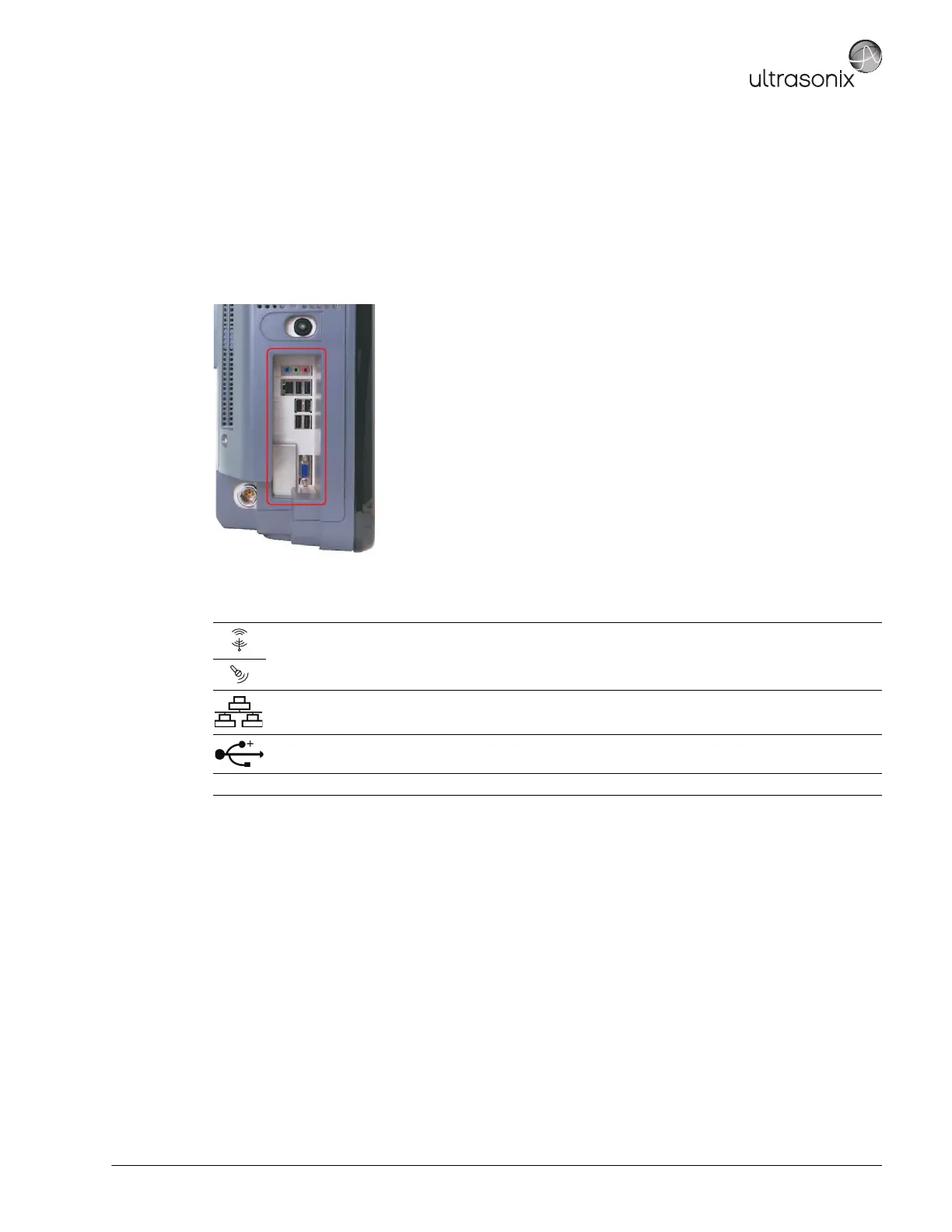
The Side Connectivity Panel can be accessed from the side of the system. The connectors are routed internally
enabling easy configuration.
7.1.7.1 Side Connectivity Panel
Figure 7-2: Side Connectivity Panel
Table 7-3: Side Connectivity Panel
Sound
Connections
Line-in (blue): may be used to connect an Ultrasonix-approved audio input device.
System Speaker connection (
green).
System Microphone connection: Disabled.
LAN Use to connect the system to a network. This port supports 10 Mb/100 Mb.
USB (x6)
Use to connect Ultrasonix-approved USB devices (e.g., printer, barcode reader, memory stick,
etc.).
Video VGA Output Not in use.



 To Next Page