Chapter 7: Field Service Components 00.053.129, Revision C SonixTablet Service Manual
7-10
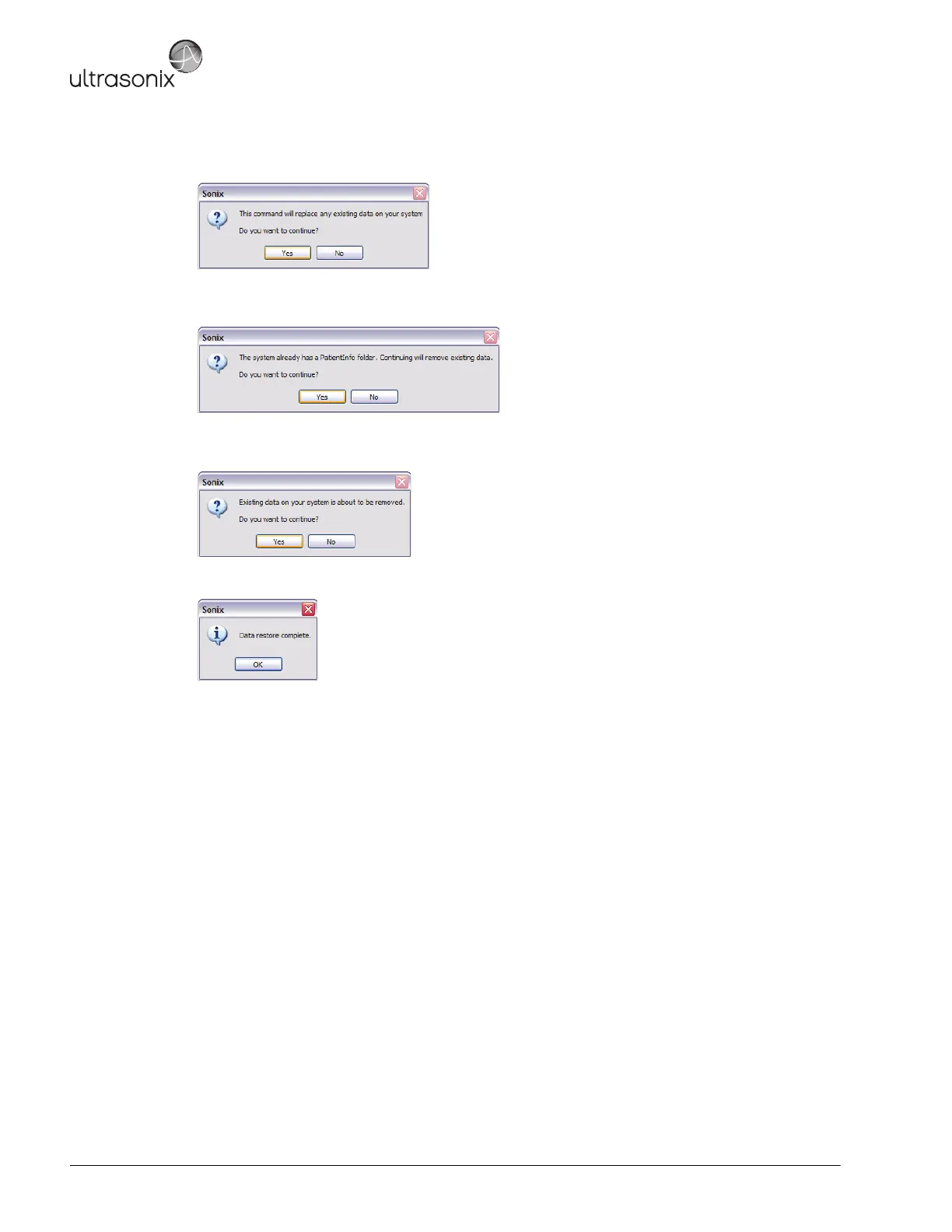
9. When the following warning message appears, select Yes to continue or No to exit without restoring Patient/
Exam data.
10. When a PatientInfo folder already exists on the system, the following warning will be presented. Select Yes to
continue or No to exit without restoring Patient/Exam data.
11. When Patient/Exam data already exists on the system, a final warning will be presented. Select Yes to
continue or No to exit without restoring Patient/Exam data.
12. Once the Restore procedure is complete, the following message will be presented. Select OK to continue.



 To Next Page