Appendix A: Troubleshooting Solutions 00.053.129, Revision C SonixTablet Service Manual
A-4
A.5 IMAGE HAS THREE (3) UNIFORM BLACK AREAS (LEFT, MIDDLE, RIGHT)
A.5.1 Test US Module
To Test the US Module:
1. Disconnect all transducers.
2. Connect a completely different transducer.
3. Restart the system.
4. If this fails to solve the problem, contact Ultrasonix Technical Support.
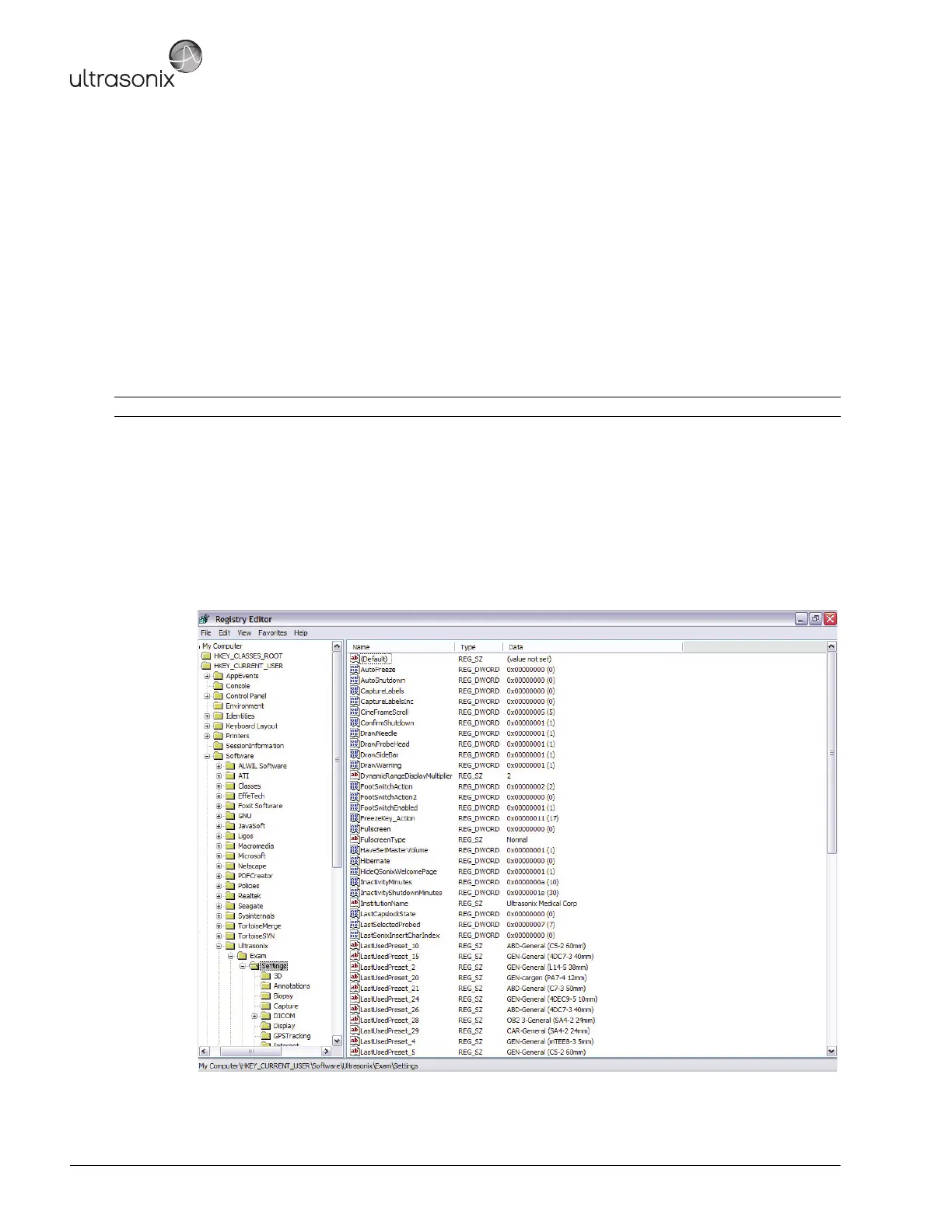
A.6 REGEDIT – ENSURE SETTINGS ARE CORRECT
To Edit REGEDIT:
1. Ensure a USB keyboard is connected to the system.
2. Press the WINDOWS START KEY and select.
1. Type regedit and press Enter.
2. In the registry go to HKEY_CURRENT_USER > Software > Ultrasonix > Exam > Settings.
3. Make the changes advised by the Ultrasonix Technical Support Representative.
Note: Contact an Ultrasonix Technical Support Representative for details on the required changes.



 To Next Page