SonixTablet Service Manual 00.053.129, Revision C Chapter 7: Field Service Components
7-7
7.1.5 Backing up/Exporting Patient Data via the Service Mode Option
This function allows Service Technicians to backup (and restore) Patient/Exam data. It does not, however, backup
any of the User Data settings (7.1.1).
Patient/Exam data will be copied to an auto-created directory at the root of the USB device called PatientInfo. If
this directory – and therefore patient data – already exists, the system will warn the user, allowing them to exit the
backup procedure without overwriting existing data. Choosing to overwrite the data should be done with the utmost
caution.
For details on restoring data via this option, refer to 7.1.6.
Equipment/Tools Required:
• USB keyboard
• USB media (memory stick, external hard drive, etc.) with at least 5 Gb of available space.
To Backup/Export Patient Data (via the Service Mode Option):
1. Connect the USB keyboard to the one of the four (4) USB ports.
2. Connect the USB storage device to the one of the three (3) remaining USB ports.
3. Tap the touch screen button.
4. Select Administrator > Service….
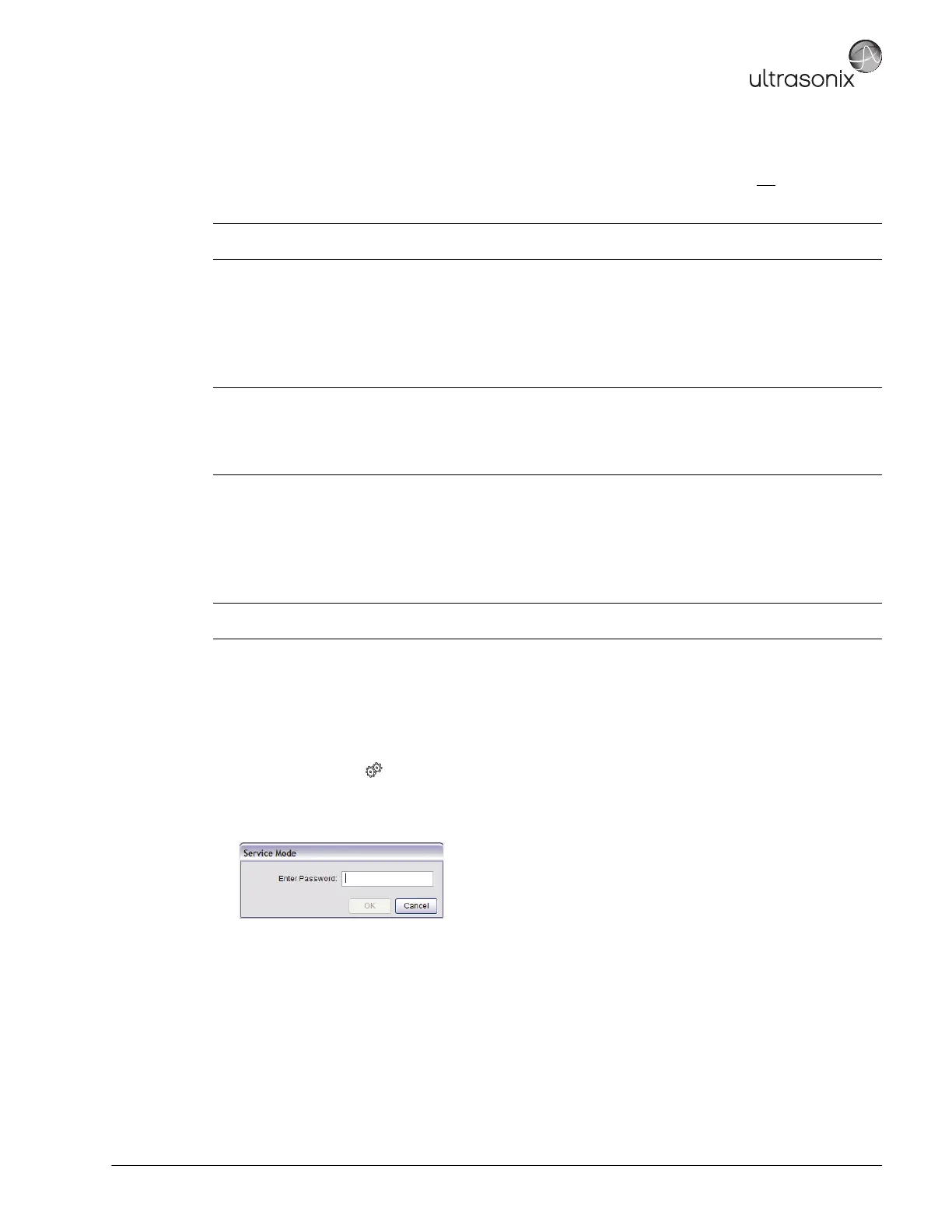
5. Type in the Service Mode Password using the USB keyboard.
6. Select OK.
Note: If Patient/Exam data is backed up using these instructions (7.1.5), it will not be necessary to use the Export
option (7.1.3).
Cautions:
The Backup function will overwrite any Patient/Exam data that already exists on the USB device.
Due to privacy regulations and laws, Service Technicians are forbidden from removing patient data from any client
site. Refer to 1.4 Privacy Disclaimer and 7.2.1 Removing the Hard Drives for more details.
Note: USB storage space required to backup Patient/Exam data depends on the number of patients/images on
the system. Hard drive capacity is 160 Gb in total.



 To Next Page