SonixTablet Service Manual 00.053.129, Revision C Chapter 9: Network Configuration
9-5
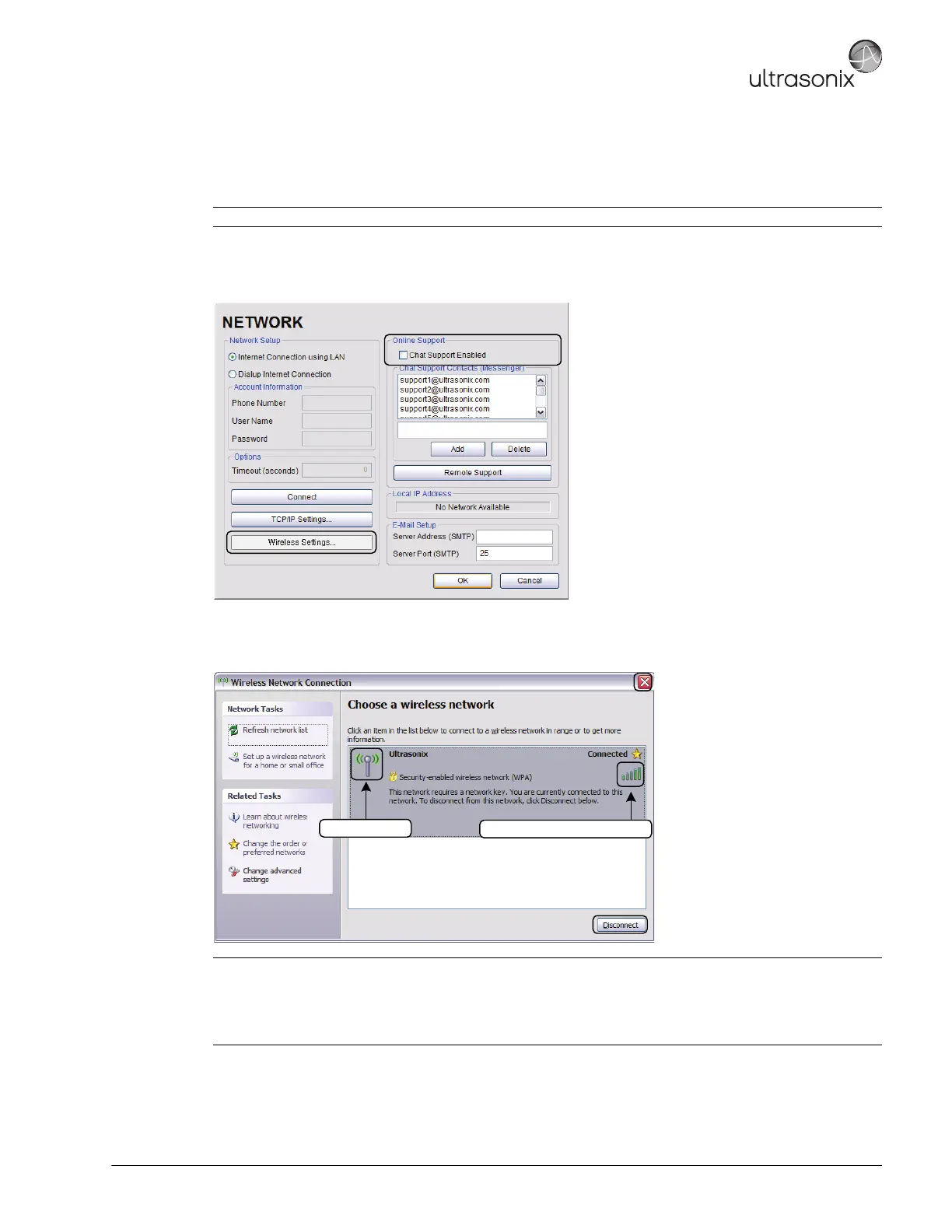
9.1.3 Wireless Configuration
Wireless is only available as a factory-installed option.
Figure 9-4: Network Configuration Page (Wireless)
Figure 9-5: Wireless Network Connection Setup
Note: Not available on the SonixOP platform.
Notes:
Wireless Network Connection options are controlled by MS Windows, not Ultrasonix.
Once a secured, wireless network is in place, it will be necessary to obtain the institution's Network Key (from the
IT department) in order to log in.
Wireless Signal Strength Indicator
Security Indicator



 To Next Page