Appendix A: Troubleshooting Solutions 00.053.129, Revision C SonixTablet Service Manual
A-6
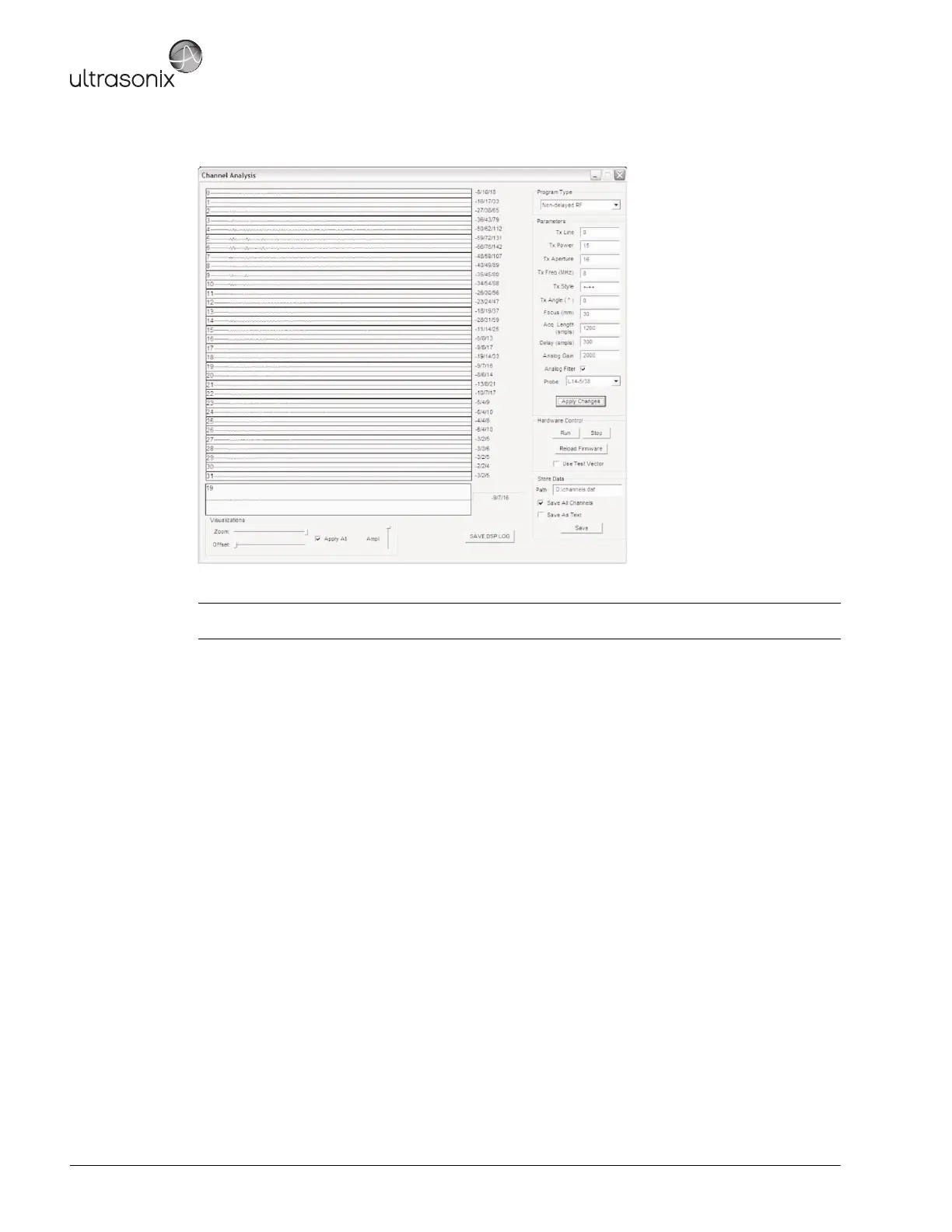
15. Set the Gain to 2000 and Delay to 300.
16. If there are dead crystals in the transducer, the line in question will be flat and non-moving.
17. Select Apply Changes.
18. Record the findings in Notepad and send a copy of the file to an Ultrasonix Technical Support Representative.
A.7.2 Failed DL Memories Test
To Test the RX Module:
1. Disconnect all transducers.
2. Reconnect one (1) transducer.
3. Restart the system.
4. If the problem persists, contact Ultrasonix Technical Support.
A.7.3 System Hangs When Loading Maps (at Initialization)
Troubleshooting this issue is a multistep process. If, after completing a step, the problem persists, continue to the
next option.
1. Disconnect all transducers, then reconnect only one (1) and restart the system.
2. If the system still hangs when loading Maps, contact Ultrasonix Technical Support.
Note: Up to 30 TX lines are visible at one time. To view any TX line greater than 30, set the TX Line Parameter
to a higher number (e.g., 60.) TX Lines go from 0 to 127.



 To Next Page