SonixTablet Service Manual 00.053.129, Revision C Chapter 1: General Information
1-3
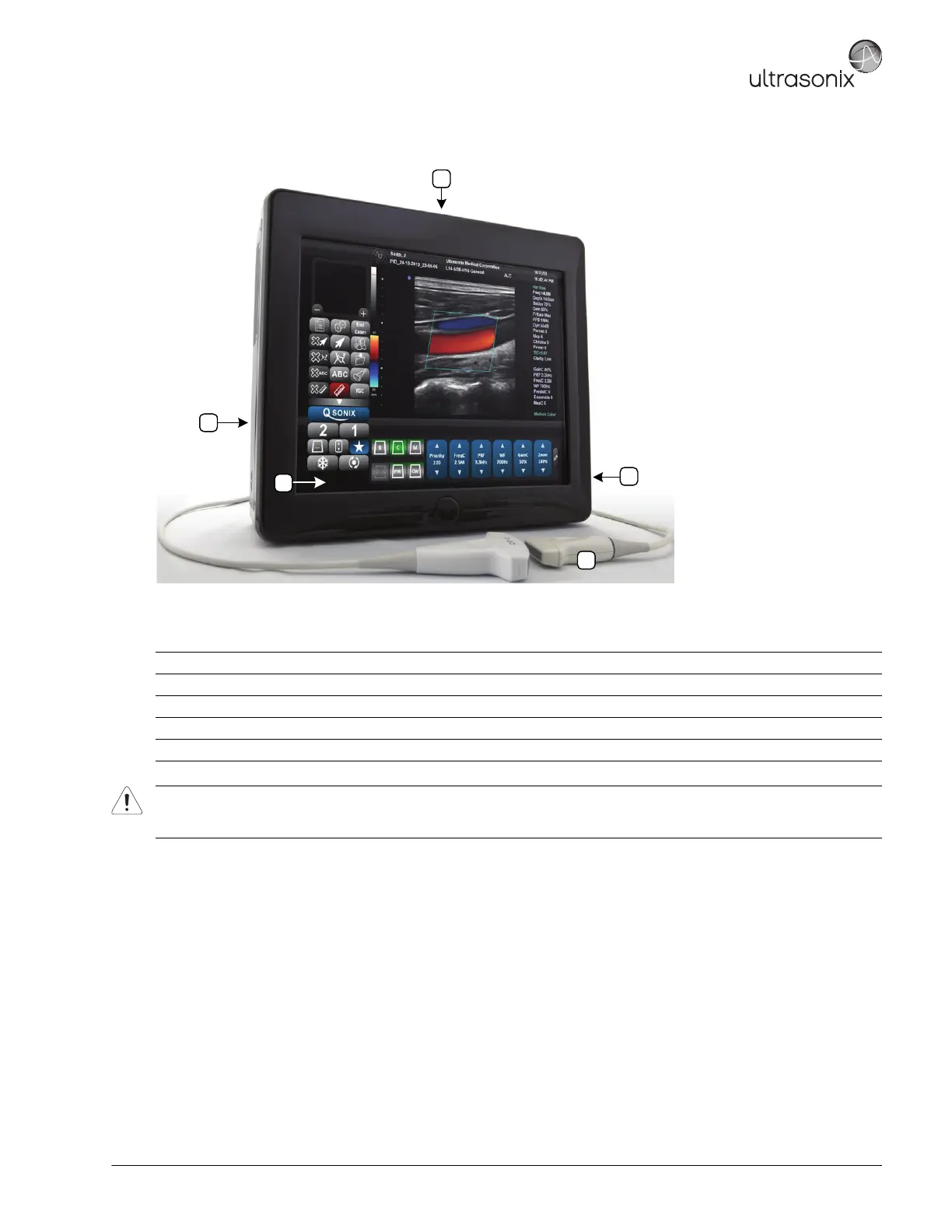
Figure 1-1: SonixTablet Ultrasound System
Table 1-1: SonixTablet Ultrasound System
1 LCD Display/Touch Screen
2 Folding Carry Handle (top)
3 Side Connectivity Panel (power and Network connections, USB and sound ports) and Hard Drive access
4 Speaker
5 Transducers (connected at rear of system)
Warning: Do not place the device on any surface that blocks/restricts ventilation (e.g., do not set the device on a soft surface
such as a bed). Failure to comply with this directive could inhibit system airflow and cause the system to overheat - which
is not covered by the system warranty.



 To Next Page