Chapter 6: Peripherals and Accessories 00.053.129, Revision C SonixTablet Service Manual
6-2
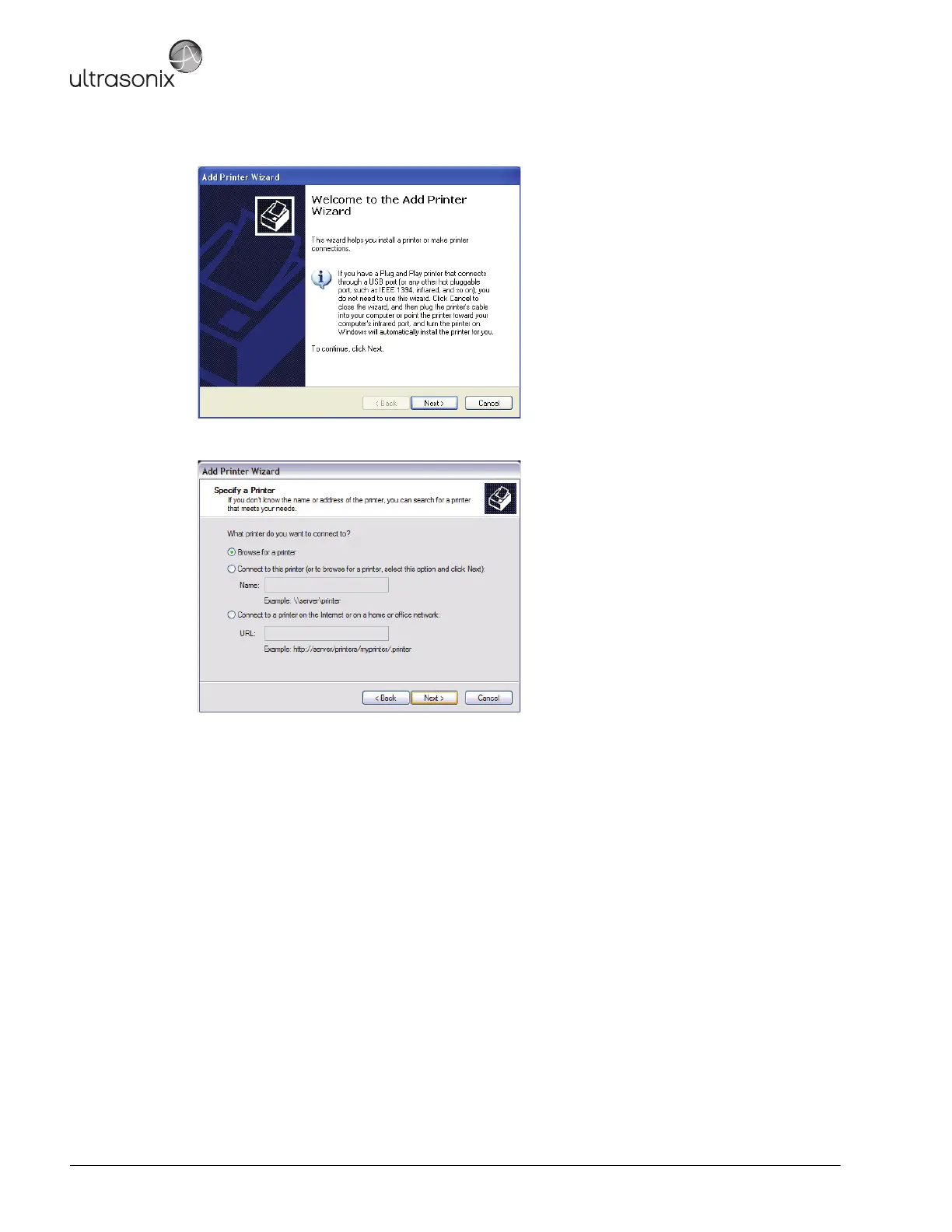
4. Select Next.
5. Select Browse for a printer.
6. Select Next.
7. Select the appropriate shared (network) printer and select Next.
8. Select Yes to continue.
9. Select Yes to set the selected printer as the default.
10. Select Next to print a test page.
11. Select Finish to complete the installation.



 To Next Page