Chapter 7: Field Service Components 00.053.129, Revision C SonixTablet Service Manual
7-2
Equipment/Tools Required:
• USB media (memory stick, external hard drive, etc.).
To Export User Data:
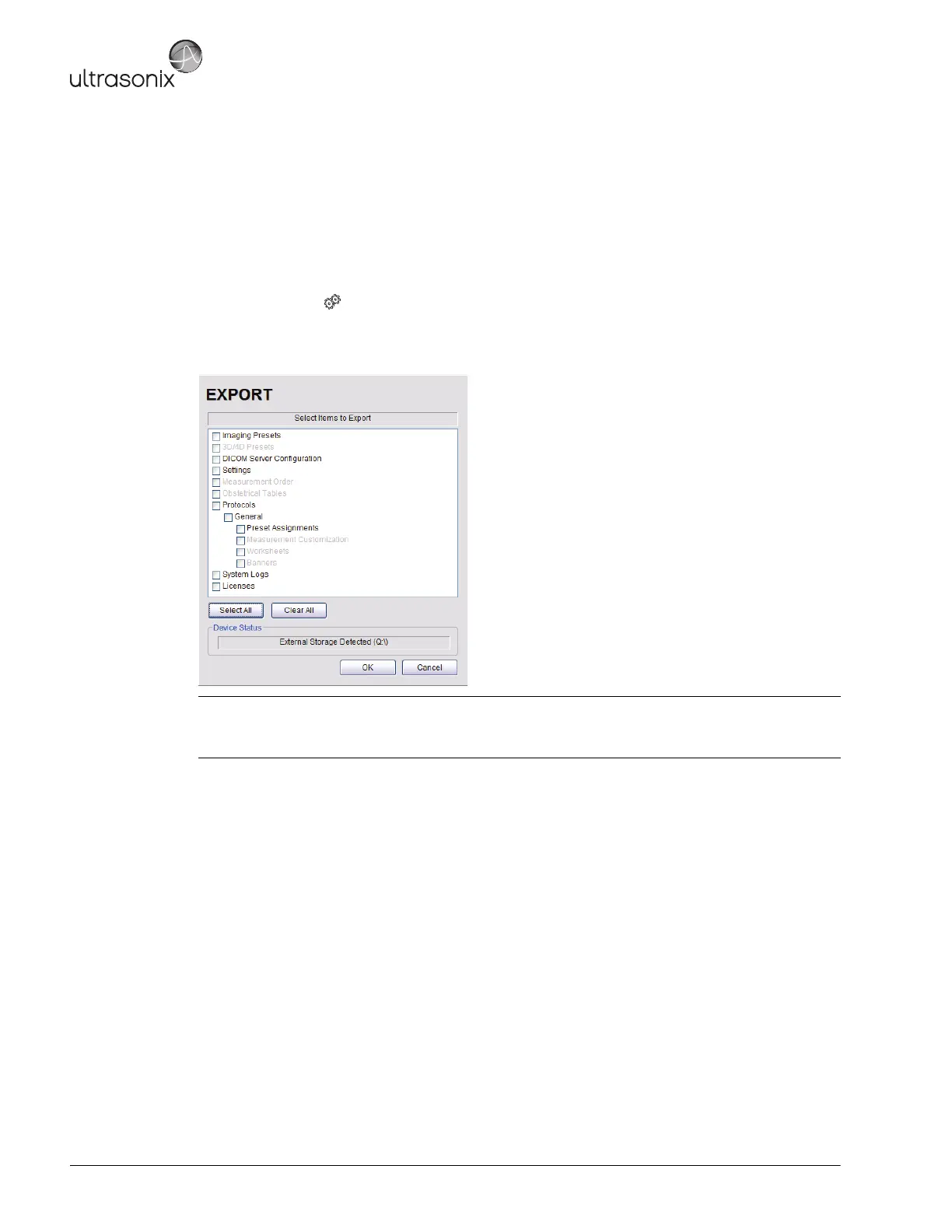
1. Ensure the system is plugged in and powered on.
2. Connect the external USB storage device on which the Export will be saved.
3. Tap the touch screen button.
4. Select Administrator > System > Export….
5. Check the item(s) to be exported.
6. Select OK to begin the export process or Cancel to exit without exporting.
7. If OK is selected in step 6, a completion dialog will be presented when the export process has finished (this will
take approximately 15-45 seconds).
Note: When creating a backup prior to servicing or replacing the modulo, Ultrasonix recommends selecting all
options for Export.
Use Select All to check all items and Clear All to clear all checkboxes in one step.



 To Next Page