Chapter 7: Field Service Components 00.053.129, Revision C SonixTablet Service Manual
7-4
Equipment/Tools Required:
• USB media (memory stick, external hard drive, etc.) containing previously exported data.
To Import User Data from a Backup:
1. Ensure the system is plugged in and powered on.
2. Plug the previously-created backup into one of the six (6) USB ports.
3. Tap the touch screen button.
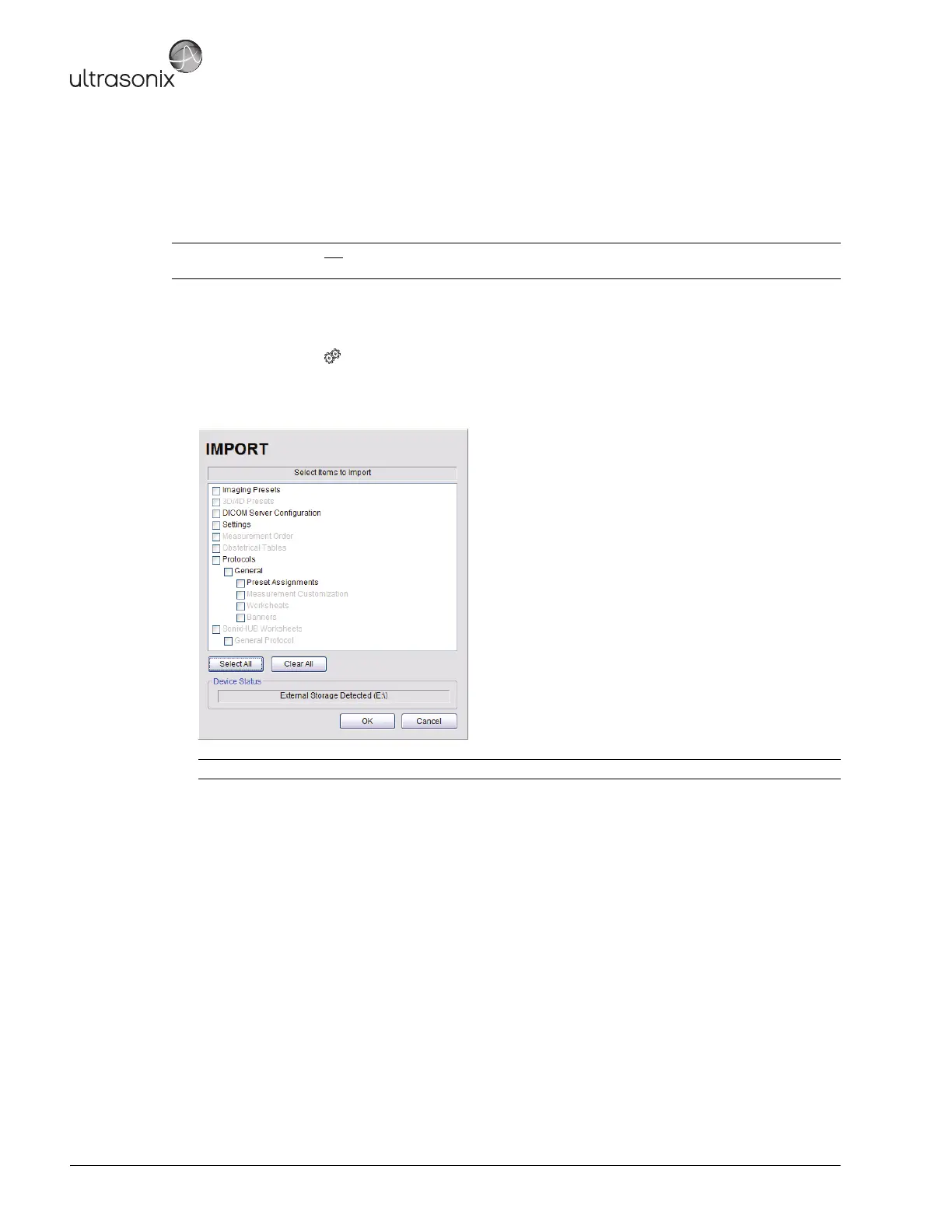
4. Select Administrator > System > Import….
5. Check the items to be imported.
6. Select OK to begin the import process or Cancel to exit without importing.
Caution: Ultrasonix does not
recommend importing user-defined Presets created with a previous software version
as they may not be compatible for use with a more recent software update.
Note: Use Select All to check all items and Clear All to clear all checkboxes in one step.



 To Next Page