Chapter 8: DICOM 00.053.129, Revision C SonixTablet Service Manual
8-8
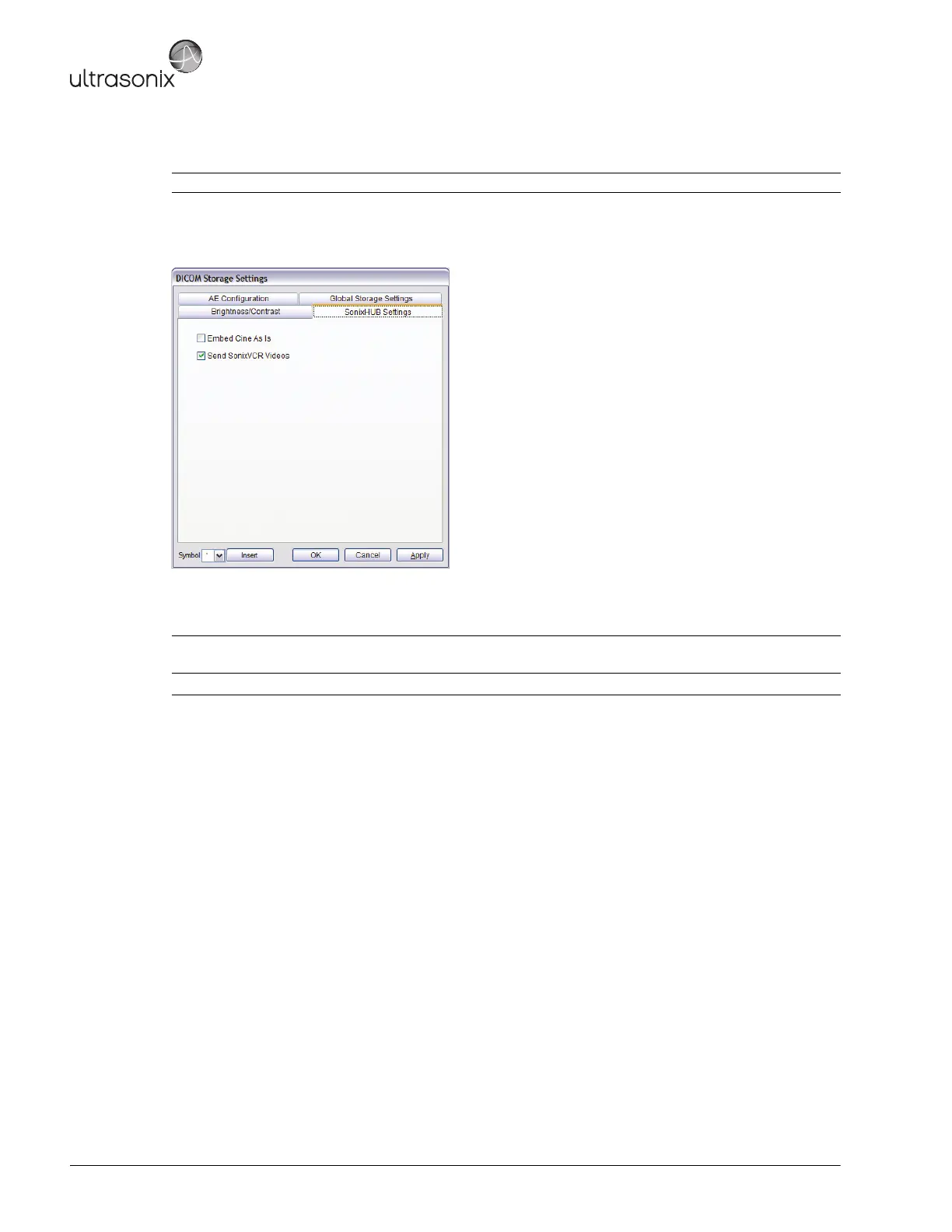
The DICOM SonixHUB Settings dialog specifies SonixHUB parameters.
Figure 8-7: DICOM Storage Settings – SonixHUB Settings
Table 8-6: DICOM Storage Settings – Global Storage Settings
Note: These settings are only available if SonixHUB is licensed.
Embed Cine As Is
Select to send Cine files in AVI format. When deselected, Cine files will be sent in DICOM
format.
Send SonixVCR Videos Select/deselect in order to include/exclude SonixVCR videos in the SonixHUB transfer.



 To Next Page