Page 147
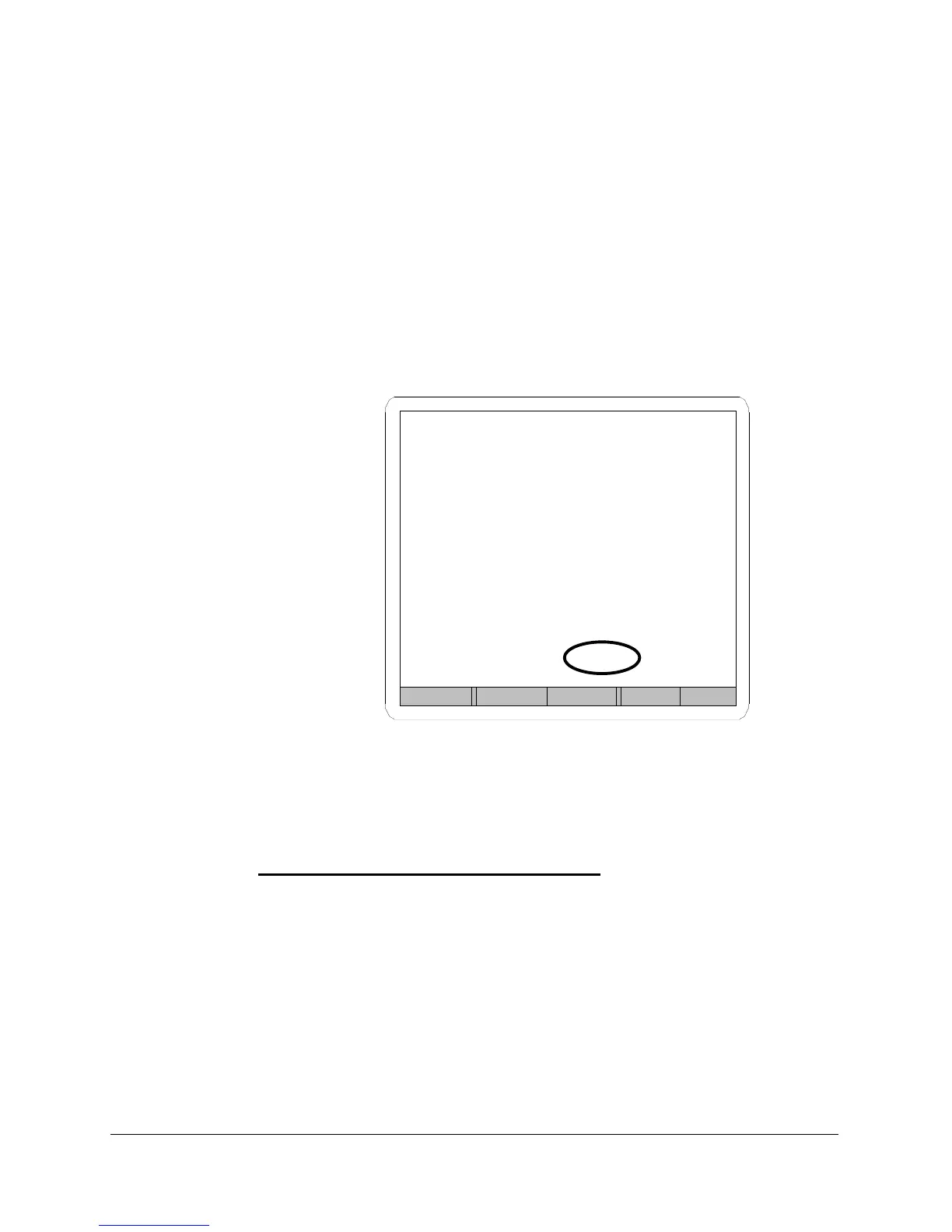
Over Pressure Warning
The Flow Calibration menu will indicate an overpressure condition if the
maximum pressure allowed for the flow sensor is exceeded. The word
OVER will be displayed in the place of a pressure reading on the Pressure
line.
If pressure is over the maximum allowed for the flow sensor when first
entering calibration, Sprint LC does not open the flow valves (to prevent
sensor damage) and displays OVER in place of a pressure reading on the
Pressure line at the bottom of the menu.
Flow calibration menu
showing over pressure
condition
FIGURE 81
Flow Sensor Over Pressure Limits
Flow Range Over Pressure Limit
10 sccm 15 psig Max
50 sccm 15 psig Max
200 sccm 15 psig Max
1,000 sccm 15 psig Max
5,000 sccm 60 psig Max
20,000 sccm 60 psig Max
Back Reg+ Reg- Inc Dec
Flow Calibration
Reading
Flow Sensor 10.02 sccm
Target 10.00 sccm
Pressure OVER psig



 To Next Page