Page 9
Front Panel Controls
ENTER/BACK Enter a selection or go back. It also acts to accelerate
the INCREMENT and DECREMENT functions. In run
mode, this keypad accesses the run mode functions
menu.
PREVIOUS
Go to the previous menu item. In run mode,
increments the current test when held for three
seconds.
NEXT Go to the next menu item. In run mode, increments
the current test when held for three seconds.
INCREMENT Increase values such as pressure or time, also enters
GoTo Menus. In run mode, acts as a re-test button.
DECREMENT Decrease a setup value such as pressure or time.
START Switch Begins a test cycle. It will abort a test if pressed
during the test cycle. Figure 2.
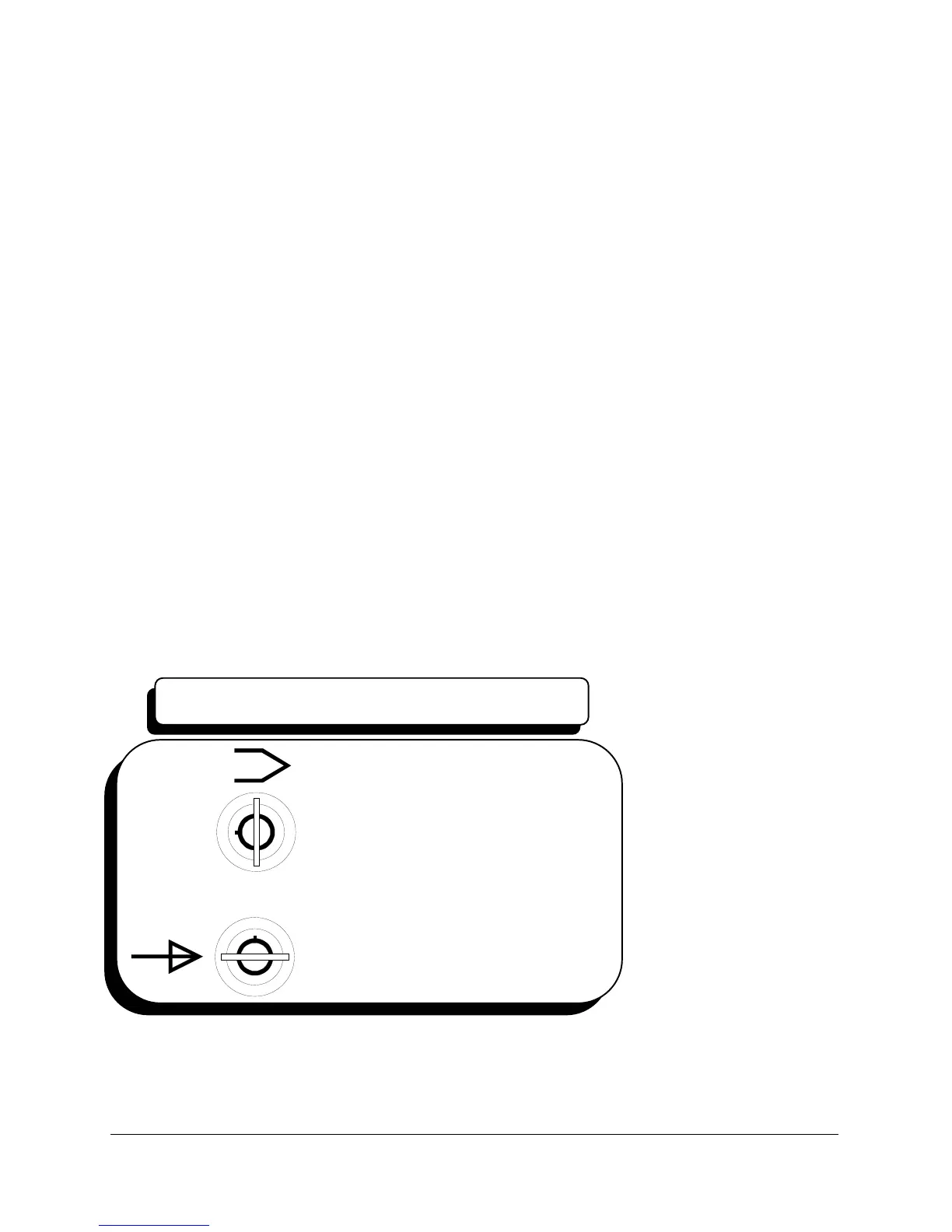
LOCKOUT Keyswitch Change between run and programming operation.
Figures 2 and 3.
FIGURE 3
Program
key in vertical position
Run
key in horizontal position
LOCKOUT SWITCH



 To Next Page