Page 29
Enter Prev Next
RUN MODE FUNCTIONS
Exit
Current Program 1
Print Test Header
Print Test Summary
Clear Counters
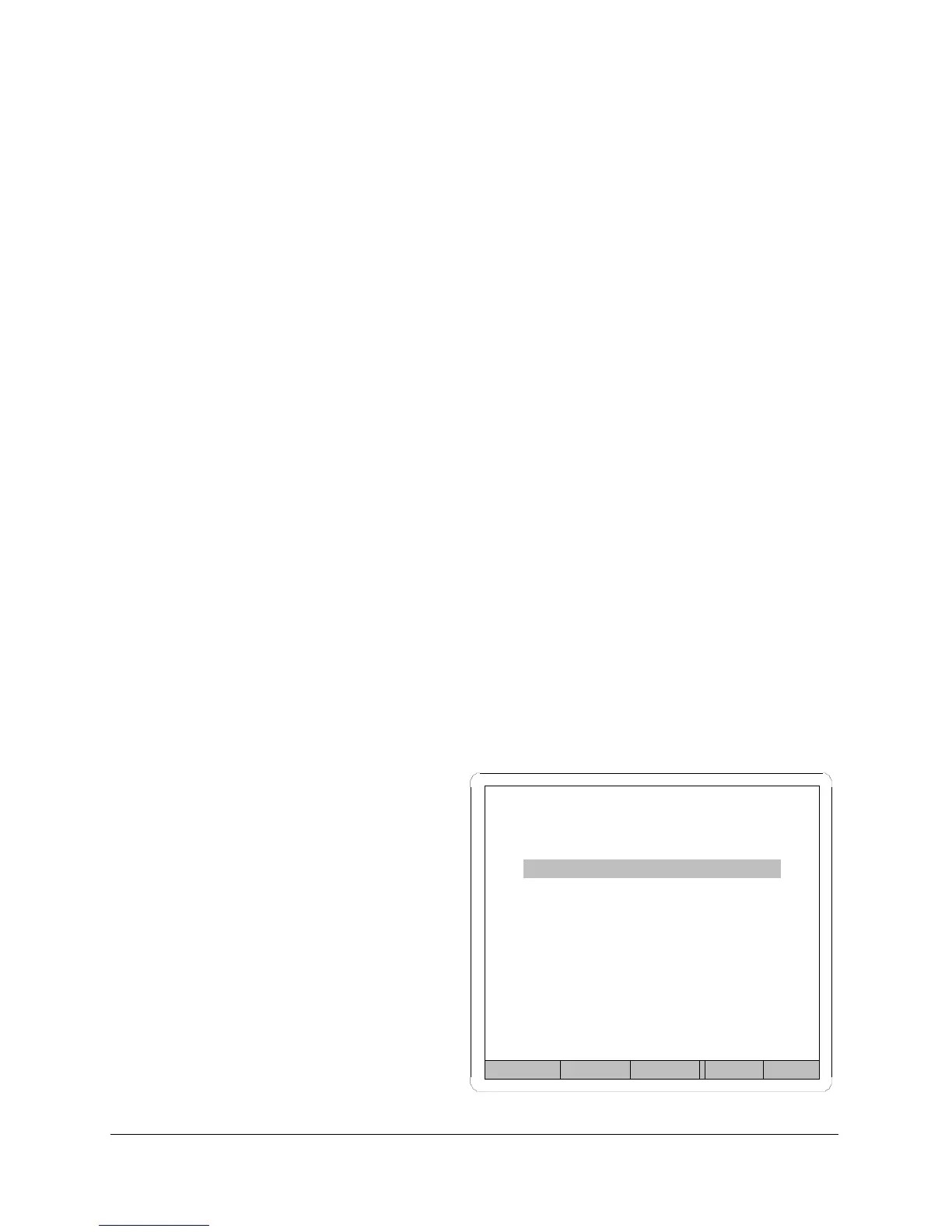
Run Mode Functions Menu
From run mode, it is possible to access the Run Mode Functions menu.
This menu allows changing the current program, printing a program
header, printing a test summary or clearing the counters.
Exit
Highlight and press ENTER/BACK keypad to return to the run display.
Change Current Program
Use the PREVIOUS and NEXT Keypads to highlight and then select the
desired program number with the INCREMENT and DECREMENT keypads.
Print Program Header
Use the PREVIOUS and NEXT Keypads to highlight and then press
ENTER/BACK to print the report over the RS-232 serial port. The Heading
contains all the setup parameter values for the current program. (All linked
programs will also be printed.) Page 71.
Print test Summary
Use the PREVIOUS and NEXT Keypads to highlight and then press
ENTER/BACK to print the report over the RS-232 serial port. The Summary
contains the statistics for the current program, number tested, number
accepted and number rejected. (All linked programs will also be printed.)
Page 71.
Clear Counters
Use the PREVIOUS and NEXT
Keypads to highlight and then
press ENTER/BACK to clear the
counters in the current program.
(All linked programs will also be
cleared.)
Figure 11



 To Next Page