Page 30
Enter Prev Next Help
SPRINT LC SET-UP
Test Parameters
Units
Calibration
Serial Port
Switches
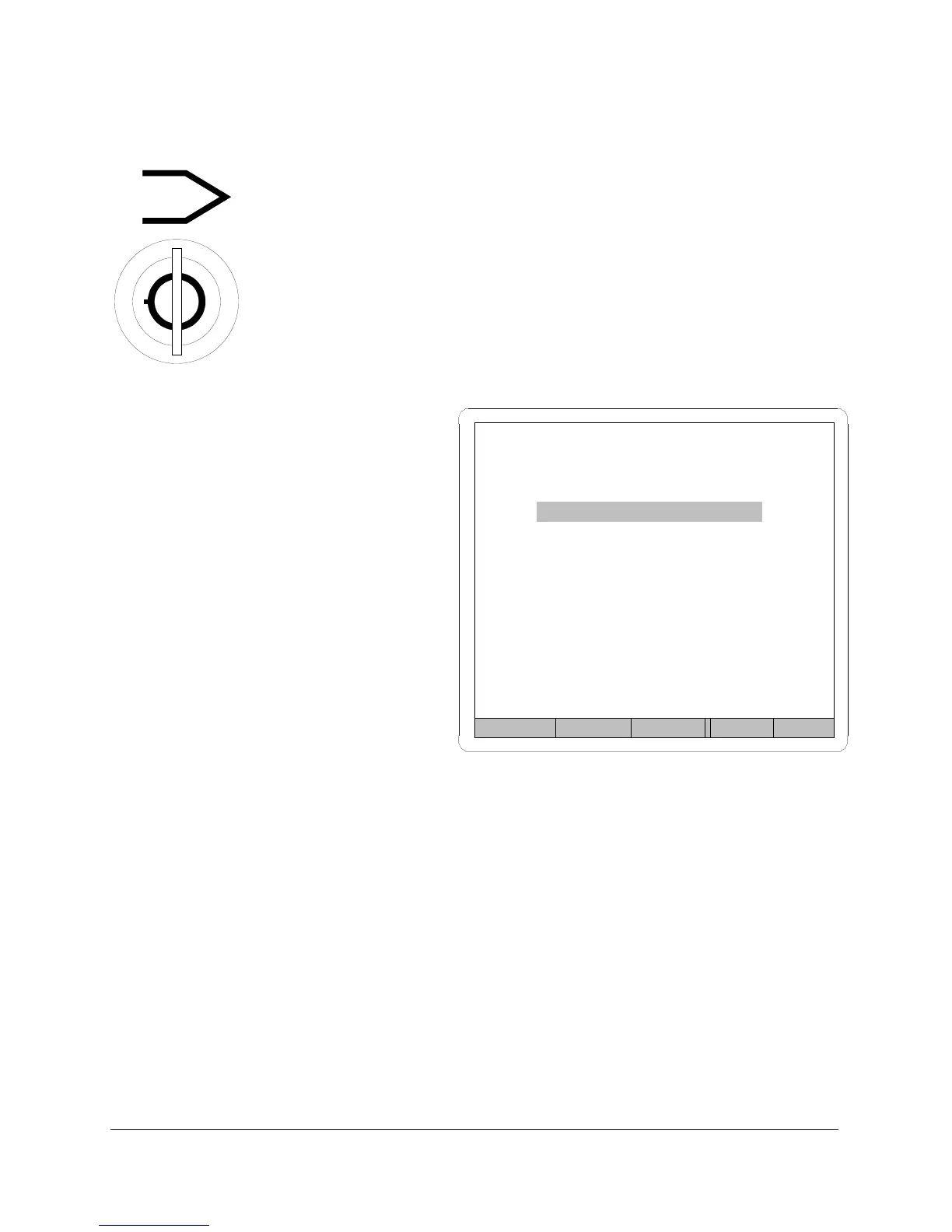
LOCKOUT Keyswitch
The LOCKOUT keyswitch changes Sprint LC operation from
run to program mode. Turn the key to the vertical position
to access programming functions. Only when Sprint LC is
in program mode is it possible to set test parameters,
measurement units, perform calibration, and configure the
RS-232 communication port.
Setup Menu
The setup menu is the starting
point for all programming and
calibration functions.
When the LOCKOUT keyswitch is
turned to program position,
Sprint LC pulls up the setup
menu. From the setup menu, it is
possible to go into all other
menus needed to program the
tester.
Figure 12
Although the highlight defaults to the test parameters option (as in
Figure 12), it is possible to select and get into any of the four options
available from the setup menu.
Keypads
The front keypads are used to move around, enter data, and accept your
programming input. Keypad functions are described on the next two
pages.



 To Next Page