Page 16
Decision Lights
The only machine output operators need to watch during most tests are the
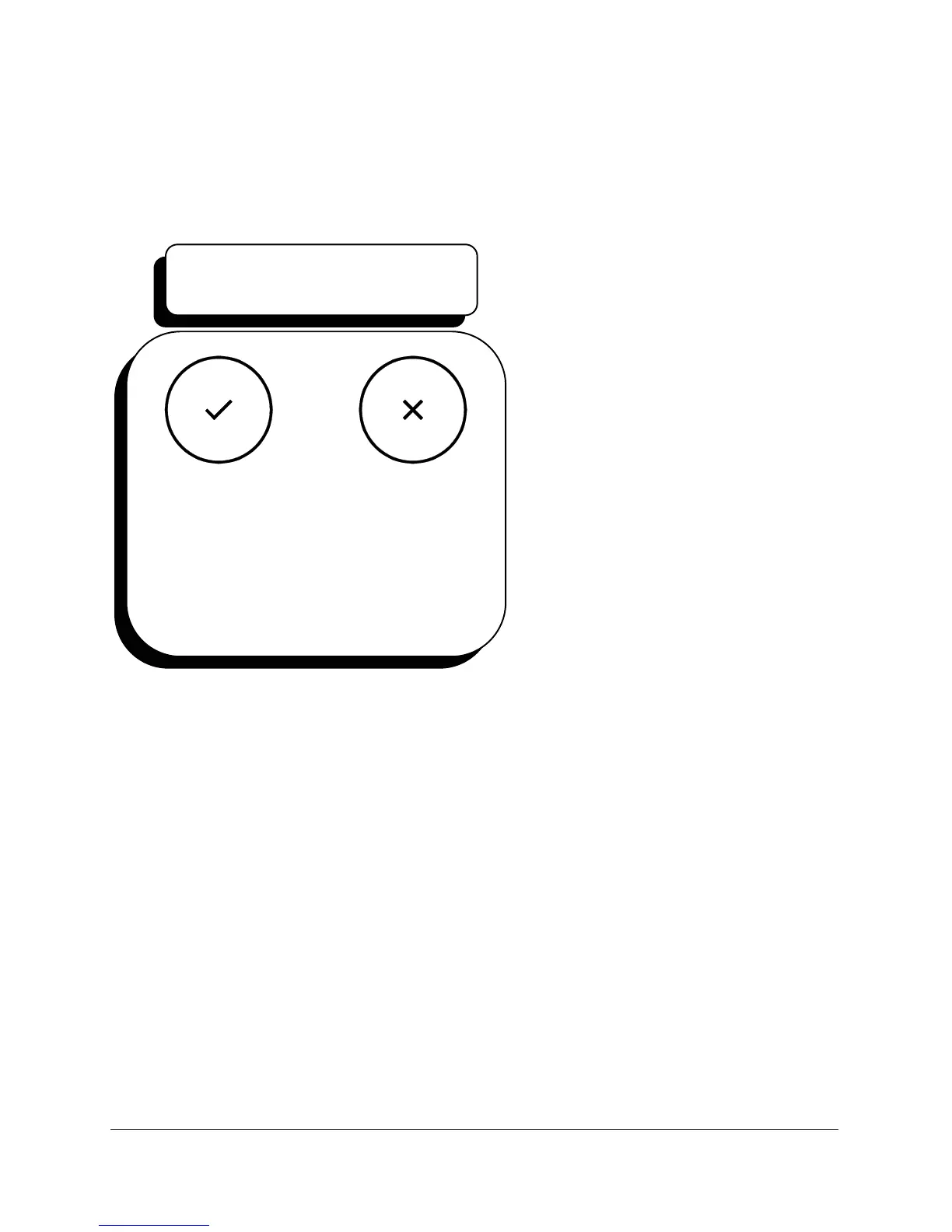
pass and fail lights. A pass light means the test cycle was completed and
all test values were within tolerances stored in each program that ran.
A fail means at least one test
parameter went out of
tolerance some time during a
test cycle. The fail light turns
on if a gross leak occurred, a
pressure error value is
exceeded, or the product
exceeded an established
pressure or flow tolerance.
Repeated failures can indicate
Sprint LC or external fixtures
have set-up problems.
If a fail light turns on during a
test, the operator can read the
status box on the run display
to see why the test was
unsuccessful. The
status box might indicate GROSS, LEAK, HIGH, or any of seven other
messages.
Alert Tone
The alert tone (set with the volume control on the back of the Sprint LC)
turns on for five seconds whenever the fail light turns on. If the tone
volume is turned completely down, the operator won’t hear an alert.
The same volume control used to set the alert tone also sets the key-press
sound level.
PASS/FAIL LIGHTS
Pass
Green
Light
Fail
Red
Light
Figure 6



 To Next Page