Page 38
Parameters Menu
The main parameters menu contains all the variables and menus needed to
establish one program. The menu is identical for all test types unless
special options or multiple channels are installed. In such cases, added
parameter lines may be present on the Main Parameters menu. Sequential
testers have an added line to select the active channel.
Note the parameter lines labeled “Coupling” and “Test Params”. When
these are highlighted, press the INCREMENT keypad (labeled as GoTo ) to
move to the next menu to establish the associated settings. These
parameters are described later in this document.
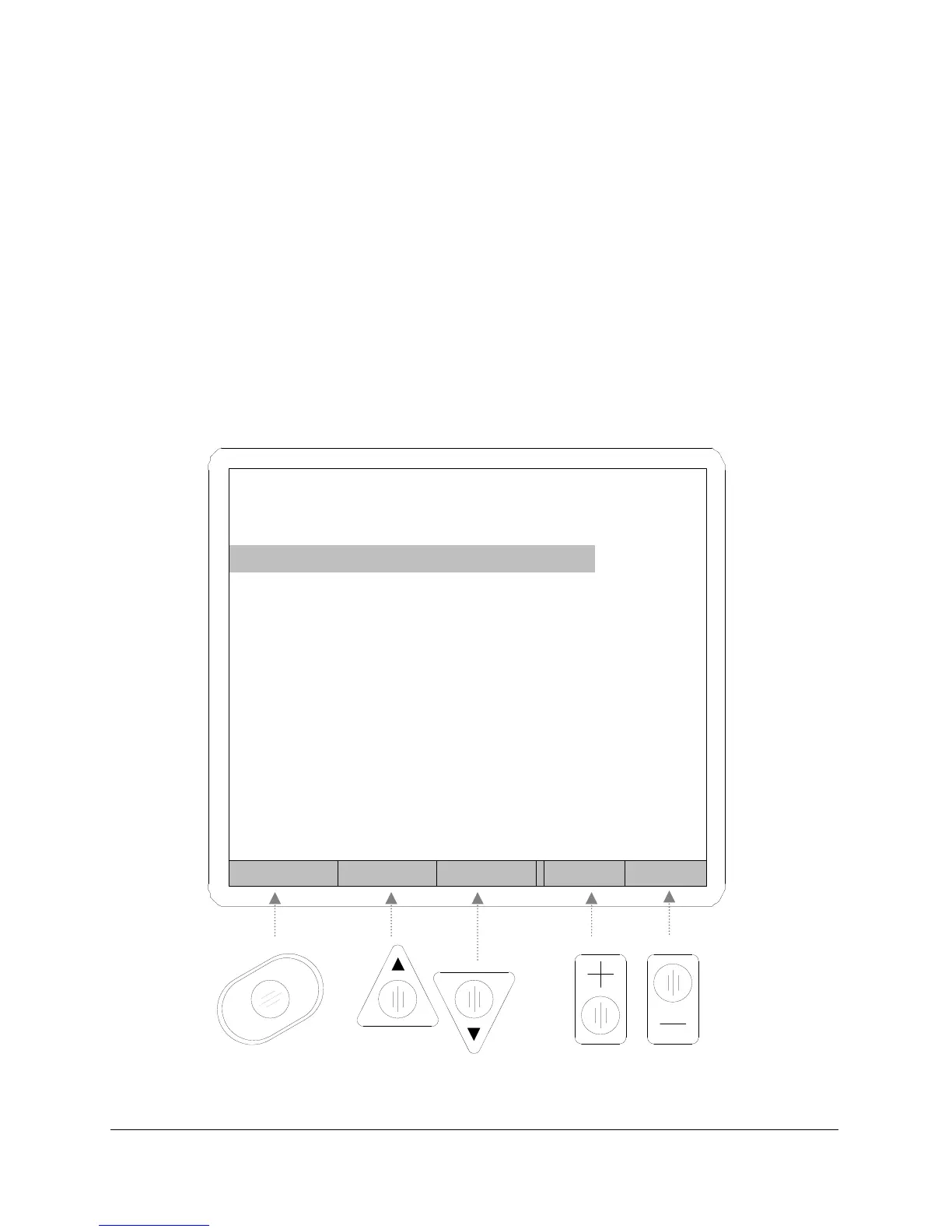
Figure 15
Back Prev Next Inc Dec
PROGRAM 1
Test Type PD
Test Press. 14.999 psig
Press. Error .5 psig
Coupling GoTo
Test Params GoTo
Next Program 0



 To Next Page