Appendix K
Real Time Clock
The Sprint LC tester described in this Appendix has an option to add a
time stamp to the serial port output. The real time clock option adds a
date/time stamp to the test result report. It records when each test is
performed.
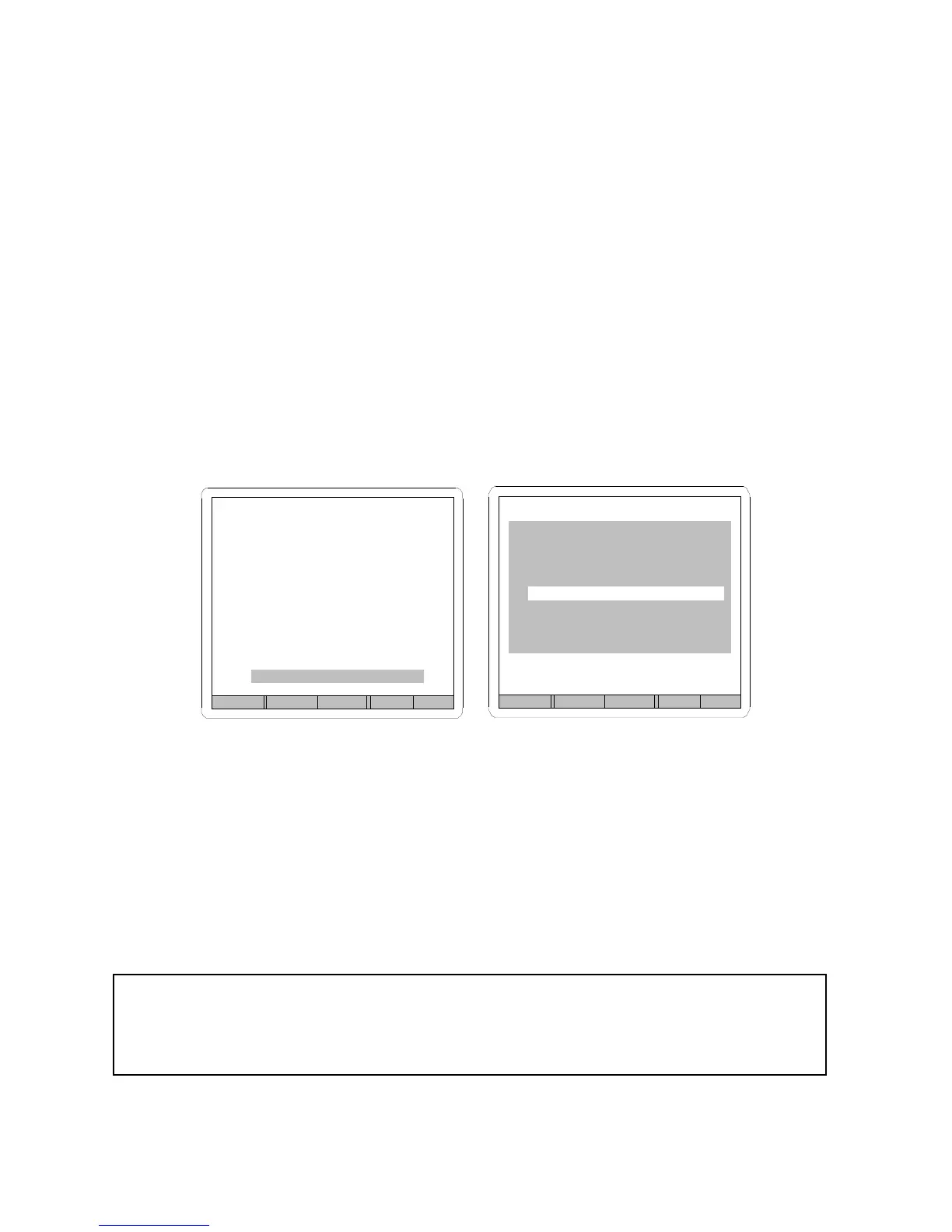
A Time Stamp GoTo line is added to the serial port menu to access a new
sub-parameter pop-up menu. The pop-up menu allows the stamp to be
turned on or off and the time and date to be set. Use the PREVIOUS and
NEXT keypads to highlight the desired parameter. The highlighted setting
may be adjusted with the INCREMENT and DECREMENT keypads.
FIGURE 103
When it is enabled, a tab-separated column is added to the serial string
“Program Header” and “Data Logging” for the time stamp data. The date
is in month/day/year format and the time is reported in military, (24 hr.),
time with a hour:min:sec format. The date and time are separated with a
space.
Example Test Results Report
Cycle Prog Test Value Units Result Date/Time
1 1 PD .005 PSIG PASS 1/2/97 13:12:33
Back Prev Next GoTo
SERIAL PORT SET-UP
Baud Rate 9600
Data Bits 8
Stop Bits 1
Parity none
Time Stamp GoTo
Back Prev Next Inc Dec
DATE/TIME STAMP SETUP
RS232 Output ON
12/31/97 24:59:59
Appendix 29



 To Next Page