Page 72
Changing Serial Port Options
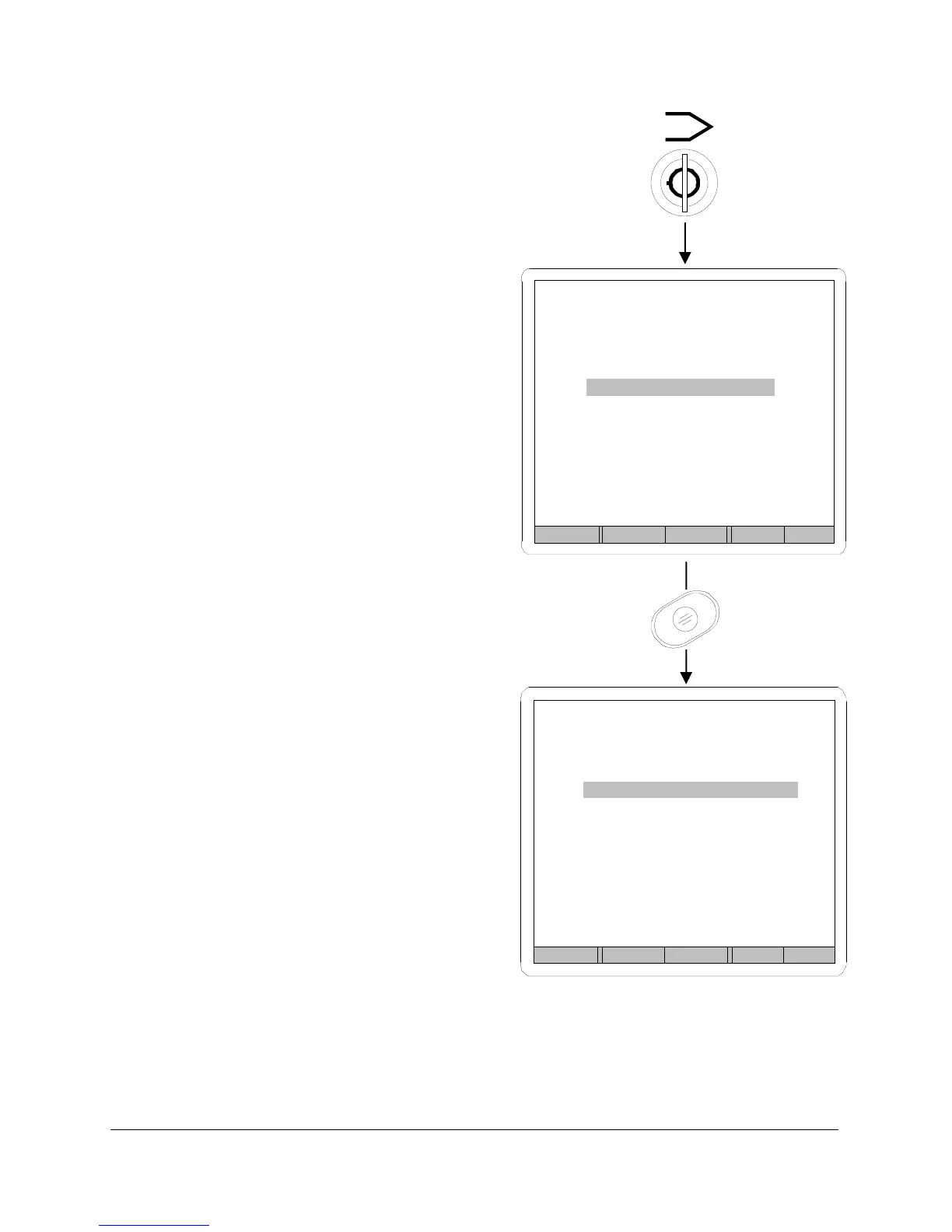
Turn the LOCKOUT keyswitch to
program mode. Use the NEXT
keypad to highlight the Serial Port
option on the startup menu. Figure
33. Press ENTER/BACK to view the
current settings. Follow prompts on
the Serial Port Setup display to
change serial port parameters.
Baud Rate
The baud rate can be set for speeds
from 1200 to 19200.
Data Bits
Set data bits to 7 or 8.
Stop Bits
Set stop bits for 1 or 2.
Parity
Parity is set at none, and cannot be
changed.
The default serial port settings are
listed in Figure 33.
FIGURE 33
Enter Prev Next Help
SPRINT LC SET-UP
Test Parameters
Units
Calibration
Serial Port
Back Prev Next Inc Dec
SERIAL PORT SET-UP
Baud Rate 9600
Data Bits 8
Stop Bits 1
Parity none



 To Next Page