Regulator Operation
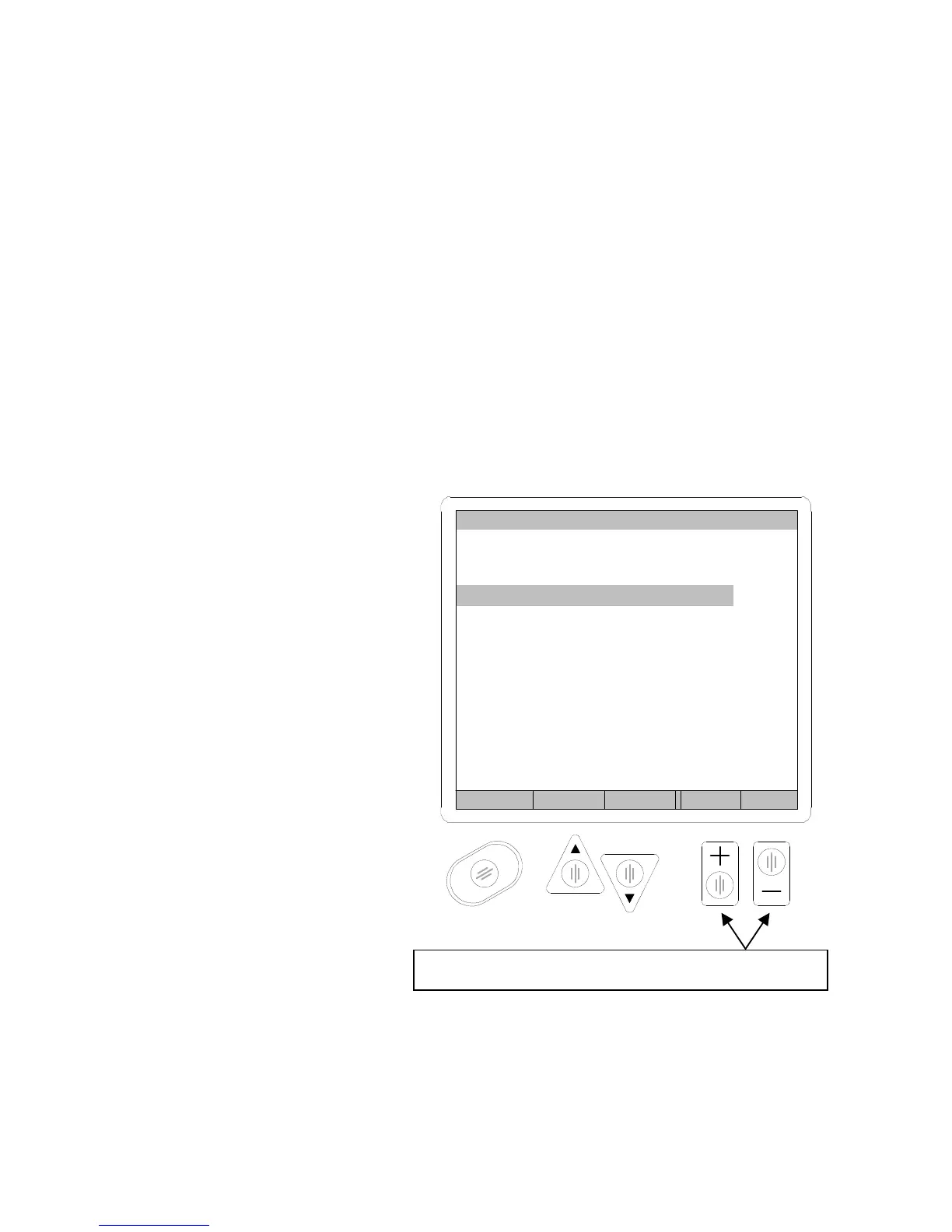
To set the test pressure, first highlight the “Test Pressure” line in the
parameter setup menu, then press the INCREMENT and DECREMENT keypads
to set the desired test pressure value. See figure below.
Air is NOT sent to the test port, as with a manual regulator machine, so it
is not necessary to cap the test port when the electronic regulator option is
used.
Different tests (programs) can have different test pressures. Only one
pressure can be established for one program. A test sequence can have
multiple test pressures by linking programs.
INCREMENT
and
DECREMENT
keypads are used for setting
Pressure with the electronic
regulator
FIGURE 86
Back Prev Next Inc Dec
PROGRAM 1
Test Type PD
Test Press. 15.000 psig
Press. Error .5 psig
Coupling GoTo
Test Params GoTo
Next Program 0
Use these ke



 To Next Page