Page 36
Navigation
Shown here is a map of the programming options. Only a few menus
are needed to establish all test parameters and tester actions. This is
much more straightforward than any other tester of equivalent
sophistication.
Press keypads shown on the map to reach various setup menus &
functions.
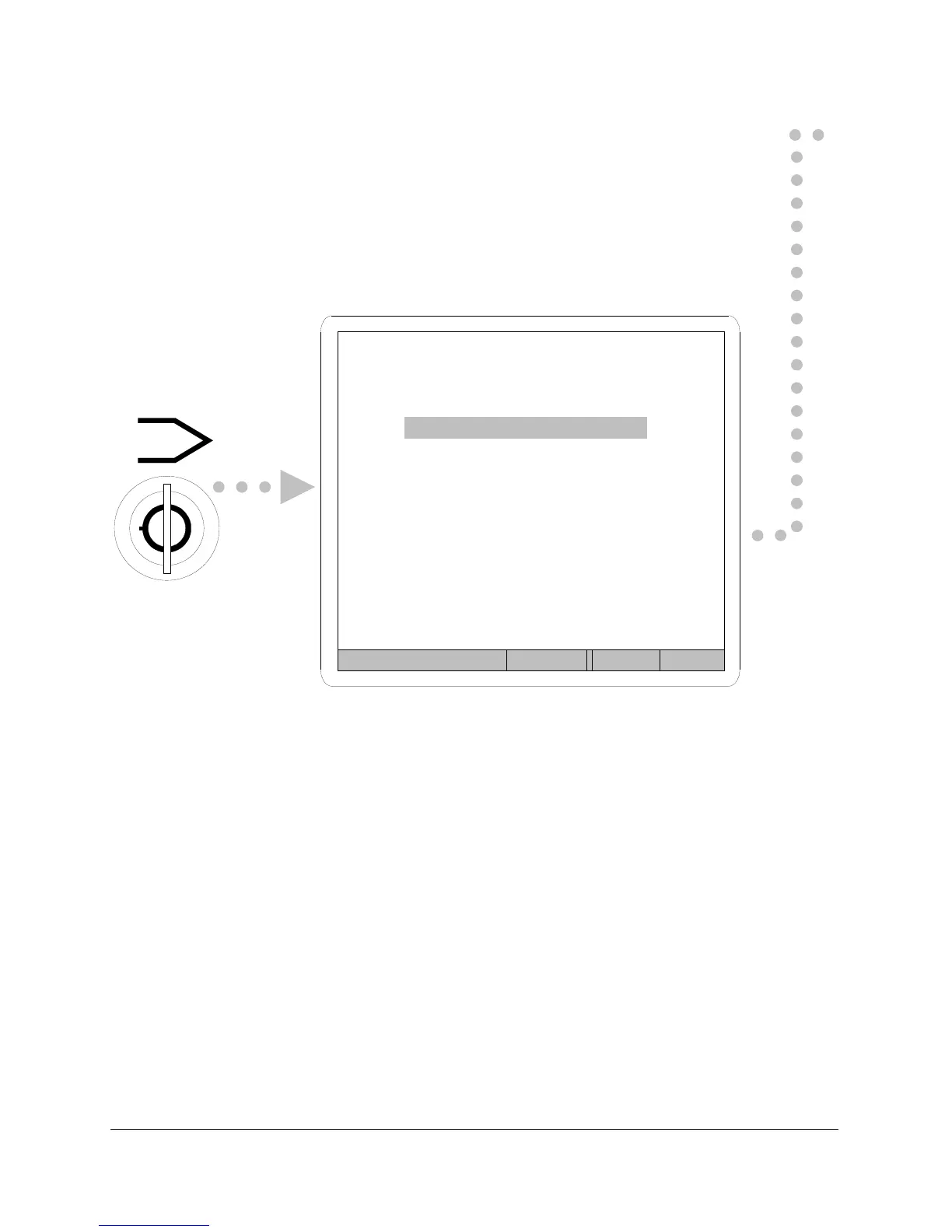
Figure 14
Turn the
LOCKOUT
The setup menu is the first menu shown.
keyswitch to program The default function is Test Parameters
position.
and that is why that option is highlighted.
From here, pressing NEXT advances to any
of three other setup functions. Return to
this setup menu at any time by pressing the
ENTER/BACK keypad.
Enter Prev Next Help
SPRINT LC SET-UP
Test Parameters
Units
Calibration
Serial Port



 To Next Page