Page 33
Keypads
What each keypad does depends on whether Sprint LC is run or program
mode. This chart lists all keypad functions. The function bar at the bottom
of the display shows what action the keypads have when pressed.
Key-Press Tone Volume
Increase or decrease key-press tone by adjusting the
volume control on the back of the Sprint LC.
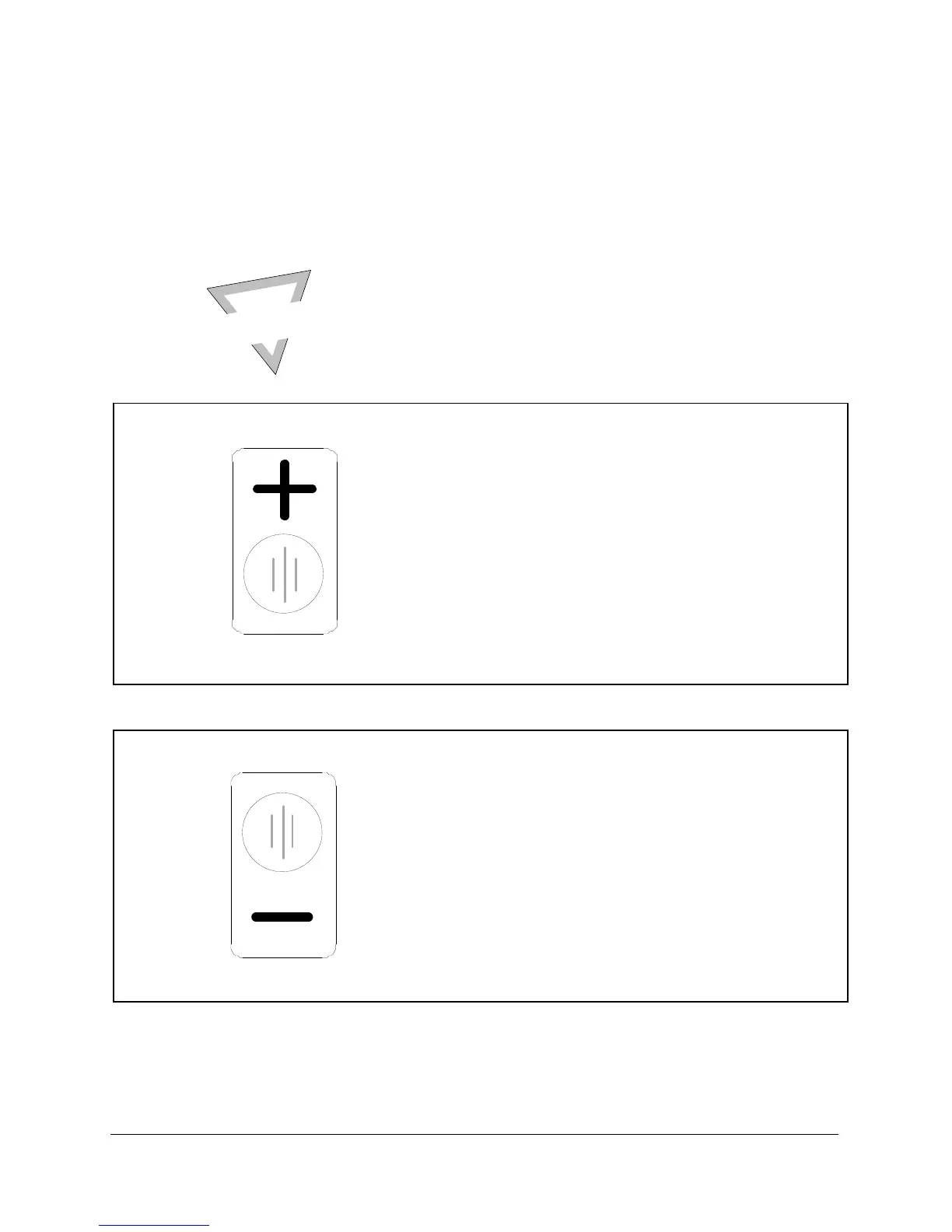
INCREMENT
In run—
Re-tests a failed product. You cannot re-
test a passed product.
In program—
Increases a value, program number, or
changes a program type. Also opens the
HELP screen in the main Setup menu and
opens “GoTo” windows in select menus.
DECREMENT
In run—
No action in run mode.
In program—
Decreases a value, decrements a program
number, or changes a program type.
U
SE
R
T
I
P



 To Next Page