Page 32
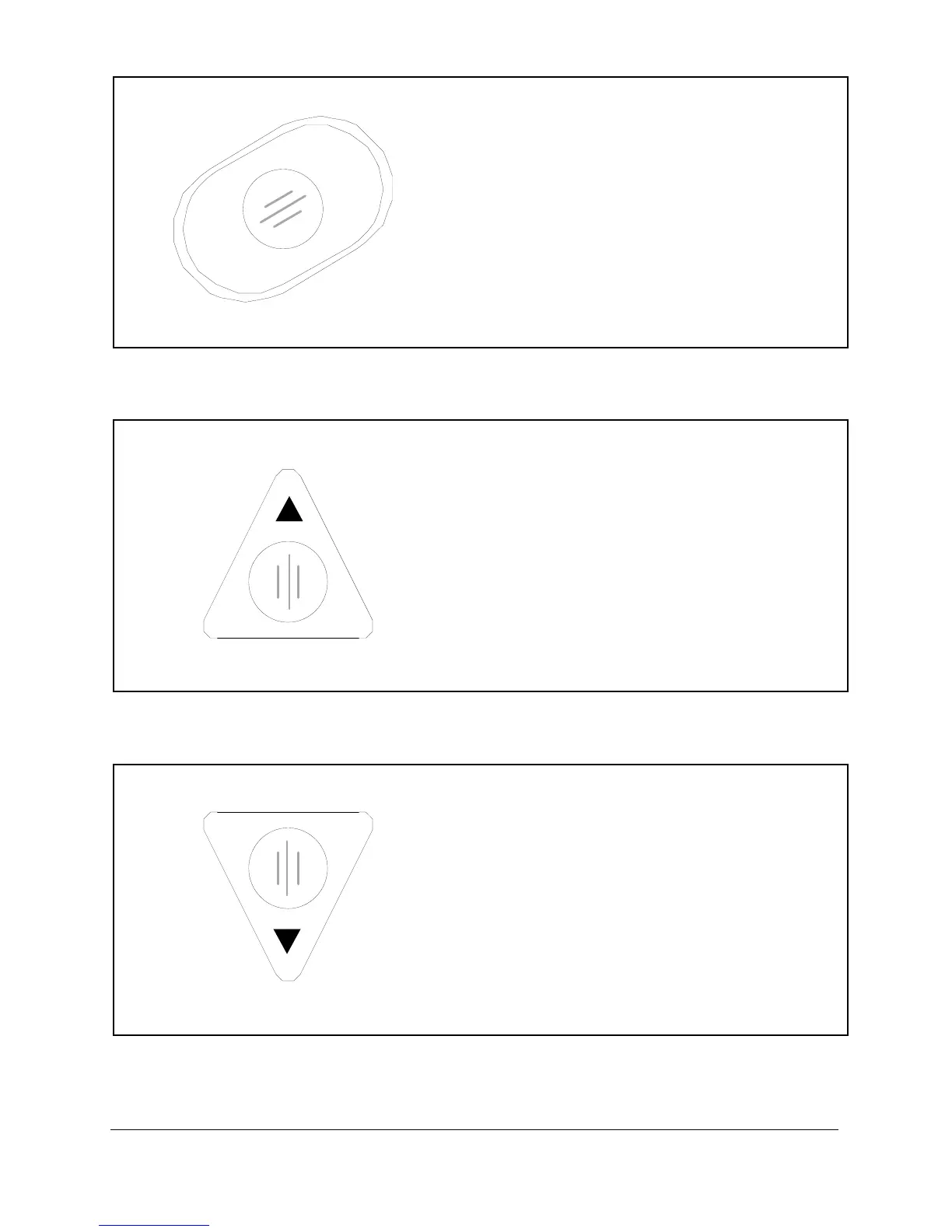
ENTER / BACK
In run—
Enters the run mode function display.
In program—
Press to accept a selection or go back. It
also acts to accelerate the increment and
decrement functions. The function bar at
the bottom of the display indicates what
action the keypads have when pressed.
PREVIOUS
In run—
Changes the current program and makes
the selection the current test when held
for 3 seconds.
In program—
Moves the highlight bar up. Selects the
previous item on a menu.
NEXT
In run—
Changes the current program and makes
the selection the current test when held
for 3 seconds.
In program—
Moves the highlight bar down. Selects the
next item on a menu.



 To Next Page