Page 41
Parameters Menu (Continued)
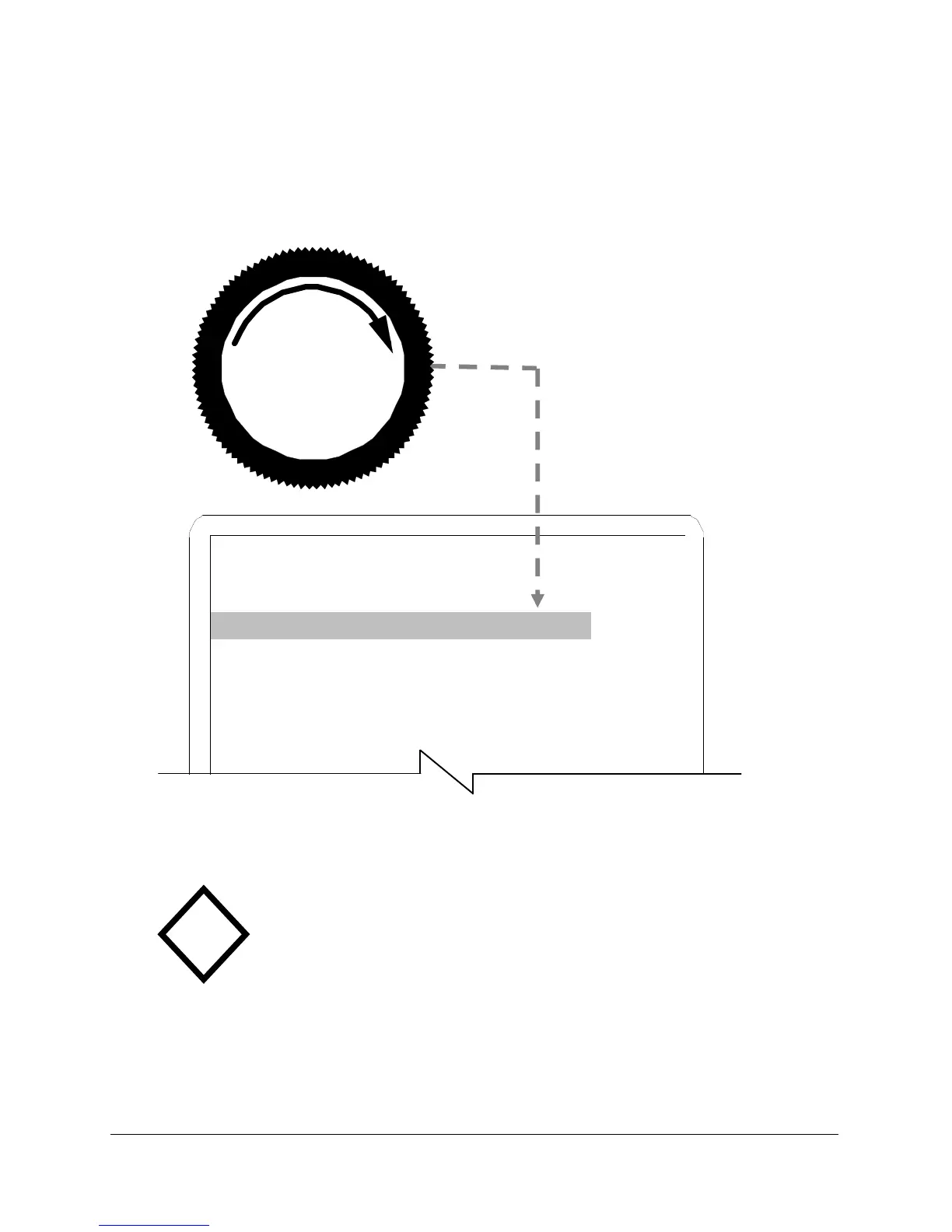
Adjust the regulator to set
test pressure for each test
program to use.
Figure 16
Cap the Test Port
The test port is usually capped when setting
test pressure. If the test port is not capped,
pressure drops because test pressure flows to
atmosphere. A test pressure set without
blocking the test port may result in high
Pressure Error (P ERR) when testing product.
!
PROGRAM 1
Test Type PD CAP
Test Press. 14.999 psig PORT
Press. Error .5 psig THEN
Coupling GoTo PUSH
Test Params GoTo INC.
Next Program 0 TO
ADJ.



 To Next Page