Page 83
PD .0 PASS
Mode Test Time Status
PROGRAM 1
Test Press. Tested Reject
9.993 psig 0 0
psig
Test Result Messages
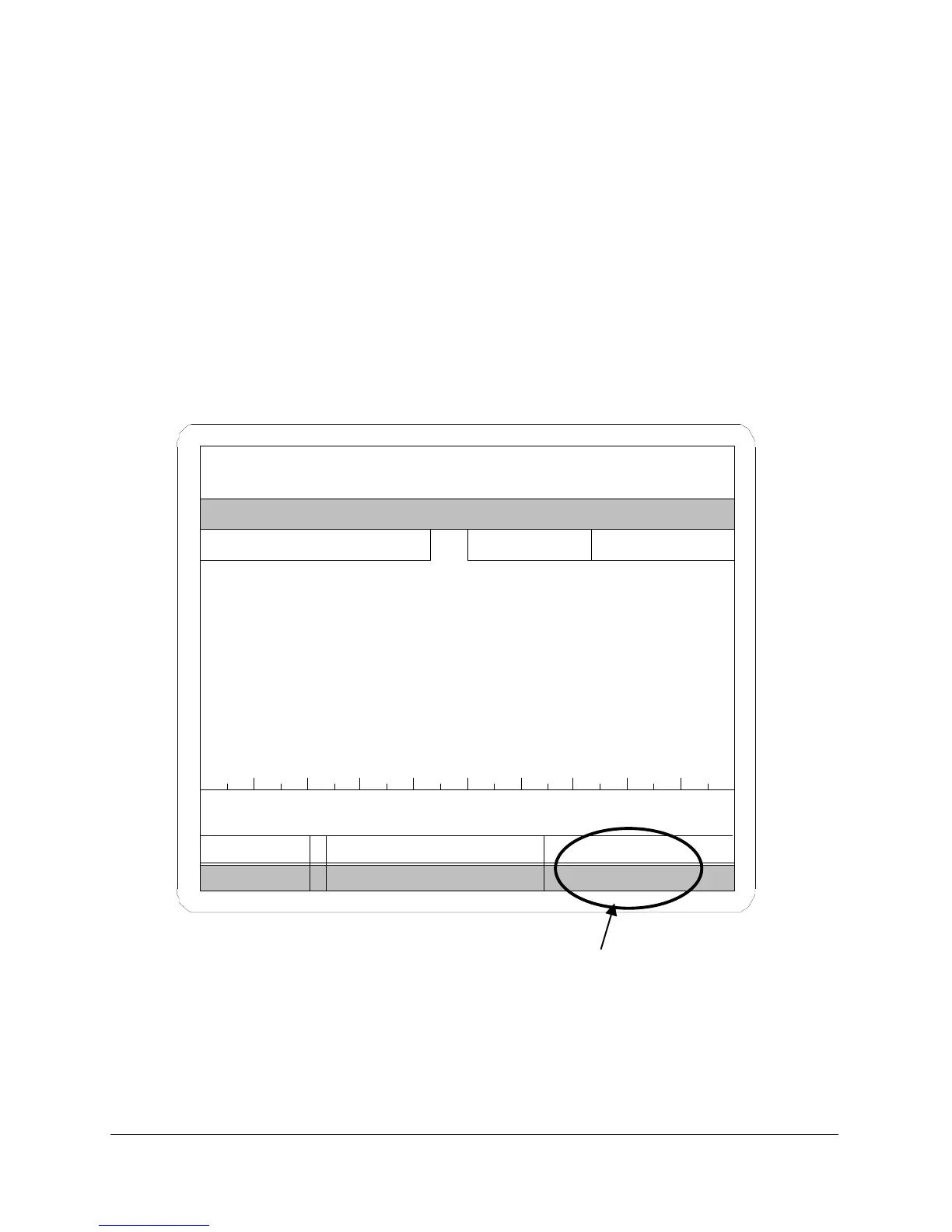
Test Error Messages give the status of a test. The following is an example
of a single-channel tester run display at the end of a pressure decay test. A
partial list of error messages appears on the following page. These error
messages apply to all Sprint LC testers.
Test result messages appear in the status box on the run display. These test
result messages are the same as those in the Result column of the serial
string output.
FIGURE 35
.003
Status or Test
Result message



 To Next Page