Personal TitleMaker User Guide
92
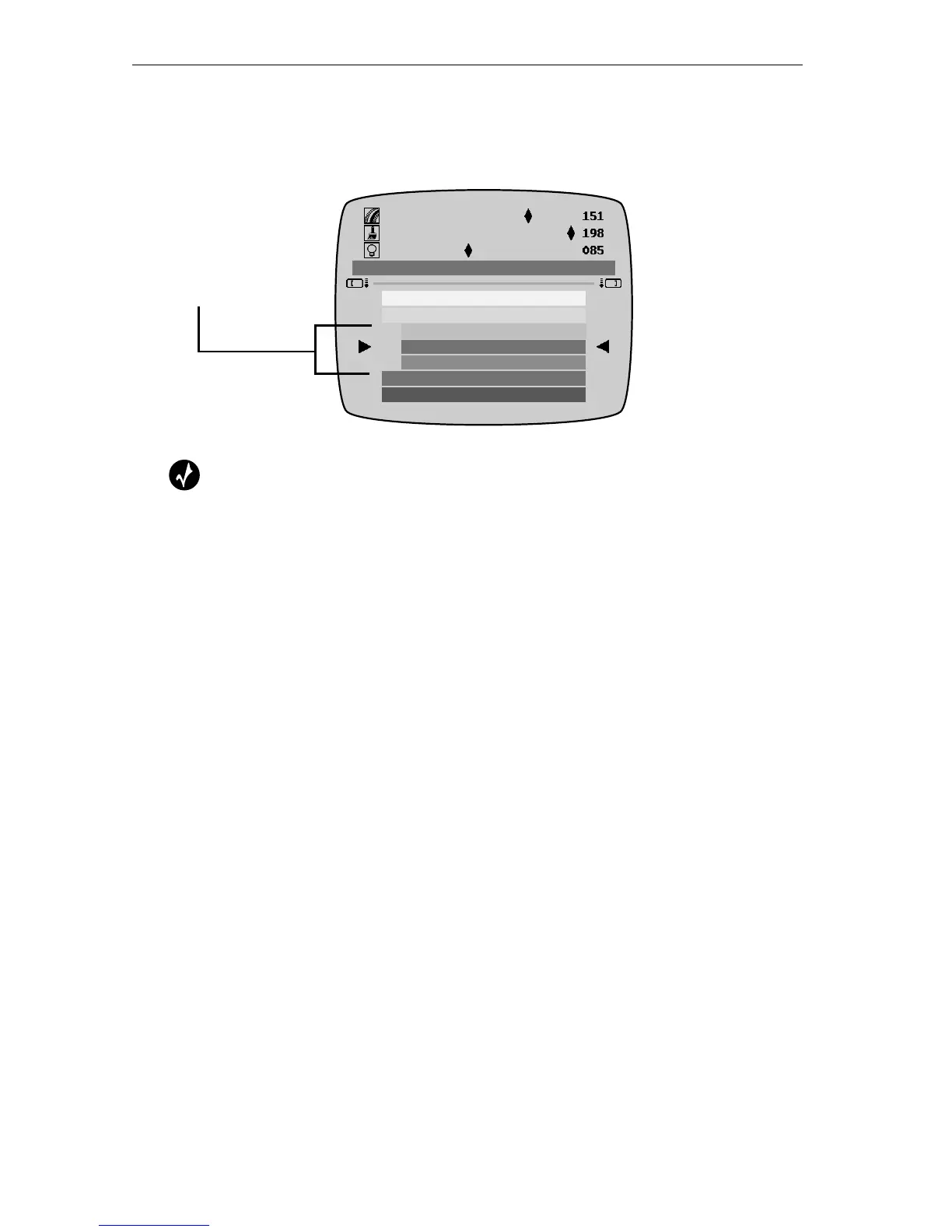
When you create custom colors, they subsequently appear in the Avail-
able Colors sub-menu. You can easily identify custom colors because
they have a short color bar.
Tip
To quickly locate custom colors in the menu, press CMD+DOWN
ARROW to highlight the first custom color. Press CMD+UP ARROW to
highlight the first standard color.
The Color menu can hold up to 64 custom colors. If you add a 65th
color, it replaces the custom color that is closest to it. Replacing the
custom color does not, however, affect any titles that use that color.
That is, the titles continue to use the custom color, but it is no longer
displayed in the menu. You cannot manually remove a custom color
without resetting the Personal TitleMaker unit. Colors get removed only
after defining the 64th custom color.
Short color bars
identify custom
colors.



 To Next Page