Chapter 8 Working with Menus
93
THE PATTERN MENUS
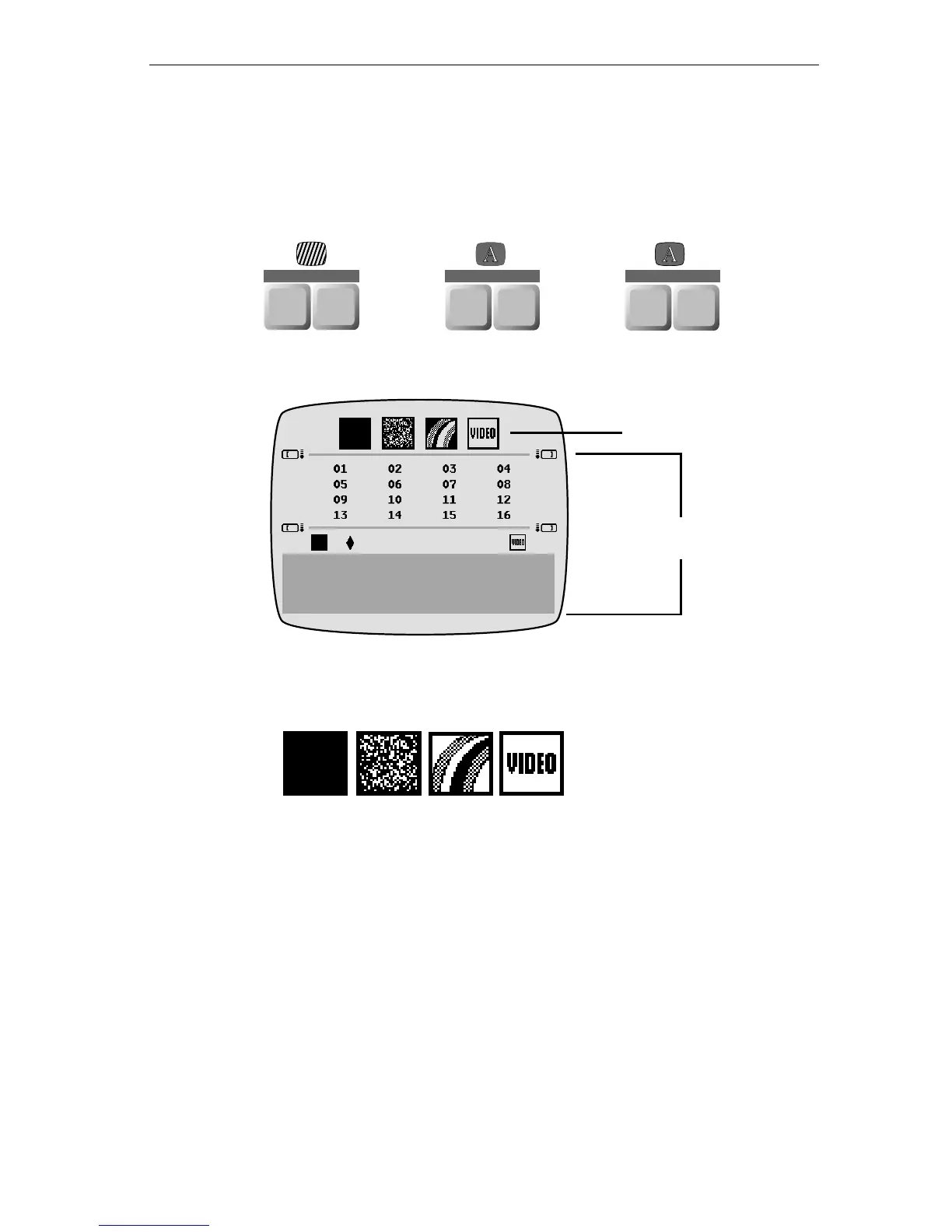
A Pattern menu is available for backgrounds, letters, and outlines. A
PATTERN key appears below each of these menu items at the top of the
keyboard.
Press any
PATTERN key and the Pattern menu appears.
At the top of the Pattern menu is the Pattern Type sub-menu. The four
options shown here represent the following:
The Pattern Options area of the Patterns menu changes depending on
which of the Pattern Types you choose.
Solid Pattern Option
The Solid option displays a solid color background using whatever
color you pick in the Color menu. With this option you can mix a video
signal with the background. See “Mixing Video with a Background Pat-
tern” later in this chapter.
COLOR PATTERN
BACKGROUND
LETTER
COLOR PATTERN
OUTLINE
COLOR PATTERN
Pattern Type
Pattern Options
Solid Pixel Rainbow Video



 To Next Page