Chapter 7 Working with Titles and Lines
81
Typing Special and Accented Characters
Personal TitleMaker contains many special characters, such as ® and
★, and many accented characters for use with other languages. Most
keys show the characters that result from typing the key in combina-
tion with a modifier key, such as the
ACCENT key. For example, type
ACCENT+E to enter the Yen symbol (¥).
See Table 3, Examples of Special Characters, on page 23 for specific
examples.
EDITING EXISTING TITLES
Before editing (or, changing) the text in existing titles, you need to
know how to correctly position the cursor on the Editing Screen. If you
haven’t already read “Navigating the Editing Screen” beginning on
page 29, please do so before continuing.
Making Simple Text Changes
A “simple” text change is one where you change some or all text char-
acters in a title. For example, suppose when typing the name Mozart
you enter one too many a’s.
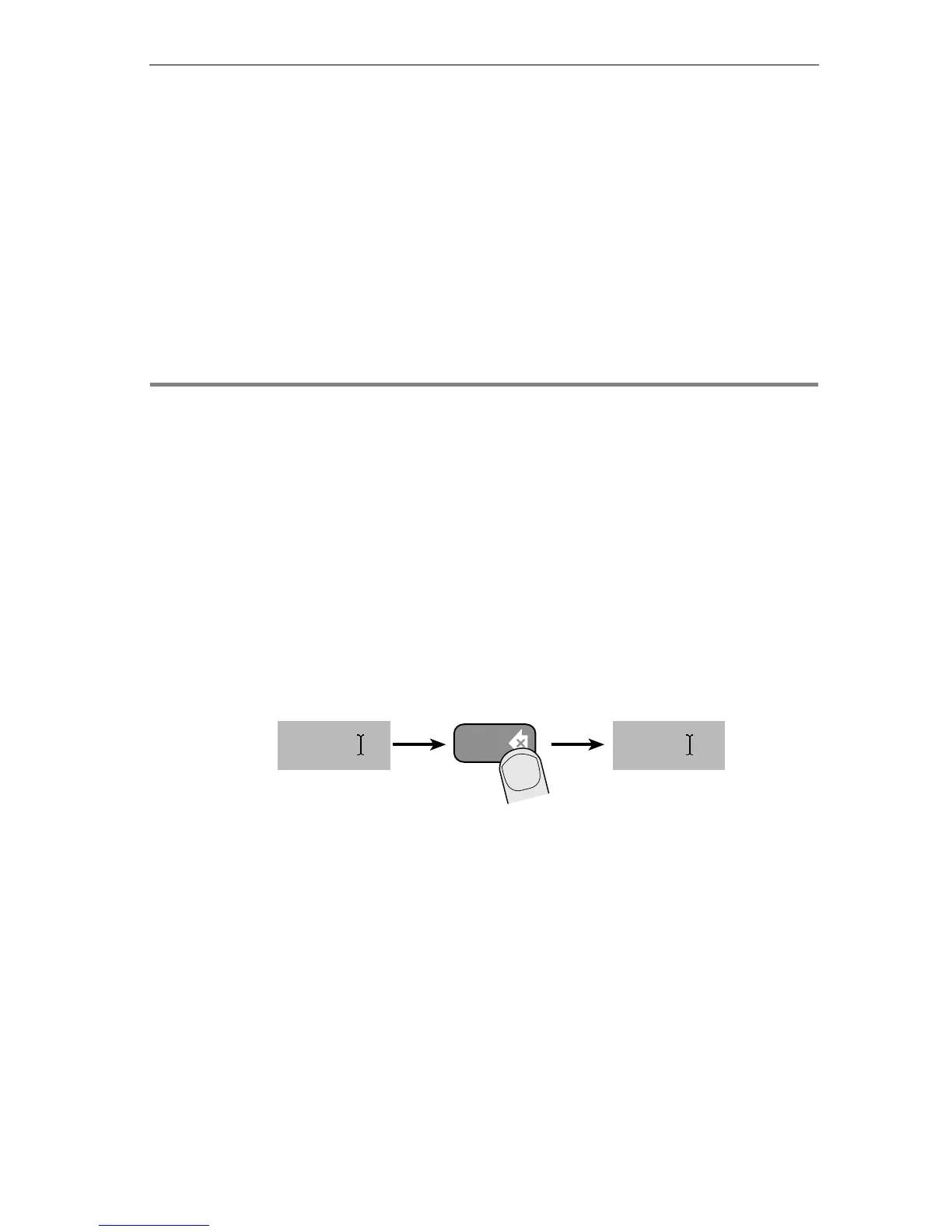
To delete the extra letter:
1 While working on the Editing Screen, position the cursor
immediately after the letter you want to delete.
2 Press
DELETE.
Every time you press
DELETE, Personal TitleMaker deletes the character
that immediately precedes the cursor. If you subsequently press other
keys, the new letters appear at the current cursor location.
delete
Moza rtMozaa rt



 To Next Page