CHAPTER 8
Working with Menus
Menus provide quick and easy access to many of Personal
TitleMaker’s most frequently used features. This chapter
explains how to access the various menus and how to
work with them.
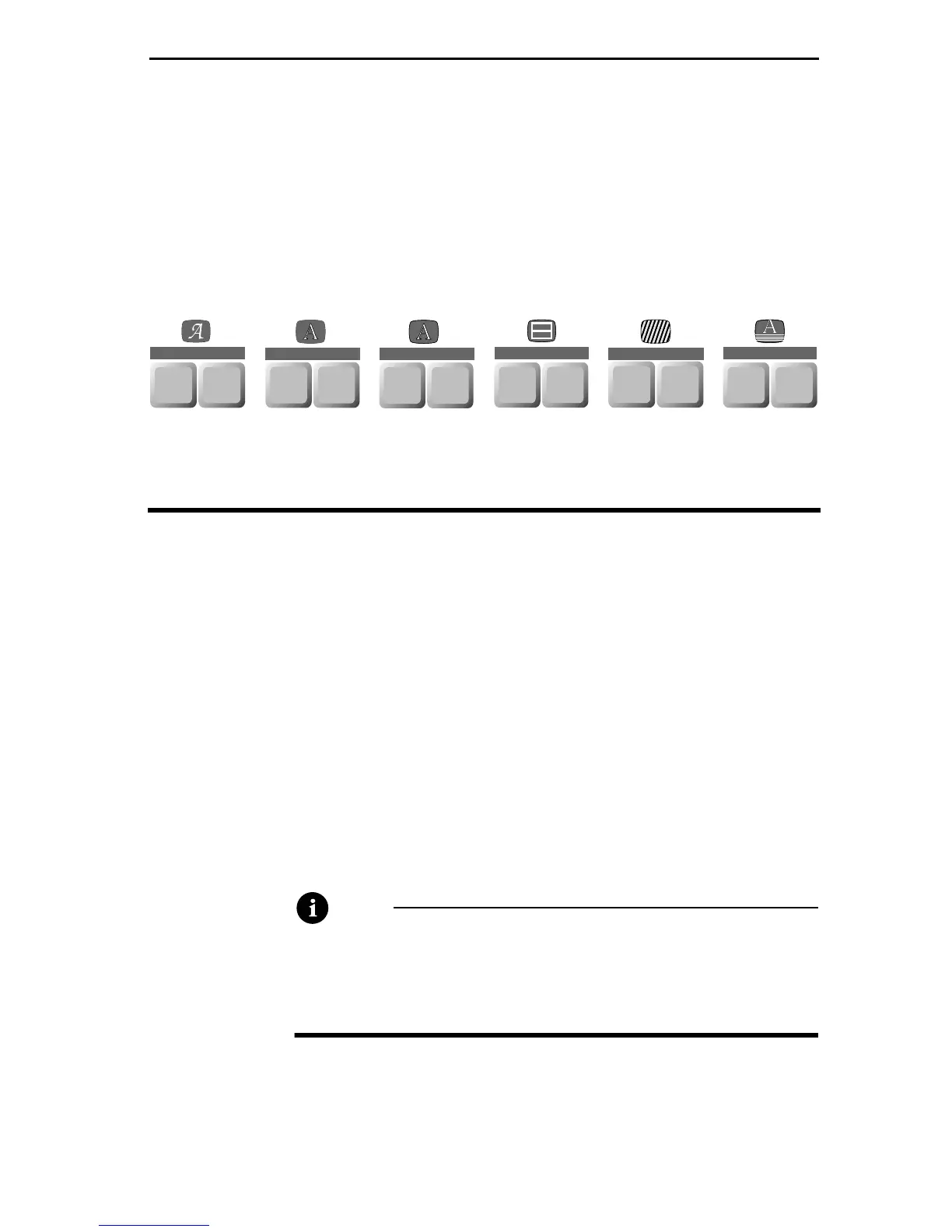
The menu keys appear along the top of the Personal Title-
Maker keyboard. Each menu has two keys associated with
it. For example, the FONT & SIZE and STYLE keys appear
beneath the Font menu; the
COLOR key appears beneath
the Letter, Outline, Border, and Background menus; the
PATTERN key appears beneath the Letter, Outline, and
Background menus.
Note
Pressing the COLOR or PATTERN keys always displays
the same basic menus. This chapter describes these
menus in detail. Additional information can be
found in later chapters.
FONT
FONT &
SIZE
STYLE
LETTER
COLOR PATTERN
OUTLINE
COLOR PATTERN
BORDERS
COLOR STYLE
COLOR PATTERN
BACKGROUND
EFFECTS
IN
OUT



 To Next Page