Personal TitleMaker User Guide
94
Pixel Pattern Option
The Pixel option creates a pattern using dots and lines of various styles.
When you select this option you can also specify the pattern you want
to use from numerous types. See “Selecting Rainbow and Pixel Pat-
terns” later in this chapter for more information.
Pixel patterns consist of two colors — the Color menu determines one
of the colors, the other color depends on your selection in the associ-
ated sub-menu.
Rainbow Pattern Option
The Rainbow option uses brightly colored gradients. The Color menu
has no effect on the rainbow colors. You can specify which gradient
you want to use. See “Selecting Rainbow and Pixel Patterns” later in
this chapter for more information.
Video Option
The Video option allows the page titles to play directly on top of an
incoming video signal — such as the tape in your input device. If used
as letter pattern, use a solid background color to prevent video from
showing through letters.
Mixing Video with a Background Pattern
You can blend an incoming video signal with page titles to create a
transparent effect. The title(s) appear directly on top of the video on
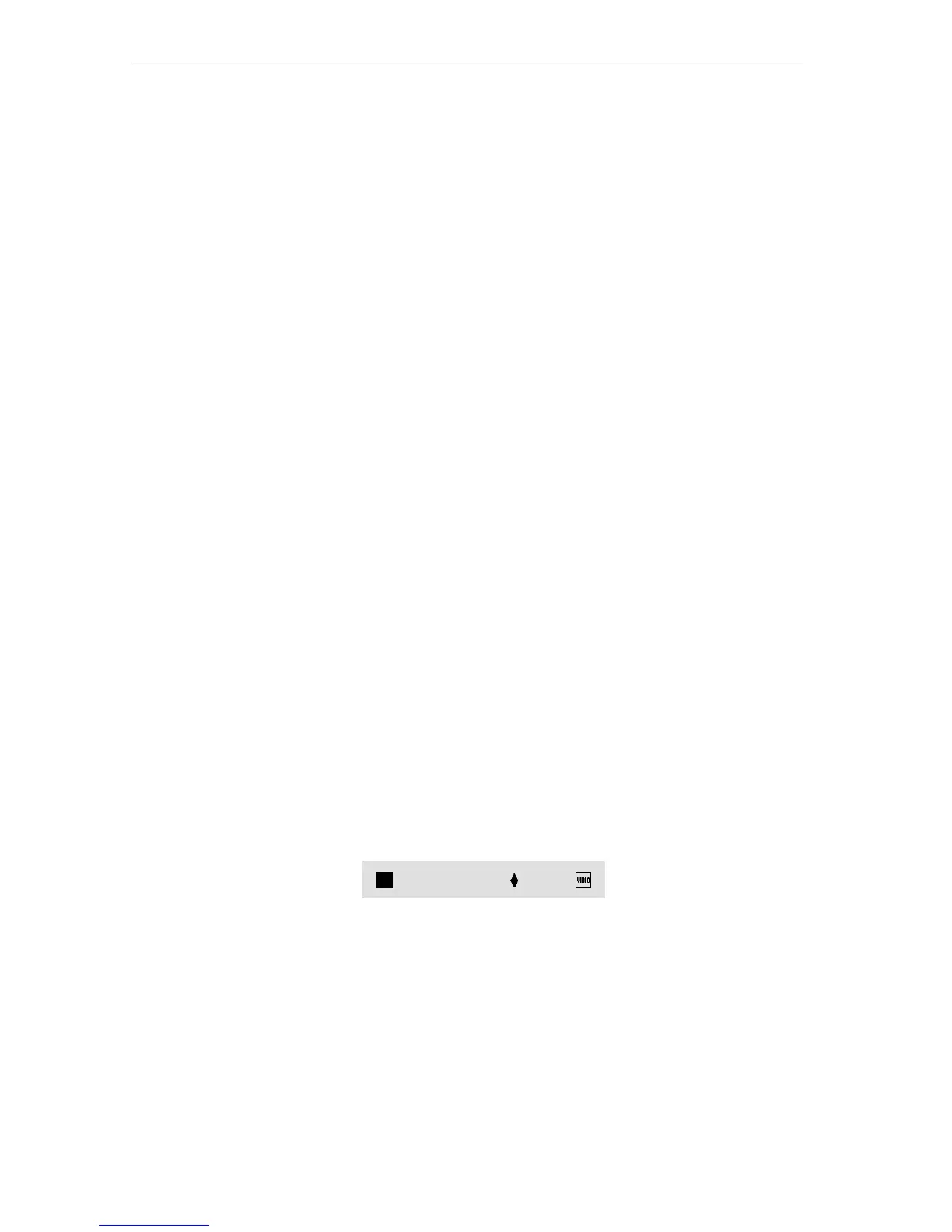
the screen. To use this effect, adjust the Video Slider in the Pattern sub-
menu.
The position of the diamond marker (♦) determines how video and
patterns mix in the background. Use the
LEFT and RIGHT ARROW keys
to move the marker.
When the marker is at the far left, the pattern is opaque (video does
not show through). As you move the marker toward the right, more and
more of the video shows through until, when you reach the far right
end, the background becomes completely transparent and the video
shows through completely.
Video Slider



 To Next Page