Personal TitleMaker User Guide
12
Input Devices
The input device provides the video signal to which
you add titles. Use any device that can play a video
tape, such as a camcorder or VCR. The input device
does not need to have recording capabilities.
Output Devices
The output device displays and, optionally, records
the video program to which you add titles. To perma-
nently record titles with the video, the output device
must be able to record. You might use a VCR or camcorder for this pur-
pose.
You can use a video monitor (that is, a television set) as the output
device. In this case, you can display the titles with the input video on
the monitor, but you cannot record the program.
A useful configuration is to attach a video monitor to
the output device. This allows you to view the titles
and video as they are recorded. The video monitor is
optional, but recommended.
Personal TitleMaker Connectors
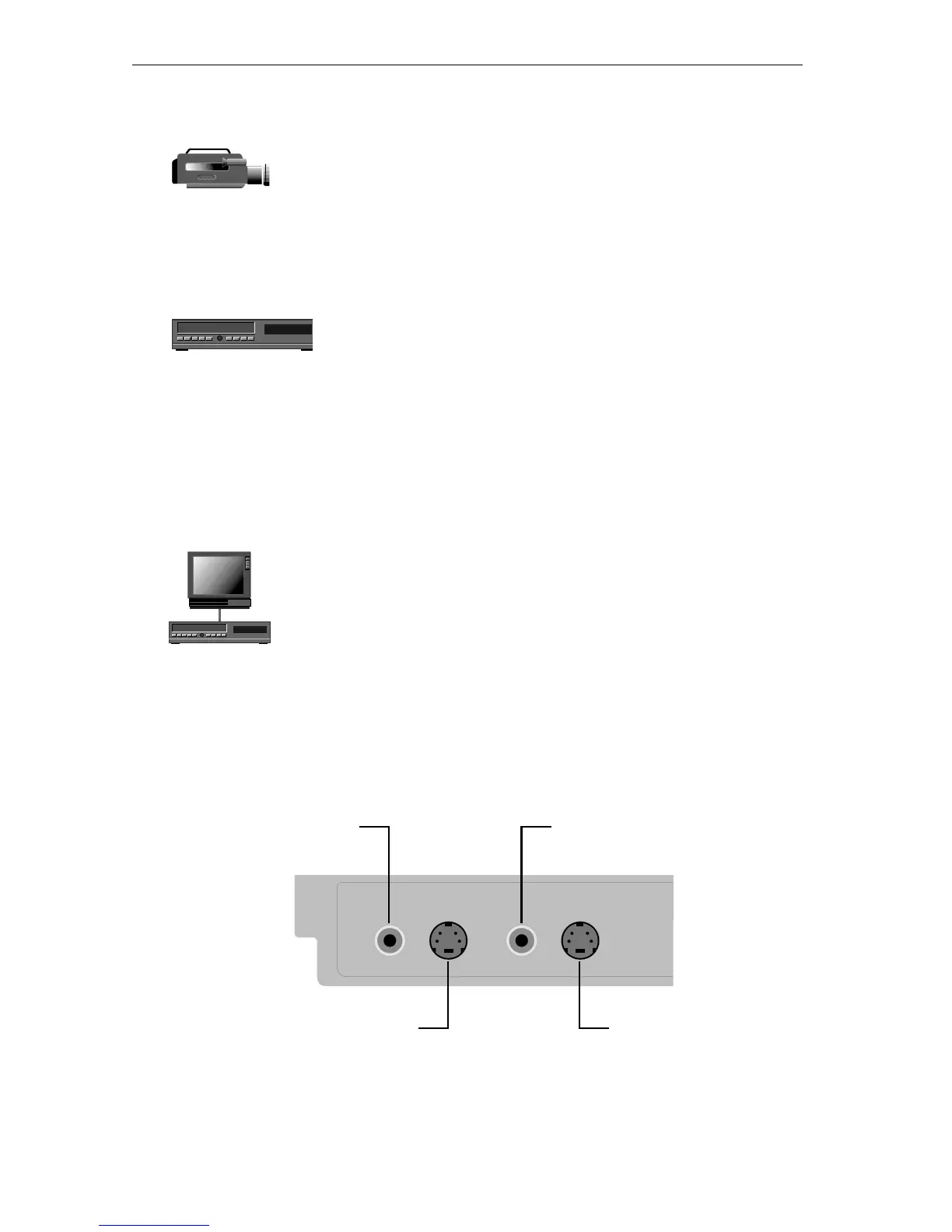
Examine the rear of the Personal TitleMaker and locate the four jacks
shown here.
Also locate the power jack located at the opposite end of the rear
panel.
00:00
00:00
Composite IN
S–Video IN
Composite OUT
S–Video OUT



 To Next Page