Chapter 7 Working with Titles and Lines
79
If you type a long line of text that extends beyond the edge of the
screen, you might not be able to see some of the characters. The char-
acters, however, still exist. Move the cursor past the edge of the screen
and the invisible text scrolls into view.
If you play a page that has text past the edge of the screen, the extra
text will not be displayed. You can remedy this in several different
ways:
• Break the long line into two or more individual lines.
• Use a smaller font and/or size.
• Use a crawl effect to move the line across the screen.
All of these procedures are covered elsewhere in this guide. See the
Index for page references.
Note
When you type, characters appear, by default, in English. You
can type characters in any of the international character sets pro-
vided by Personal TitleMaker. See Appendix B, International
Character Sets, for details.
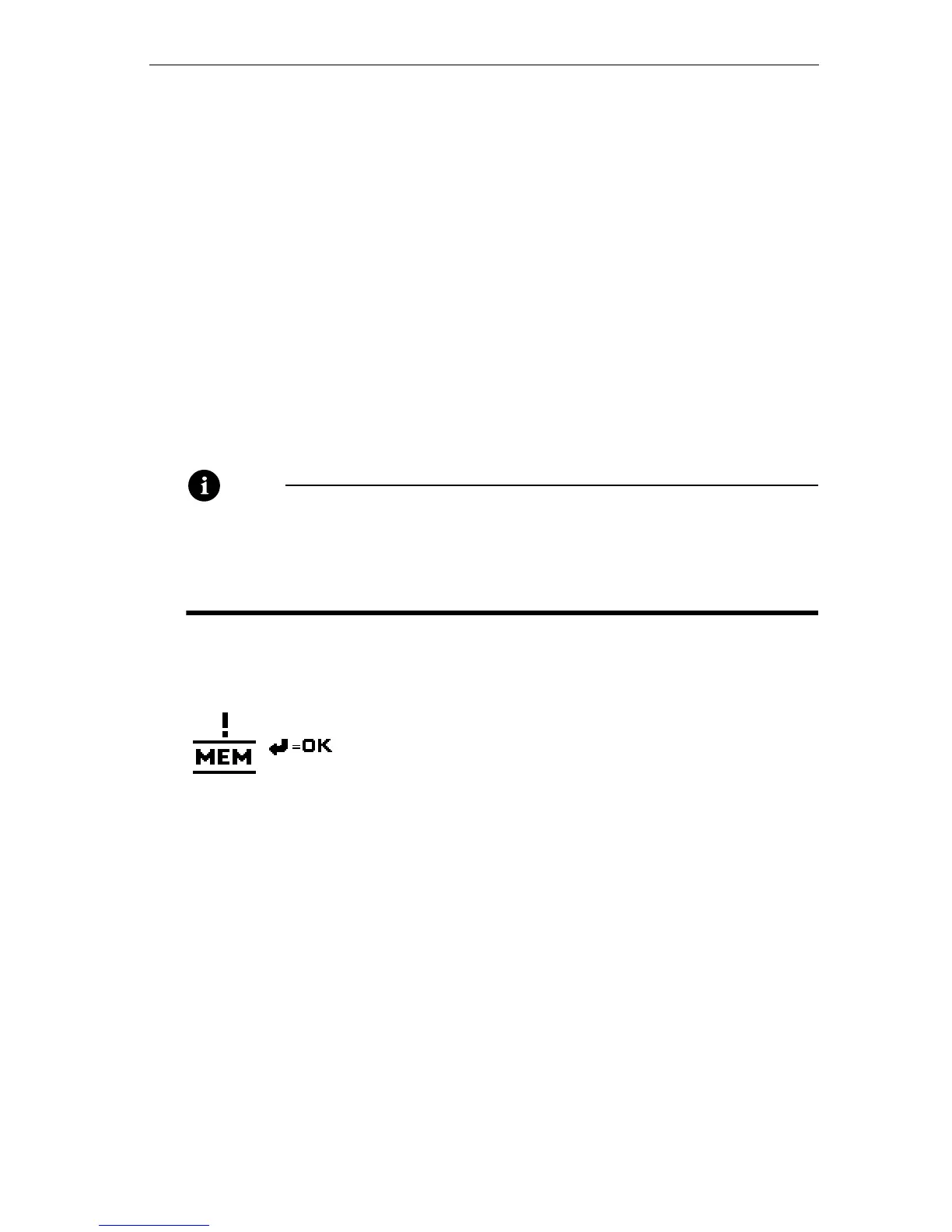
Memory Warning
If this warning symbol appears while typing, it
means that Personal TitleMaker’s memory is full,
or that the current title cannot accept any more
characters. To add more characters to any title,
you must first erase some of the existing titles or pages. You can check
the amount of memory available at any time by entering
CMD+M. Press
NEW LINE OK to remove the memory display.



 To Next Page