Chapter 11 Working with Backgrounds
113
BACKGROUND PATTERN TYPES
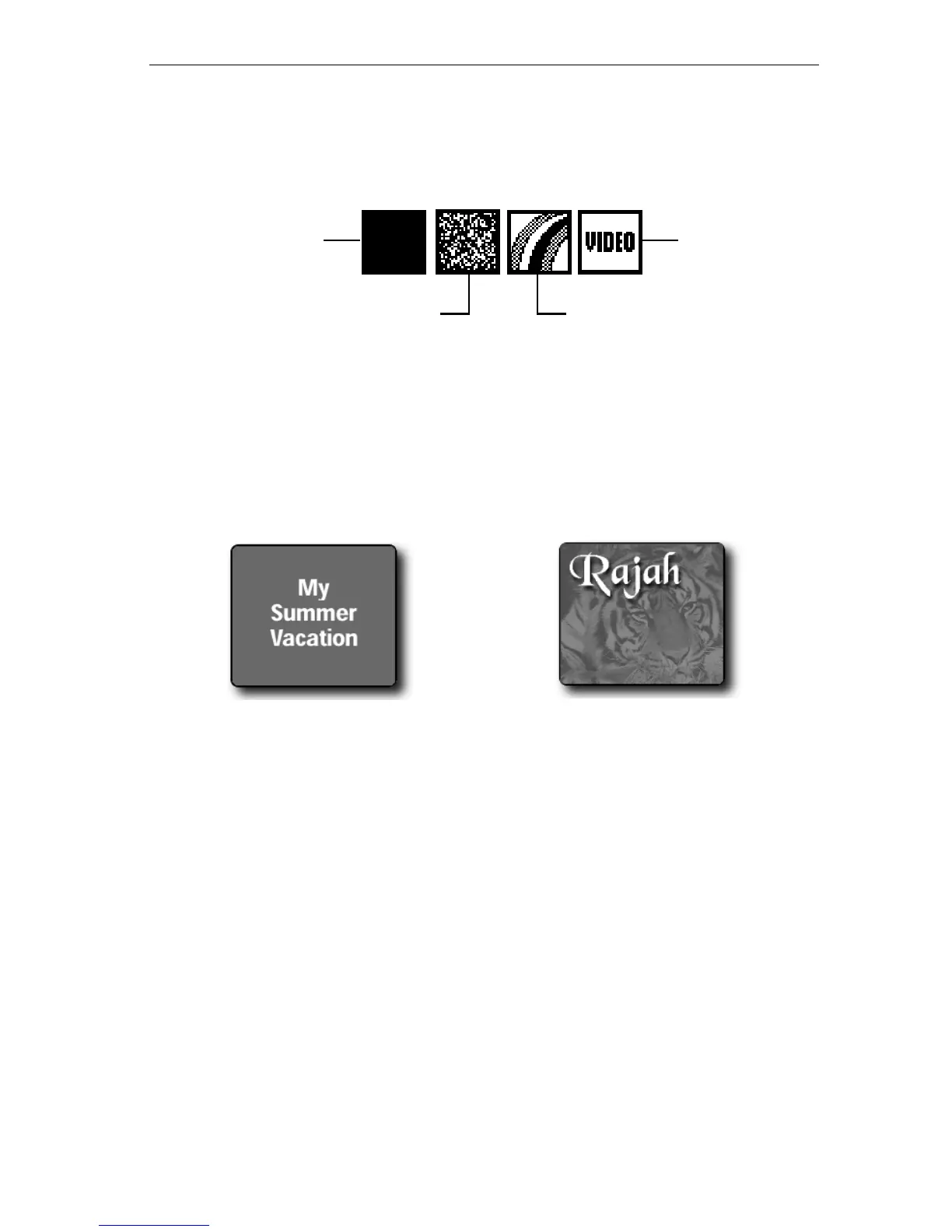
The top sub-menu in the Pattern menu shows icons for the types of pat-
terns you can select.
Solid Patterns
When you select the Solid Pattern option, Personal TitleMaker applies
whatever color you select in the Background/Color menu. You can
make the pattern completely opaque, completely transparent, or any-
where between the two (that is, semi-transparent patterns).
Solid
Pattern
Pixel
Pattern
Rainbow
Pattern
Video
Background
When you specify an opaque
pattern, the page background
appears as a solid color.
When you specify a semi-transparent
pattern, the incoming video signal
appears behind the title, tinted with
the selected color. If you make the
background pattern completely
transparent, the incoming video signal
appears behind the title. This is the
same as selecting the Video
Background described later in this
section.



 To Next Page