Personal TitleMaker User Guide
24
UNDERSTANDING COMPONENTS
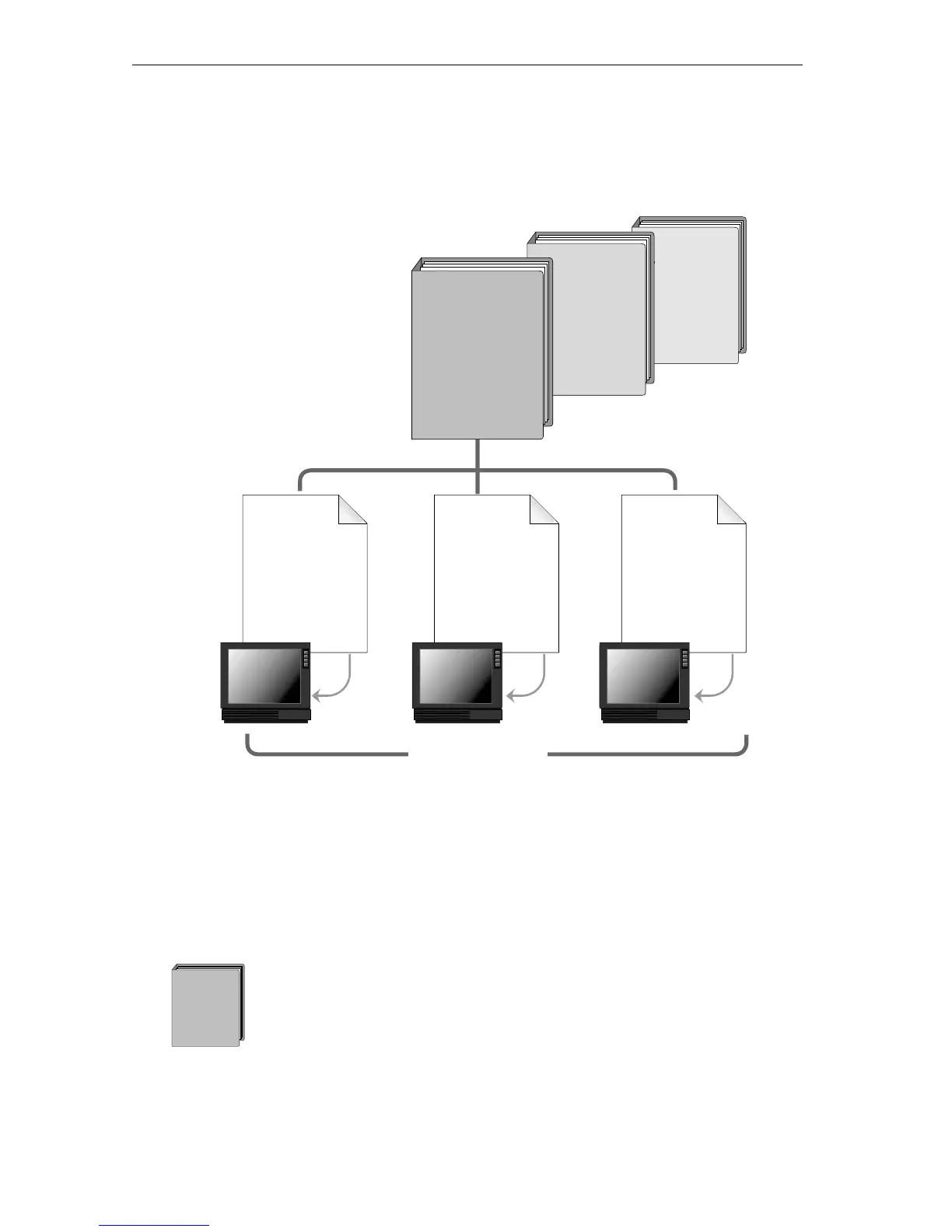
To easily manage Personal TitleMaker work, organize it into different
components — projects, pages, titles, and lines.
Projects
You can store several different projects on Personal TitleMaker at the
same time.
A project represents one logical component of work. For
example, you might create titles over the video of your fam-
ily reunion. Personal TitleMaker lets you name each project,
so you might name this one “Family Reunion 1997.”
Personal
TitleMaker
Project
Personal
TitleMaker
Project
Personal
TitleMaker
Project
Project Pages
Title 1
Line 1
Line 2
Title 1
Line 1
Line 2
Title 1
Line 1
Title 2
Line 1
Title n
Line 1
Title 1
Line 1
Title 2
Line 1
Title 1
Line 1
Line 2
Title 2
Line 1
Line 2
Line 3
Title 1
Line 1
Line 2
Title 2
Line 1
Personal
TitleMaker
Project



 To Next Page