Chapter 7 Working with Titles and Lines
85
Attributes of Moved and Copied Text
When you want to preserve all attributes (font, color, style, and so
forth) of a text block you are moving or copying, set the start marker at
the end of the line preceding the one you want to move or copy.
When you want the text block you are moving or copying to inherit the
attributes of the line immediately preceding it, set the start marker at
the beginning of the line you are moving or copying.
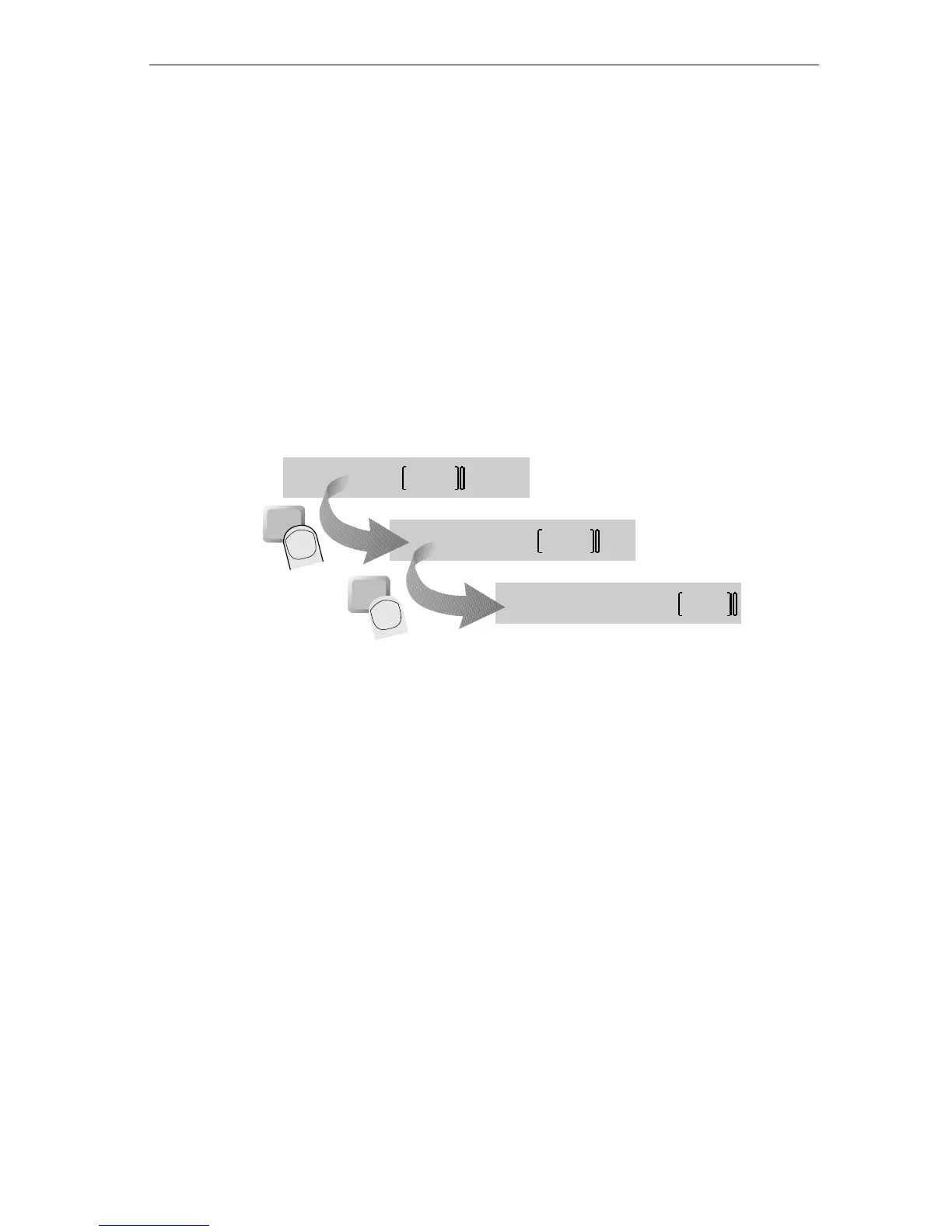
Making Multiple Copies
Once you complete a copy operation, the duplicate text remains
marked. Therefore, if you continue pressing
COPY, you can create multi-
ple copies of the marked text at the same destination.
First, the text “& Lee” is marked. The cursor is positioned at the end of
the line. Next,
COPY is pressed, thus producing a copy of the text at the
cursor position. Finally,
COPY is pressed again, producing another copy
of the text at the end of the line.
copy
Mary & Lee & Lee & Lee
Mary & Lee & Lee
Mary & Lee
copy



 To Next Page