Personal TitleMaker User Guide
62
Personal TitleMaker pages can be short and simple,
or long and complex, depending on your needs.
The only restriction is that the total number of char-
acters in all pages (for all projects) cannot exceed
the maximum character limit of 4,000+ characters or 40 lines per page.
If you exceed the limit, Personal TitleMaker displays a memory warning
message and refuses to accept any more characters. You must delete
some existing projects, pages, titles, and/or lines in order to continue.
To check how much memory is available, enter
CMD+M. Press NEW LINE
OK to clear the memory screen.
You can apply special effects (transitions) to pages and also specify the
amount of time (duration) that a page remains on the screen.
IDENTIFYING PAGES
When you display either the Page Index or Editing Screen, you see
information about each page. The information varies slightly depend-
ing on which screen you display.
Page Index Screen
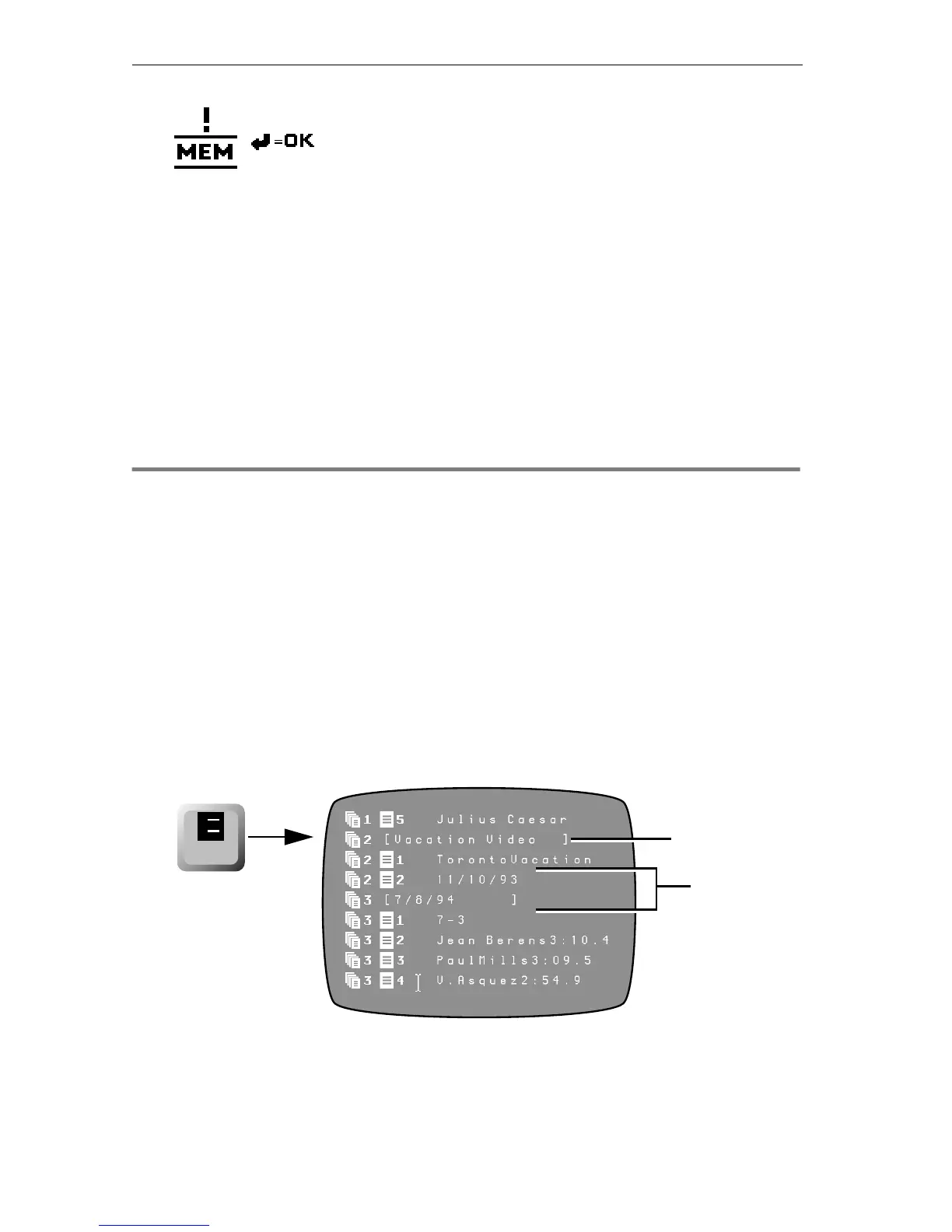
The Page Index Screen contains a list of all projects along with separate
entries for each page within the project. To display the Page Index
Screen, press
PAGE INDEX.
Project Item
Page Items
within Projec
page
index
1
2



 To Next Page