Personal TitleMaker User Guide
84
Deleting Marked Text
To delete marked text:
1 Mark the text as described above.
2 If necessary, position the fat cursor immediately after the
end marker. The cursor must be in this position.
3 Press
DELETE.
If after deleting the text you change your mind, immediately press
UNDO. You must do this immediately after pressing DELETE, other-
wise you cannot recover the deleted text.
Replacing Marked Text
To replace marked text:
1 Mark the text as described above, and press
DELETE.
2 Type the new text.
Moving and Copying Marked Text
To move or copy marked text:
1 Make sure the text is properly marked, as explained in the
preceding sections.
2 Move the cursor to the location to which you want to move
or copy the marked text.
3 To move the marked text, press
MOVE. The marked text dis-
appears from its original location and reappears at the new
location.
To copy the marked text, press COPY. The marked text
remains at its original location and a duplicate appears at
the new location.
Note
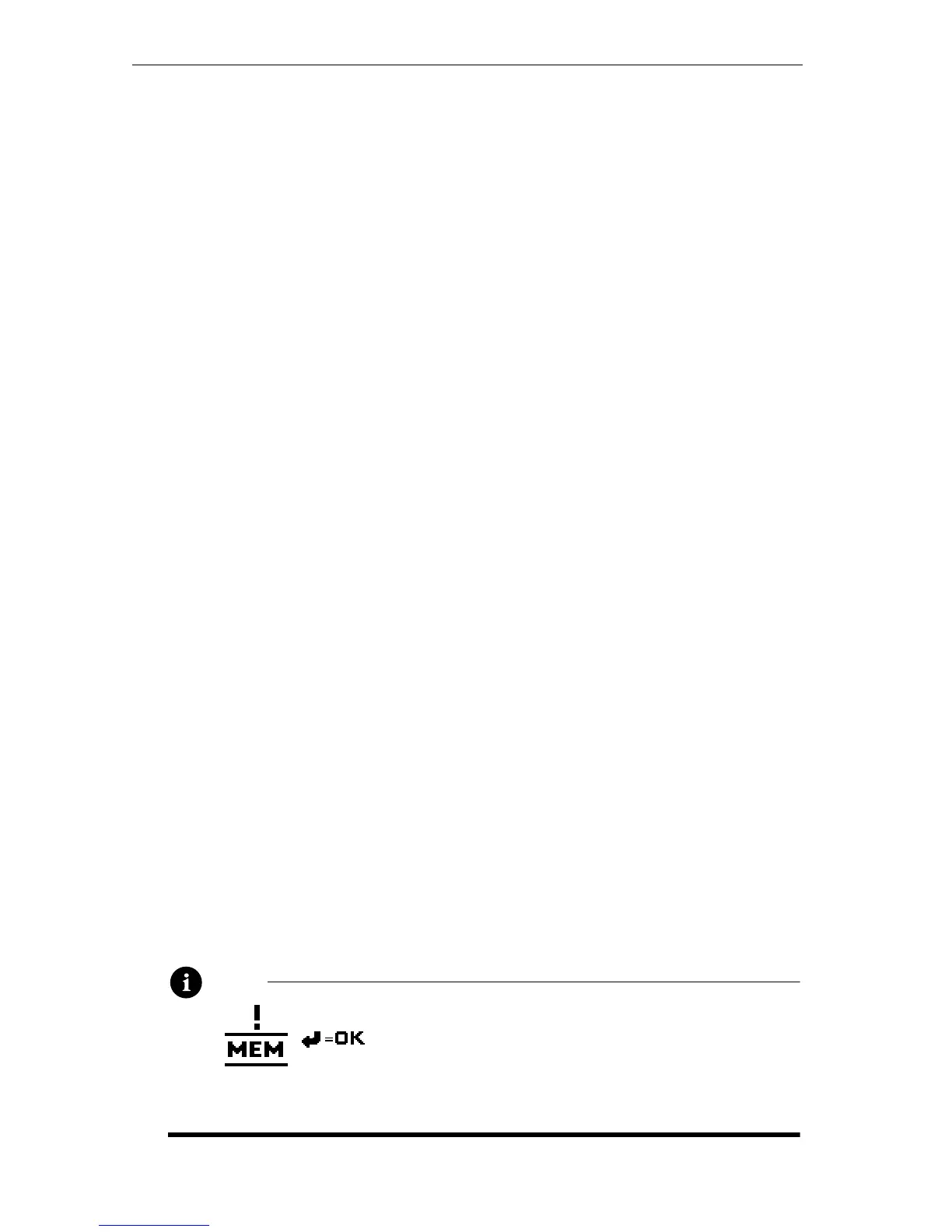
When copying text from one location to
another, you might run out of memory. If this
occurs, this message appears. You need to
remove some text before you can complete
the copy.



 To Next Page