Personal TitleMaker User Guide
128
RUNNING A LOCKED DEMO
There might be times when you want to start the demo running and
have it run unattended. To prevent anyone from stopping the demo,
you can run it in locked mode.
To run the demo in locked mode:
1 If Personal TitleMaker isn’t already turned on, press the
POWER DEMO key to start the unit.
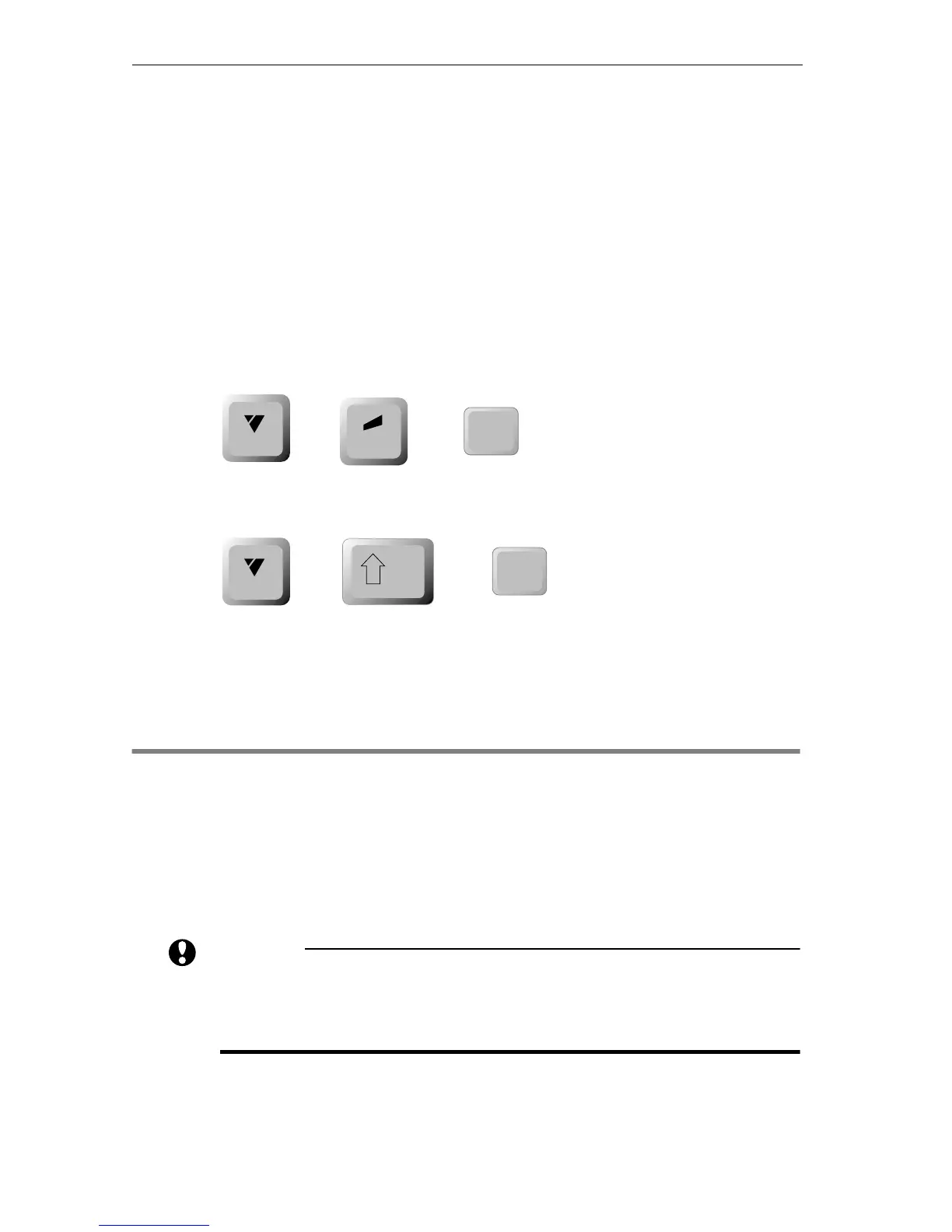
2 To run the locked demo in English mode, enter
CMD+ACCENT+POWER DEMO.
3 To run the locked demo in International mode, enter
CMD+SHIFT+POWER DEMO.
4 To stop a locked demo from running, enter the same key
combination you used to start it. That is, either
CMD+ACCENT+POWER DEMO or CMD+SHIFT+POWER DEMO.
USING THE DEMO AS A BOILERPLATE
Using the demo as a boilerplate lets you use the entire demo project as
the starting point for creating your own projects. To do this, make a
copy of the project then modify the pages it contains to meet your
needs.
CAUTION
Make a copy of the demo project and make changes only to
the copy. If you change the original, you cannot later restore
it.
accent
POWER
DEMO
+
cmd
+
POWER
DEMO
+
shift
cmd
+



 To Next Page